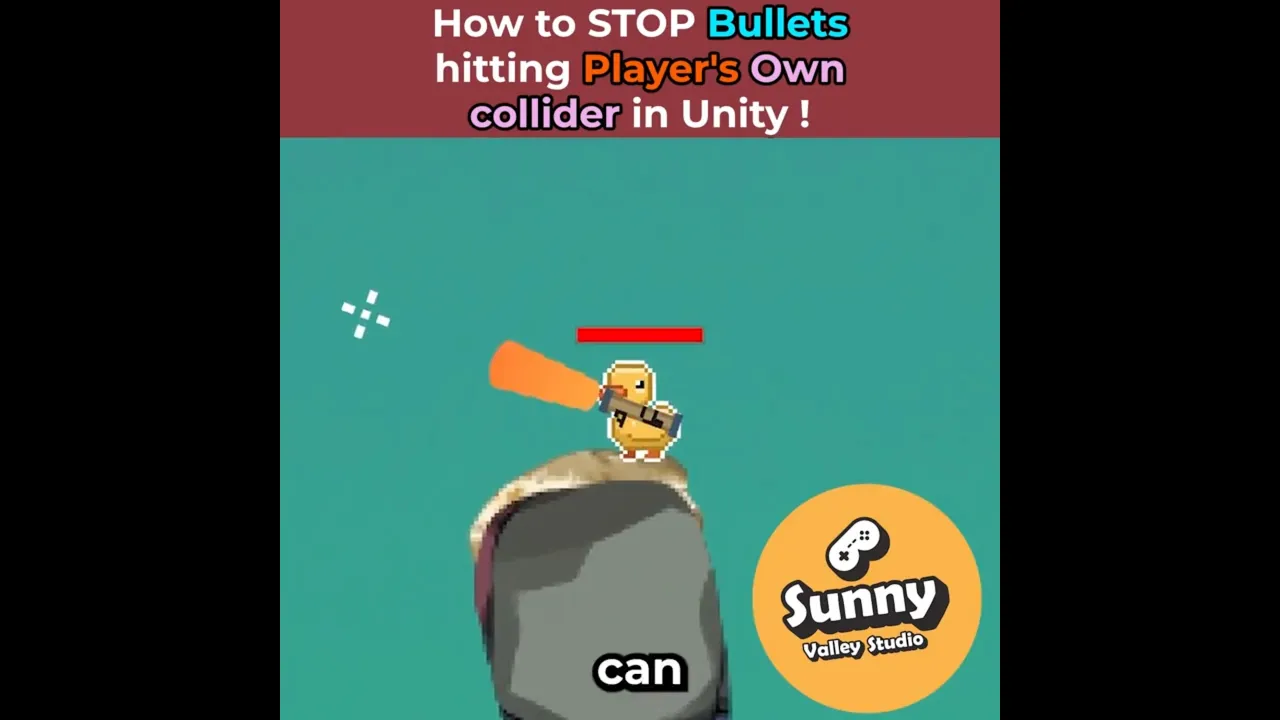
How to STOP Bullets Hitting Your Own Player in Unity
 Sunny Valley Studio
Sep 16, 2025 15:40
Sunny Valley Studio
Sep 16, 2025 15:40
Create an account to hide videos, mark them watched, or save them to Don't Miss.
Create an account to hide videos, mark them watched, or save them to Don't Miss.
Create an account to hide videos, mark them watched, or save them to Don't Miss.
Are your projectiles in Unity colliding with the player who fired them? 🎯
This is a super common problem — bullets or raycasts instantly hitting your own collider.
There are several ways to fix it:
Using Project Settings → Physics 2D → Queries Start In Colliders
Ignoring the shooter’s colliders with Rigidbody2D.GetAttachedColliders
Using Physics2D.IgnoreCollision when spawning projectiles
Entertainment
#unity stop bullets hitting
#unity player hit by own bullet
#Rigidbody2D.GetAttachedColliders
#Physics2D.IgnoreCollision