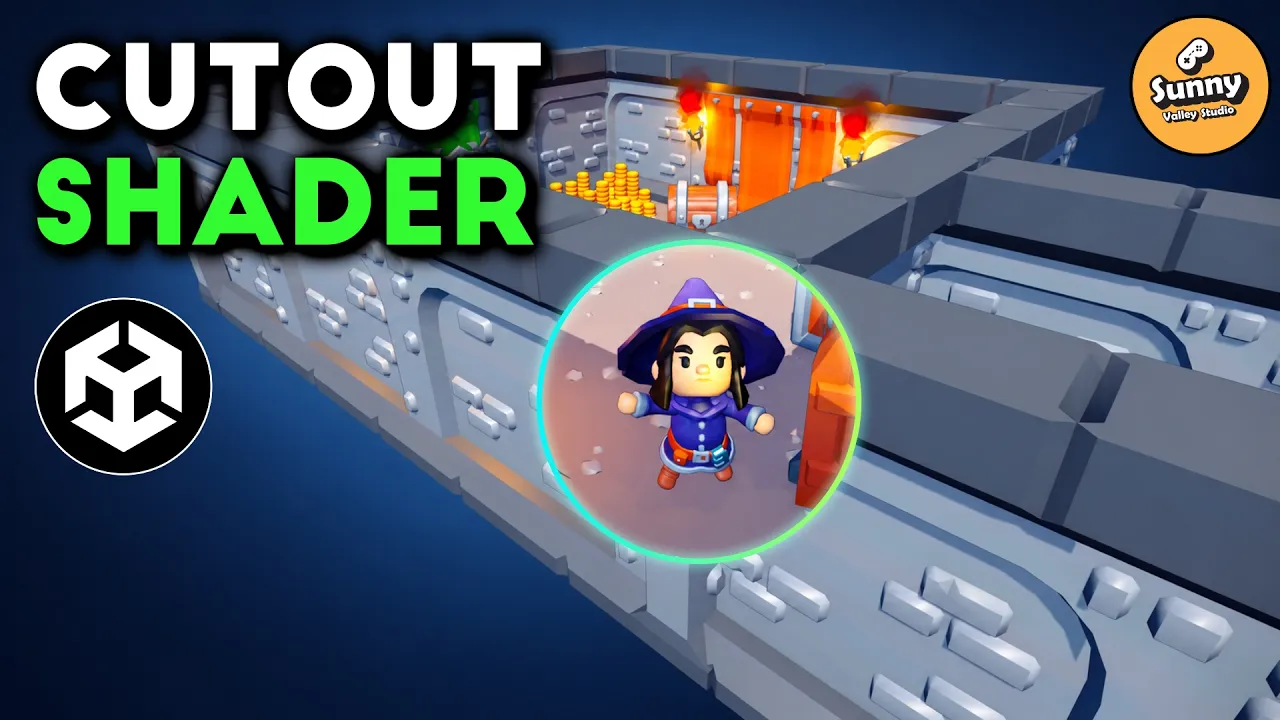
How Games Keep Players Visible Behind Walls (Unity Shader)
 Sunny Valley Studio
Oct 22, 2026 14:08
Sunny Valley Studio
Oct 22, 2026 14:08
Create an account to hide videos, mark them watched, or save them to Don't Miss.
Create an account to hide videos, mark them watched, or save them to Don't Miss.
Create an account to hide videos, mark them watched, or save them to Don't Miss.
Chapters
Keep your player visible—even behind walls! In this Unity 6.6 URP tutorial, we’ll build a cutout shader using Shader Graph and a short C# script.
You’ll learn how to create a circular mask, correct its aspect ratio, make it follow your character, and add a depth comparison suited to flat dungeon layouts. We’ll also keep the effect out of Scene view and test it with a camera rotating around the player.
📦 Free starter project:
https://www.patreon.com/sunnyvalleystudio/posts/free-starter-172973829
✨ Completed project — available to Patreon supporters:
https://www.patreon.com/sunnyvalleystudio/posts/cutout-shader-173073021
🎨 Assets: KayKit Dungeon Pack by Kay Lousberg
https://kaylousberg.itch.io/kaykit-dungeon-pack
····· Learn more ·····
Learn more from my courses:
https://courses.sunnyvalleystudio.com/
····· Get in touch ·····
𝗛𝗮𝘃𝗲 𝗮𝗻𝘆 𝗾𝘂𝗲𝘀𝘁𝗶𝗼𝗻𝘀? 𝗝𝗼𝗶𝗻 𝘁𝗵𝗲 𝗗𝗶𝘀𝗰𝗼𝗿𝗱!
https://discord.gg/RQEtYHz
𝗣𝗟𝗘𝗔𝗦𝗘 𝘀𝘂𝗽𝗽𝗼𝗿𝘁 𝘁𝗵𝗲 𝗰𝗵𝗮𝗻𝗻𝗲𝗹:
https://www.patreon.com/sunnyvalleystudio
Chapters:
#Unity #ShaderGraph #GameDev
Science & Technology
#Unity
#Unity tutorial
#Unity 6
#Unity 6.6
#Unity Shader Graph
#cutout shader
#Unity cutout shader
#see through walls
#see through wall shader
#player visibility
#occlusion cutout
#Unity URP
#Shader Graph tutorial
#alpha clipping
#screen space shader
#depth check
#top down game
#isometric game
#dungeon crawler
#ARPG
#Unity C#
#game development
#shader tutorial
#KayKit
#Sunny Valley Studio