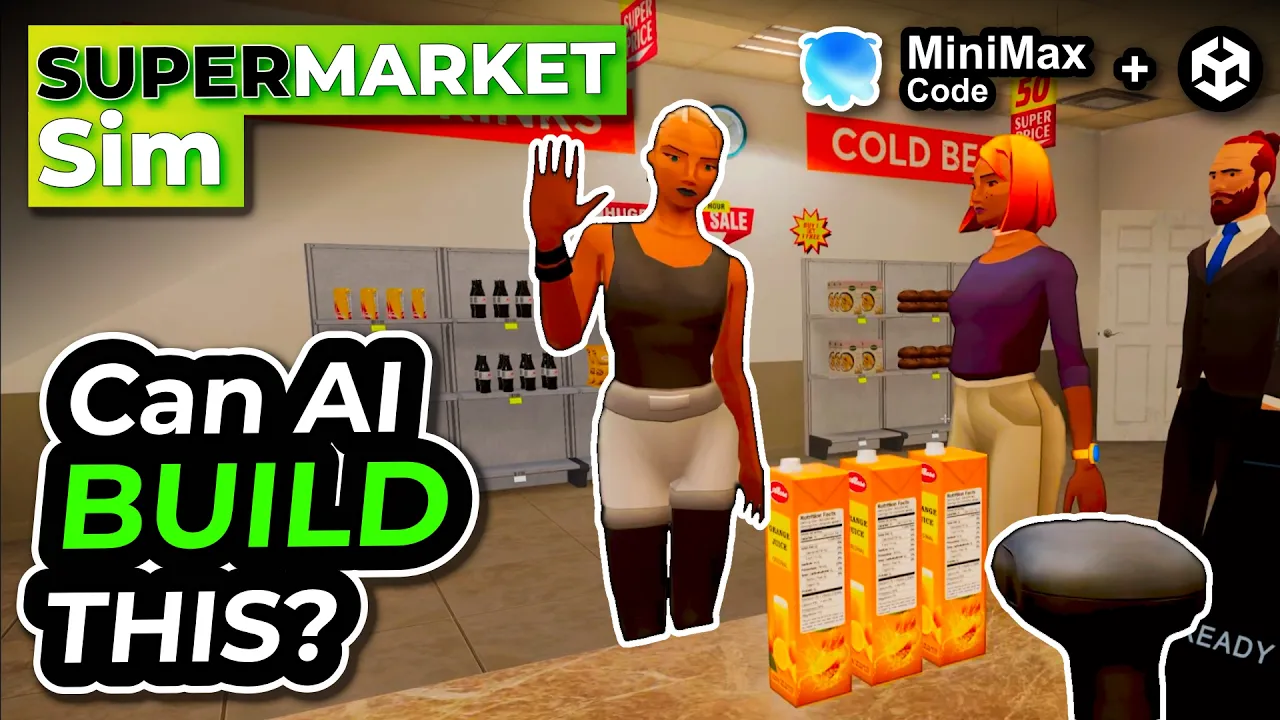
Building a Supermarket Simulator with AI in Unity
 Sunny Valley Studio
Oct 15, 2026 11:59
Sunny Valley Studio
Oct 15, 2026 11:59
Create an account to hide videos, mark them watched, or save them to Don't Miss.
Create an account to hide videos, mark them watched, or save them to Don't Miss.
Create an account to hide videos, mark them watched, or save them to Don't Miss.
Chapters
Try MiniMax Code Now: https://agent.minimax.io/
Download MiniMax Code Desktop: https://agent.minimax.io/download
This video is sponsored by MiniMax. #ad
Can an AI coding agent help turn a prepared Unity scene into a playable supermarket simulator? In this video, I use MiniMax Code and official Unity AI skills to build a working game prototype in just a few days.
We go from player movement and carrying crates to stocking shelves, ordering products, setting prices, serving customers, and cleaning the store. I also build a Mini App to compare product costs and profits, then export its pricing data into Unity.
Along the way, I show how I use Plan mode and Goal mode, what needs fixing, and how feedback improves the results. I prepare the scene and assets, guide the development, and test the gameplay while MiniMax helps implement the systems.
What game mechanic would you try building with an AI coding agent? Let me know in the comments.
#MiniMaxCode #Unity #GameDev
Science & Technology
#MiniMax
#MiniMax Code
#Unity
#Unity 6
#Unity AI
#AI game development
#game development
#supermarket simulator
#Unity tutorial
#AI coding
#AI coding agent
#Unity AI skills
#making a game with AI
#supermarket game
#game prototype
#indie game development
#devlog
#MiniMax M3.1
#Plan mode
#Goal mode
#Mini Apps
#Unity CLI
#Sunny Valley Studio