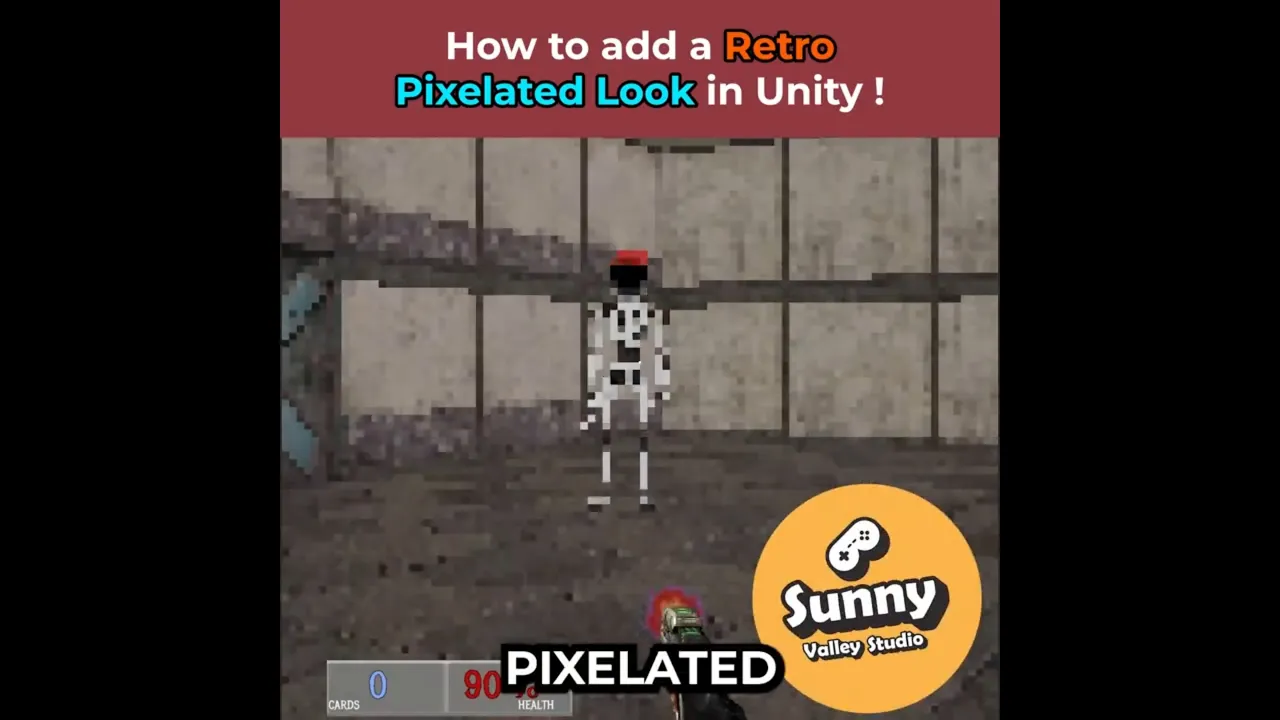
How to Make a Pixel Art Shader in Unity 6 👾
 Sunny Valley Studio
Nov 10, 2025 17:04
Sunny Valley Studio
Nov 10, 2025 17:04
Create an account to hide videos, mark them watched, or save them to Don't Miss.
Create an account to hide videos, mark them watched, or save them to Don't Miss.
Create an account to hide videos, mark them watched, or save them to Don't Miss.
Want that retro pixelated look in your 3D Unity game? 👾
In this Unity Tip, I’ll show you how to make a Pixel Art Shader using Shader Graph and a Full Screen Renderer Feature in URP.
We’ll use:
🟣 Screen Position (Raw) – to get pixel coordinates
🟢 Posterize – to snap UVs to a pixel grid
🔵 Screen node – to access Width and Height for resolution scaling
🟠 URP Sample Buffer – to sample the final screen color (works with transparent objects!)
This combination gives you a clean, resolution-independent pixelation effect that works in real-time on any camera.
Help me get the 2025 Best Tutorial Series Unity Community Award 🙏😊🥳
👉 https://awards.unity.com/vote
#unitytips #gamedev #unity3d #shaders
Entertainment
#pixel art shader 3d
#pixelation unity 3d
#pixel art 3d unity
#pixelation renderer feature
#pixelation render feature
#pixelart shader