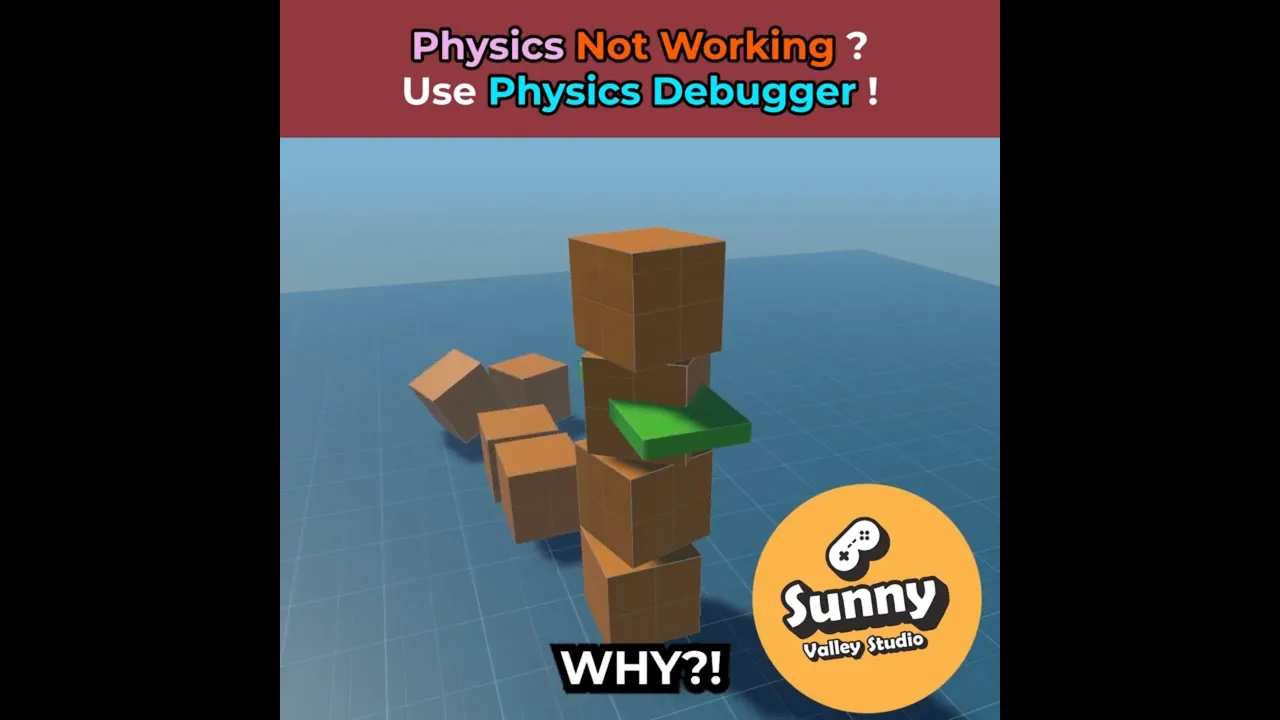
How to Fix Common Rigidbody and Raycast Problems in Unity
 Sunny Valley Studio
Dec 4, 2025 14:57
Sunny Valley Studio
Dec 4, 2025 14:57
Create an account to hide videos, mark them watched, or save them to Don't Miss.
Create an account to hide videos, mark them watched, or save them to Don't Miss.
Create an account to hide videos, mark them watched, or save them to Don't Miss.
Having trouble with Rigidbody interactions or raycasts not working the way you expect in Unity?
Physics Debugger can help you to visualize colliders, and raycasts directly in the Scene view. It’s one of the fastest ways to understand why your physics setup isn't behaving correctly.
Check out the official Unity documentation for more details:
https://docs.unity3d.com/6000.2/Documentation/Manual/PhysicsDebugVisualization.html
If you find this helpful, consider subscribing for more #UnityTips and workflow tricks! 🚀
Entertainment
#unity rigidbody
#unity collider
#unity physics debugger
#unity how to fix physics
#unity fix raycast