Unity DOTS Navigation - Click To Move - New Input System
 Forging Station
Feb 12, 2022 09:51
Forging Station
Feb 12, 2022 09:51
Create an account to hide videos, mark them watched, or save them to Don't Miss.
Create an account to hide videos, mark them watched, or save them to Don't Miss.
Create an account to hide videos, mark them watched, or save them to Don't Miss.
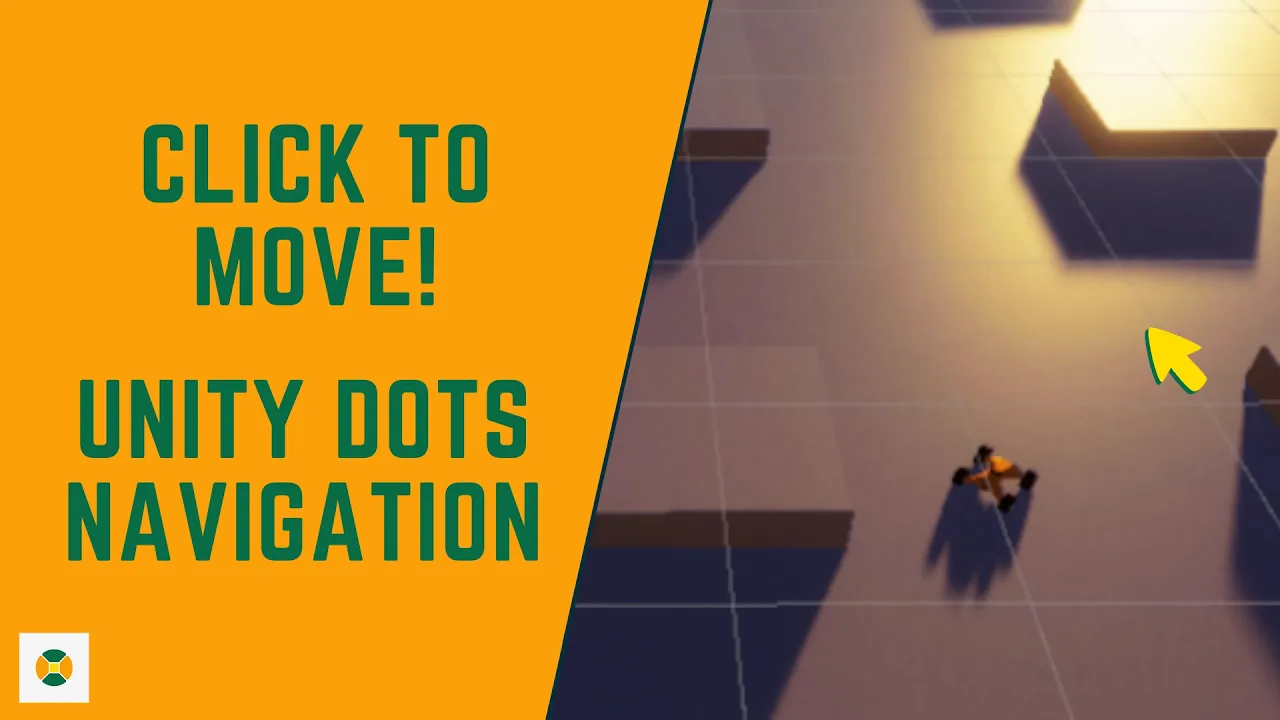
In this short video, we are going to make an AI car move to the mouse position.
The more I see this the more I think that this is a kind of spaghetti code or system. I will be simplifying & modularizing the navigation code so it can simply be attached to an entity and we have had the path calculated.
One more thing that I have to take away from the existing solution is the logic to used the cached path.
I will keep the current code that has this feature as is but will be removing it from this version forward as I don't see myself reusing the cached path in my scenarios. I will also try and take advantage of a newer DOTS-based job system that makes the code more readable and clean.
I will be refactoring the code and then adding them to the repo so it is easy to understand and reusable as well. I am thinking of making some kind of a recipe repo where you can pick the systems you need and use them as you wish!
Gaming
#Forging Station
#Sumera Sankruthyayana
#Unity DOTS Navigation - Click To Move - New Input System
#Unity DOTS Navigation
#Click To Move
#New Input System
#Unity
#DOTS
#Navigation
#Click
#To Move
#Input
#System
#ECS
#Refactoring
#Roadmap
#NavMesh
#Nav Mesh Query
#New Nav Mesh