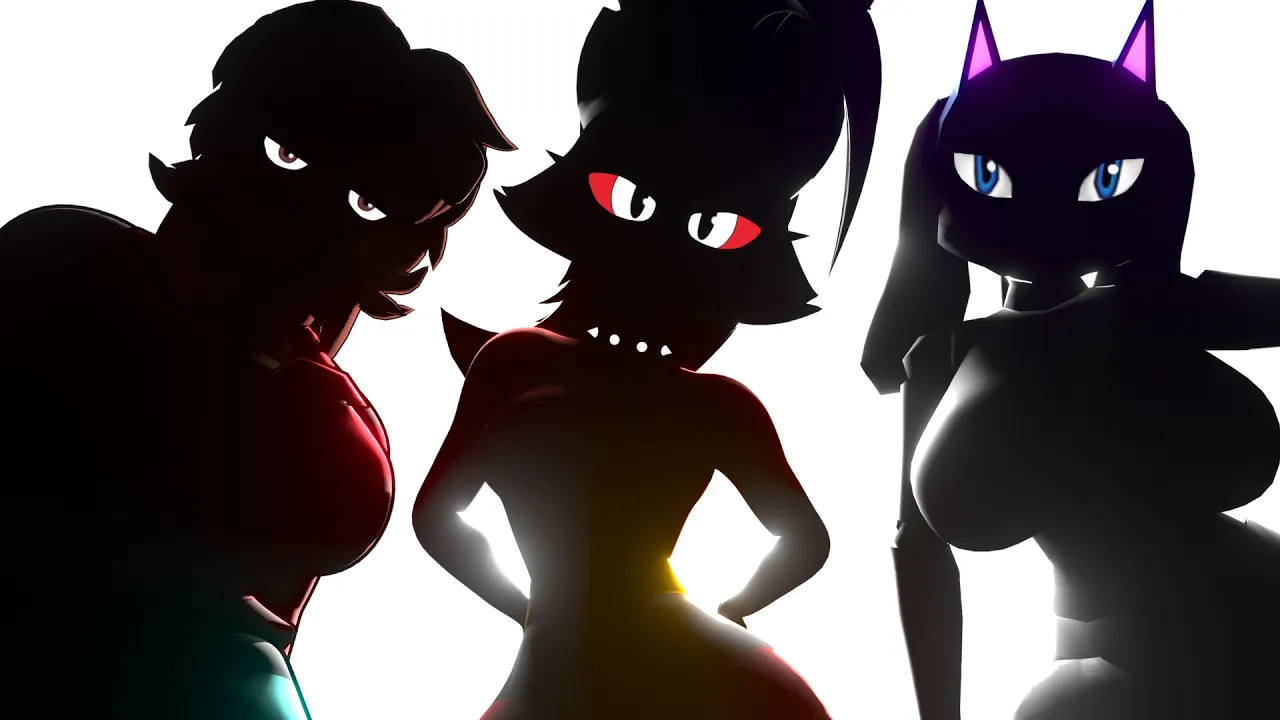
Okay, Fine... I'll Fix Your Furry Models
 Vertex Arcade
Oct 10, 2026 15:04
Vertex Arcade
Oct 10, 2026 15:04
Create an account to hide videos, mark them watched, or save them to Don't Miss.
Create an account to hide videos, mark them watched, or save them to Don't Miss.
Create an account to hide videos, mark them watched, or save them to Don't Miss.
Chapters
Let me Fix Your Models!
https://www.vertexarcade.com/fixes
In this episode, we're fixing your furry models in Blender, dealing with character proportions, hair modeling, topology, materials and PS2-style texture painting.
First of all, we're matching the model to its original concept art by adjusting the proportions and making the hair with curves
Next, we're fixing the topology of Loona from Helluva Boss by connecting the legs and boots, simplifying the hair curves and creating a fabric material.
Then finally, we're analysing the Kingdom Hearts and Final Fantasy art styles and learning how to use external drawing software to paint Textures in Blender
Film & Animation
#Blender
#Blender 3D
#Blender tutorial
#Vertex Arcade
#3D modeling
#character modeling
#character design
#3D character
#furry models
#furry character
#anthro character
#Loona Helluva Boss
#Helluva Boss
#The Incredibles
#Kingdom Hearts
#Final Fantasy
#Square Enix
#PS2 graphics
#PS2 character modeling
#Blender texture painting
#Krita
#hand painted textures
#UV unwrapping
#Blender hair curves
#stylized hair
#retopology
#Blender sculpting