My Viewers Sent Me 3D Models, So I Fixed Them!
 Vertex Arcade
Aug 22, 2026 15:00
Vertex Arcade
Aug 22, 2026 15:00
Create an account to hide videos, mark them watched, or save them to Don't Miss.
Create an account to hide videos, mark them watched, or save them to Don't Miss.
Create an account to hide videos, mark them watched, or save them to Don't Miss.
Chapters
Let me Fix Your Models!
https://www.vertexarcade.com/fixes
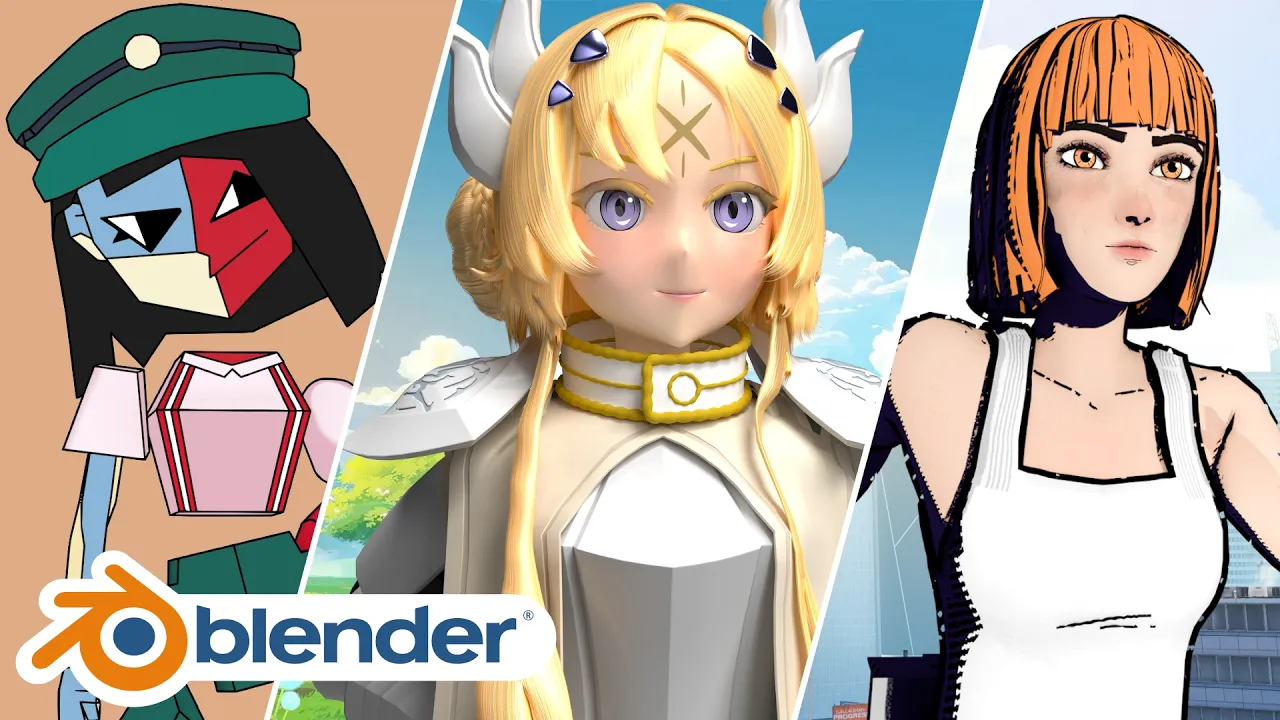
In this episode, we're looking at three more Blender submissions covering cloth physics, character likeness and rigging
For the first model, we're setting up Cloth Physics, including pinning the cloth around the waist, setting up collisions with the legs, fixing the knees poking through the simulation, and finally baking everything so it plays back smoothly.
Next, we're working on the face of an anime-style character to better match the original references. We're also making some improvements to the materials, adding procedural highlights to the eyes, and using Light Paths to combine the lighting from one HDRI with the background from another.
And for the final model, we're rebuilding and cleaning up the character's rig using Rigify, fixing some topology and weight painting problems, and comparing the proportions against the original reference.
Film & Animation
#blender
#blender 3d
#blender tutorial
#blender tips
#blender character modeling
#blender character
#blender cloth physics
#blender cloth simulation
#cloth simulation
#blender rigging
#rigify
#blender topology
#character topology
#weight painting
#blender weight painting
#3d character modeling
#anime character modeling
#blender anime character
#character likeness
#blender eevee
#blender materials
#procedural eyes
#blender shader nodes
#3d modeling
#fixing 3d models