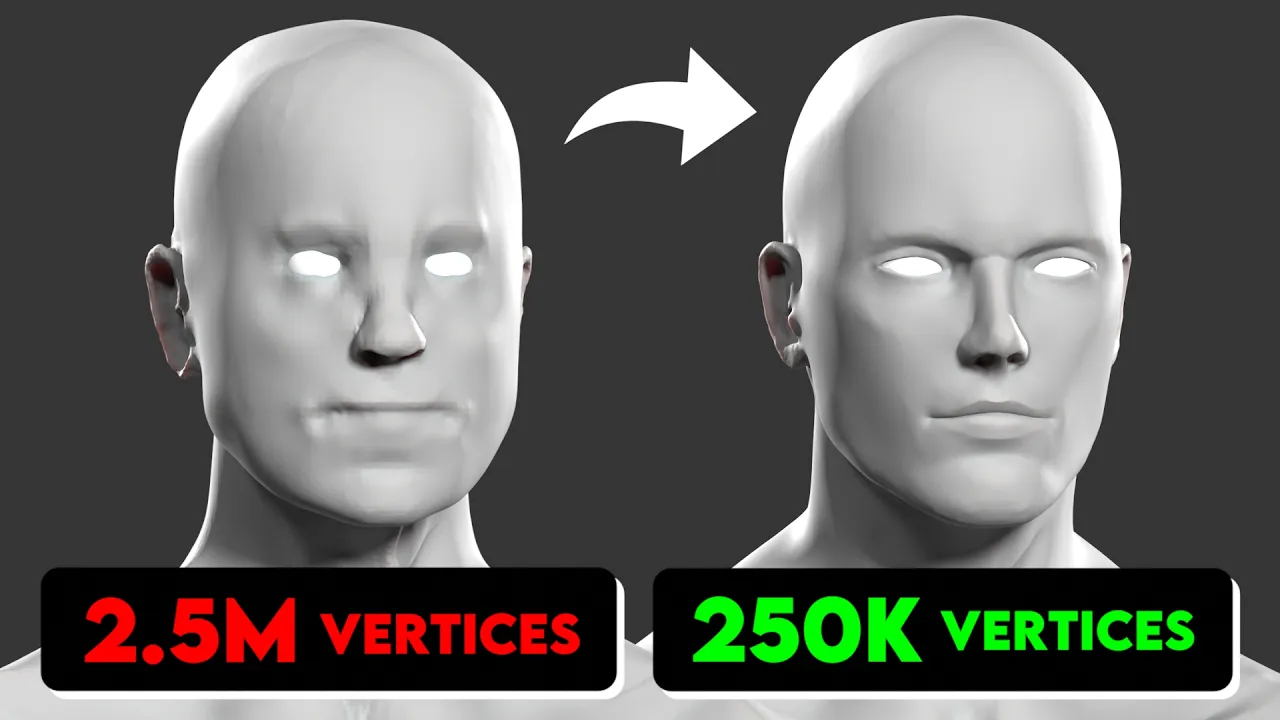
More Geometry Doesn't Make Your 3D Model Better
 Vertex Arcade
Aug 29, 2026 15:00
Vertex Arcade
Aug 29, 2026 15:00
Create an account to hide videos, mark them watched, or save them to Don't Miss.
Create an account to hide videos, mark them watched, or save them to Don't Miss.
Create an account to hide videos, mark them watched, or save them to Don't Miss.
Chapters
Let me Fix Your Models!
https://www.vertexarcade.com/fixes
In this episode, we're looking at three more Blender submissions covering face sculpting, rigging fixes and UV unwrapping.
For the first model, we're improving a realistic sculpt by fixing the overall proportions and anatomy, before refining areas like the eyes, nose, mouth, ears and body.
Next, we're fixing a character rig where different parts of the model are moving with the wrong bones. We'll look at how to diagnose problems with Vertex Groups, clean up incorrect weights and use Weight Painting to improve the final deformation.
And for the final model, we're going through the UV unwrapping process from start to finish, including marking seams, fixing stretched UVs, pinning vertices, averaging island scale and organising everything into a clean UV layout.
Film & Animation
#Blender
#Blender 3D
#Blender tutorial
#3D modeling
#sculpting
#Blender sculpting
#character sculpting
#3D sculpting
#UV unwrapping
#Blender UV
#UV mapping
#Blender UV unwrapping
#character modeling
#Blender character
#rigging
#Blender rigging
#character rigging
#Rigify
#Blender Rigify
#weight painting
#armature
#3D character
#Blender tips
#Blender workflow
#game character
#character art
#Blender beginner
#3D art
#topology
#retopology