I Removed 90% Of This Model to Make It Better
 Vertex Arcade
Sep 5, 2026 15:00
Vertex Arcade
Sep 5, 2026 15:00
Create an account to hide videos, mark them watched, or save them to Don't Miss.
Create an account to hide videos, mark them watched, or save them to Don't Miss.
Create an account to hide videos, mark them watched, or save them to Don't Miss.
Chapters
Let me Fix Your Models!
https://www.vertexarcade.com/fixes
In this episode, we're looking at three more Blender submissions covering model optimisation, Rigify and shell-based fur.
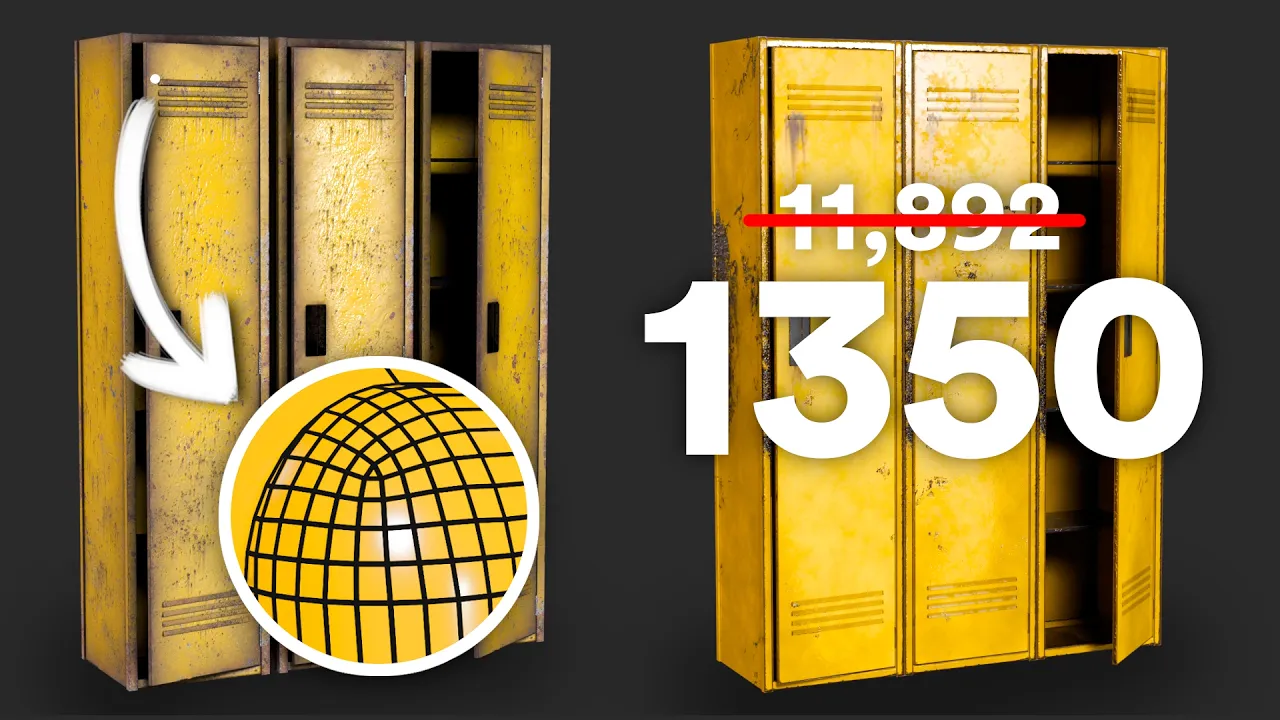
For the first model, we're simplifying a set of game-ready lockers by removing unnecessary geometry and redoing the UVs to make better use of the Texture Space.
Next, we're fixing a Rigify setup for a character with digitigrade legs by replacing the original leg bones with Rigify's paw setup.
And for the final model, we're creating shell-based fur using Geometry Nodes. We'll look at how the effect works, how the different fur layers are generated and separated, and then create a material that turns those layers into stylised fur.
Film & Animation
#Blender
#Blender 3D
#Blender tutorial
#Blender tips
#3D modeling
#3D modelling
#game assets
#low poly
#model optimization
#Blender UV unwrapping
#UV mapping
#texel density
#Rigify
#Blender rigging
#digitigrade legs
#weight painting
#Geometry Nodes
#Blender Geometry Nodes
#shell based fur
#shell fur
#Blender fur
#stylized fur
#3D character
#character modeling
#Blender workflow
#fixing 3D models