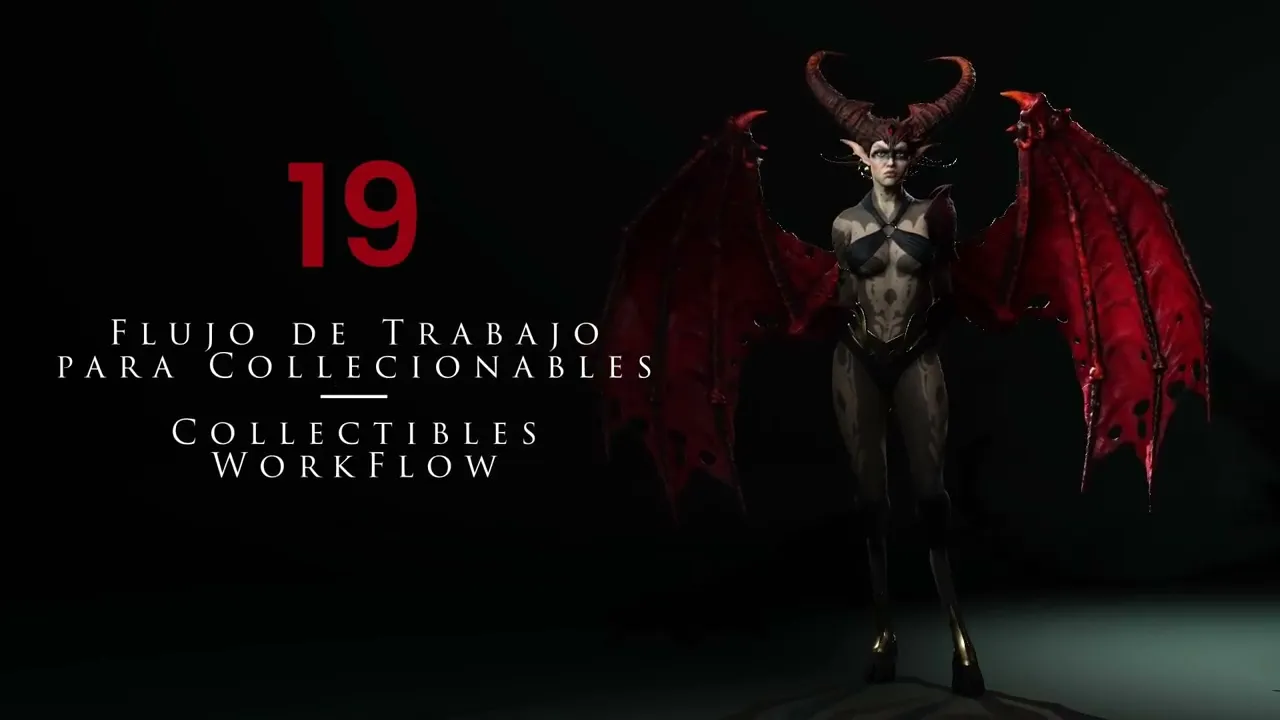
Workflow For 3D Collectibles | Master Character Creator 5 & ZBrush: The Making of Veyra 19
 Reallusion
Aug 25, 2026 03:05
Reallusion
Aug 25, 2026 03:05
Create an account to hide videos, mark them watched, or save them to Don't Miss.
Create an account to hide videos, mark them watched, or save them to Don't Miss.
Create an account to hide videos, mark them watched, or save them to Don't Miss.
Chapters
TL;DR: Discover the essential workflow to create stunning 3D collectible figures using Character Creator 5 and ZBrush. This guide is perfect for 3D artists and studios aiming to prepare high-quality models for 3D printing, solving common challenges in posing and mesh decimation.
⏱️ Video Chapters:
🔑 Key Takeaways & Features:
- Streamline high-polygon mesh preparation by decimating 5 million-polygon assets to 700,000 polygons in ZBrush, taking approximately 1 minute 25 seconds.
- Leverage GoZ+ to seamlessly transfer decimated bases and posed Character Creator 5 figures between ZBrush and Character Creator 5.
- Precisely pose 3D characters in Character Creator 5 using local gizmo mode to avoid mesh twisting and ensure realistic joint movement.
- Manage multiple character pose variations within a single ZBrush project using dynamic pose layers for flexible iteration.
- Integrate external 3D assets, such as fabric simulations from Marvelous Designer, to enhance the final composition and print readiness.
❓ Frequently Asked Questions:
Q: How do you prepare a high-polygon mesh for 3D printing in Character Creator 5?
A: Decimate the mesh in ZBrush (e.g., from 5 million to 700,000 polygons) before sending it to Character Creator 5 for posing.
Q: What is the benefit of using GoZ+ with Character Creator 5 for collectible figures?
A: GoZ+ enables seamless, relinked transfer of 3D models and posed characters between ZBrush and Character Creator 5, maintaining details and rig data.
Q: Can Character Creator 5 figures be edited and sent back to ZBrush while preserving details?
A: Yes, Character Creator 5 can send the posed mesh back to ZBrush on a new layer, allowing for further high-detail sculpting and final print preparation.
💻 Software & Tools Used:
- Character Creator 5
- ZBrush
- GoZ
- Marvelous Designer
📝 Comprehensive Video Summary:
This tutorial details an efficient workflow for creating high-quality 3D collectible figures using Character Creator 5, optimizing them for 3D printing. The video demonstrates the critical steps, starting with preparing a high-polygon base in ZBrush, including decimation from millions of polygons to a manageable 700,000. It then guides users through seamlessly transferring assets to Character Creator 5 via GoZ for precise character posing and expression adjustments. The process covers sending the posed figure back to ZBrush, utilizing pose layers for flexibility, and performing final composition refinements like adding simulated fabrics. This expert-led guide ensures artists can confidently transition their 3D models from initial design to a print-ready collectible, leveraging Character Creator 5's powerful character animation and posing capabilities. (For the complete technical breakdown and software demonstration, please enable Closed Captions).
❆LEARN MORE❆
Learn about Character Creator 5:
https://www.reallusion.com/character-creator/
✦FOLLOW US✦
Instagram: https://www.instagram.com/reallusionofficial/
Facebook: https://www.facebook.com/ReallusionSoftware/
TikTok: https://www.tiktok.com/@reallusionofficial
LinkedIn: https://www.linkedin.com/company/reallusion
Twitter: https://twitter.com/reallusion
Blog: https://magazine.reallusion.com/
Forum: https://discussions.reallusion.com/
❆ONLINE HELP❆
Character Creator 5: https://courses.reallusion.com/home/character-creator
#CharacterCreator5 #ZBrush #MarvelousDesigner
Film & Animation
#Character Creator 5
#3D Collectibles
#how to 3d print characters
#character creator 5 workflow
#zbrush character posing
#CC5
#3D printing figures
#collectible figures
#3D animation
#digital sculpting
#GoZ
#ZBrush
#Marvelous Designer
#3D character
#character design