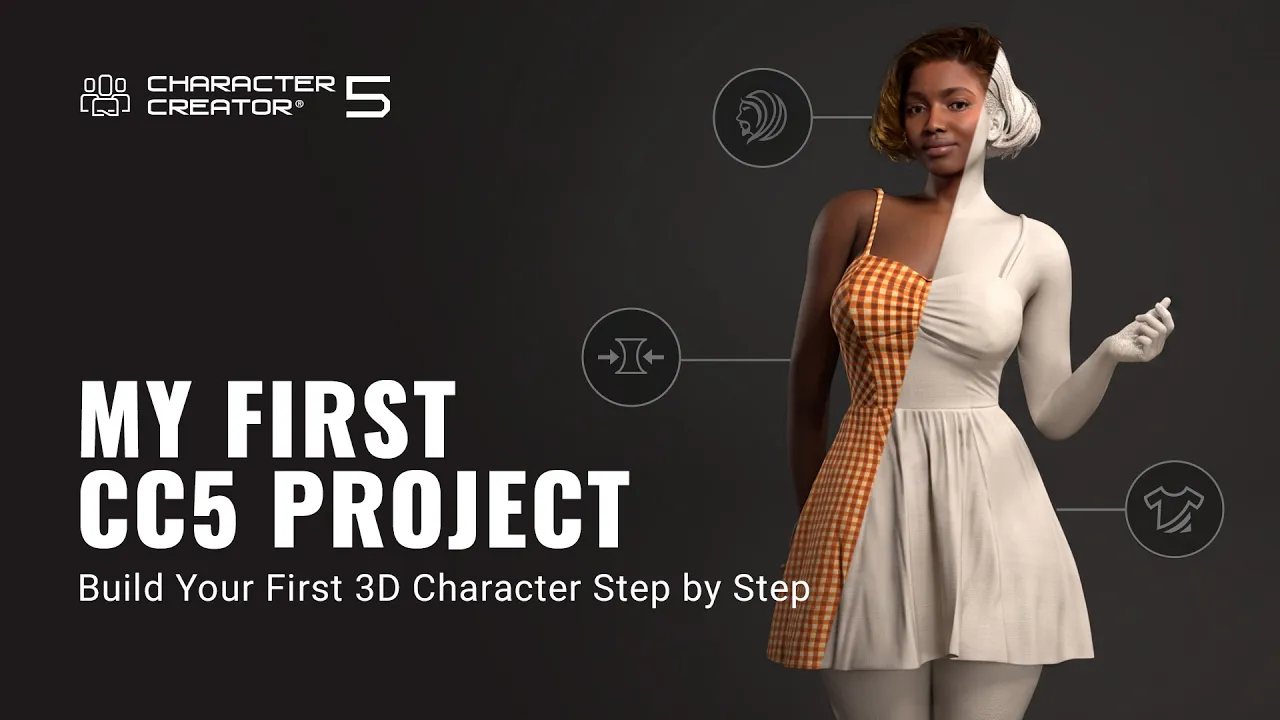
My First CC5 Project | Character Creator 5 Tutorial
 Reallusion
Sep 4, 2026 10:24
Reallusion
Sep 4, 2026 10:24
Create an account to hide videos, mark them watched, or save them to Don't Miss.
Create an account to hide videos, mark them watched, or save them to Don't Miss.
Create an account to hide videos, mark them watched, or save them to Don't Miss.
Chapters
TL;DR: Learn to build a custom 3D character from scratch in Character Creator 5 using free content and the ActorMIXER plugin. This tutorial targets indie developers, freelance 3D artists, and studios, solving the problem of efficiently creating production-ready characters in just 12 minutes.
⏱️ Video Chapters:
🔗Related Tutorials:
Content Manager - https://youtu.be/55J7civv5XQ
Getting Started with ActorMIXER - https://youtu.be/C2tLbUtnbjE
Morph Tool - https://youtu.be/nxXIC_OXUtQ
Edit Motion Layer Tool - https://youtu.be/wXybmCSC9Ws
🔑 Key Takeaways & Features:
- Utilize ActorMIXER to blend diverse body shapes and facial features with intuitive green dot controls.
- Fine-tune character anatomy using Morph tools for precise on-screen adjustments and slider-based control.
- Access over 5,000 free assets via the Content Manager for extensive customization options.
- Adjust skin textures using Ariana 2K, Lumination, and exact color swatch selection for realistic rendering.
- Enhance eye realism by modifying Iris UV Radius (e.g., to 0.2) and Pupil Scale for natural expression.
❓ Frequently Asked Questions:
Q: How do I quickly build a custom 3D character in Character Creator 5?
A: This video demonstrates building a complete 3D character in Character Creator 5 using free content and ActorMIXER in just 12 minutes.
Q: What is ActorMIXER used for in Character Creator 5?
A: ActorMIXER in Character Creator 5 allows users to mix and match different character types, body parts, and facial features for unique custom character creation.
Q: How can I adjust skin color and eye details in Character Creator 5?
A: Skin color can be adjusted using the Lumination slider or color swatch in the Material tab, while eye realism is enhanced by modifying Iris UV Radius and Pupil Scale.
💻 Software & Tools Used:
- Character Creator 5
- ActorMIXER
- My First CC5 Project Content Pack
- Prime Hairstyle pack
- Styling Content Pack
- Free Animation Pack
- Content Manager
📖 Read More:
https://www.reallusion.com/character-creator/
📝 Comprehensive Video Summary:
This tutorial, titled "My First CC5 Project," provides a step-by-step guide to building a custom 3D character from scratch in Character Creator 5, all within 12 minutes. The demonstration walks users through utilizing free content and powerful built-in tools. It covers applying a base character, shaping its form using the ActorMIXER for general adjustments, and then fine-tuning specific features with intuitive Morph tools. The video further details applying and modifying skin textures, adding essential elements like eyes and hair, and dressing the character. Finally, it explores posing and animating facial expressions, concluding with advice on lighting and rendering the final character for review or pipeline integration. This comprehensive guide helps artists leverage Character Creator 5 and its Content Manager for efficient character design. (For the complete technical breakdown and software demonstration, please enable Closed Captions).
❆LEARN MORE❆
Learn about Character Creator 5:
https://www.reallusion.com/character-creator/
✦FOLLOW US✦
Instagram: https://www.instagram.com/reallusionofficial/
Facebook: https://www.facebook.com/ReallusionSoftware/
TikTok: https://www.tiktok.com/@reallusionofficial
LinkedIn: https://www.linkedin.com/company/reallusion
Twitter: https://twitter.com/reallusion
Blog: https://magazine.reallusion.com/
Forum: https://discussions.reallusion.com/
❆ONLINE HELP❆
Character Creator 5: https://courses.reallusion.com/home/character-creator
#CharacterCreator5 #ActorMIXER #3DCharacter
Film & Animation
#Character Creator 5
#CC5
#how to create 3d character
#build character creator 5
#3d character design workflow
#charactercreator 5
#cc5 tutorial
#3d character pipeline
#3d modeling
#real-time animation
#character design
#game development
#animation software
#reallusion
#ActorMIXER