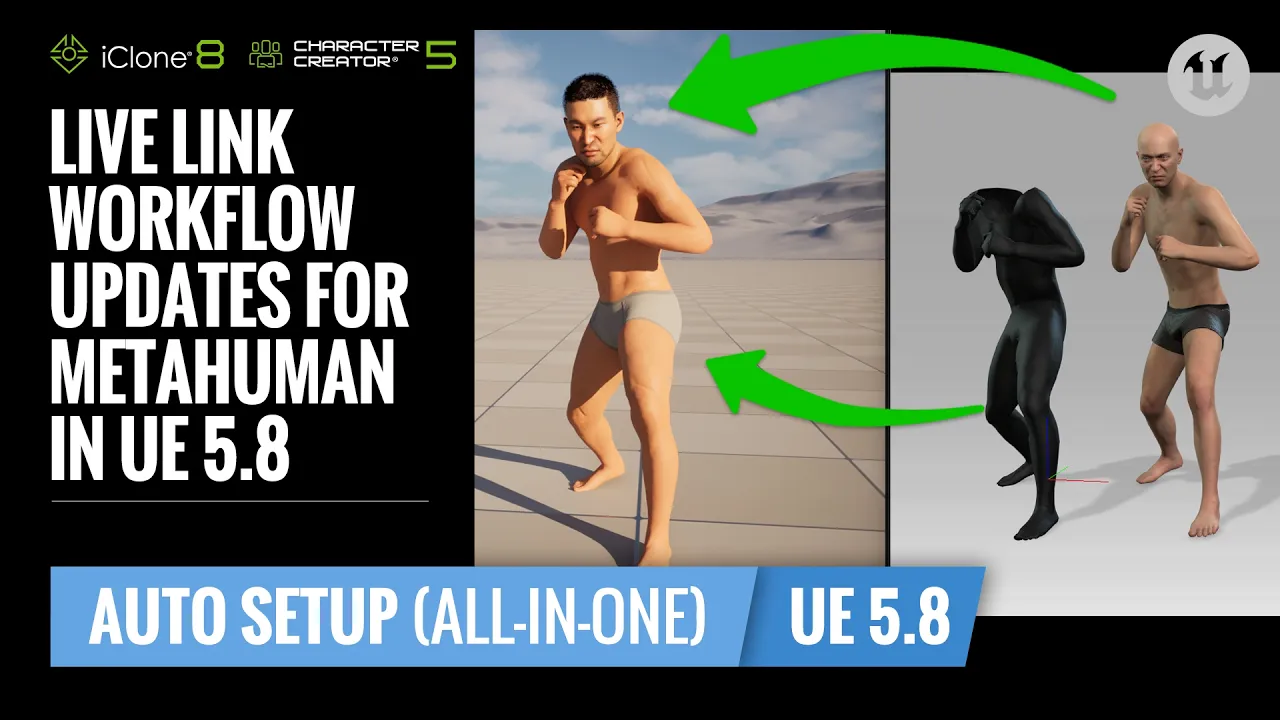
Live Link Workflow Updates for MetaHuman Characters in Unreal Engine 5.8 | UE Workflow Tutorial
 Reallusion
Sep 8, 2026 10:00
Reallusion
Sep 8, 2026 10:00
Create an account to hide videos, mark them watched, or save them to Don't Miss.
Create an account to hide videos, mark them watched, or save them to Don't Miss.
Create an account to hide videos, mark them watched, or save them to Don't Miss.
Chapters
TL;DR:
Learn the updated Live Link workflow for Unreal Engine 5.8, seamlessly connecting Character Creator 5 and iClone with MetaHuman characters. This guide empowers 3D artists and studios to animate MetaHuman characters using body and facial animation data directly from Reallusion iClone, providing a robust real-time workflow for character animation and solving complex production challenges.
File Download Link: https://file.reallusion.com/learning_resource/UE_Live_Link_Assets.zip
⏱️ Video Chapters:
🔑 Key Takeaways & Features:
- Integrate Character Creator 5 and iClone with Unreal Engine 5.8 for real-time MetaHuman character animation, bypassing initial ARKit/Unreal Live Link data streams.
- Establish a custom MetaHuman Live Link Blueprint within Unreal Engine 5.8 by modifying the Construction Script and Event Graph, utilizing the "ABP RL Dual Resources Drive" node.
- Export MetaHuman body meshes as FBX files from Unreal Engine 5.8 with default settings, then import and characterize them as Humanoid characters in Character Creator 5 using a custom HIK skeletal profile.
- Configure the iClone Unreal Live Link plugin to exclusively connect character data, supporting both HD facial expressions and Root Node body motion for combined MetaHuman performance.
- Resolve potential Blueprint errors in Unreal Engine 5.8 by ensuring the "Mapping node" is correctly connected after installing the Reallusion Live Link Auto Setup All-in-One plugin.
❓ Frequently Asked Questions:
Q: How do I enable MetaHuman functionality in Unreal Engine 5.8?
A: Open the Plugins window in Unreal Engine 5.8, enable MetaHuman-related plugins, and install MetaHuman Creator Core Data from the Options dropdown if necessary.
Q: What is the process for exporting a MetaHuman body from Unreal Engine 5.8 to Character Creator 5?
A: Export the MetaHuman body as an FBX file from the Viewport tab, then import it into Character Creator 5, selecting "Humanoid" and applying a custom HIK skeletal profile for bone mapping.
Q: How can I configure MetaHuman Blueprints in Unreal Engine 5.8 to receive iClone Live Link data?
A: Modify the Construction Script and Event Graph of the MetaHuman Blueprint to use a "ABP RL Dual Resources Drive" node, setting up Branch and Sequence nodes with a "Use Dual Source" variable for combined facial and body data.
💻 Software & Tools Used:
- Character Creator 5
- Unreal Live Link
- Unreal Engine 5.8
- iClone 8
- MetaHuman Creator
📖 Read More:
https://www.reallusion.com/iclone/live-link/unreal-engine/default.html
📝 Comprehensive Video Summary:
This video presents an updated Live Link workflow for integrating MetaHuman characters into Unreal Engine 5.8 using Character Creator 5 and iClone. It details the precise steps for setting up a MetaHuman project, creating a character, and generating its rig. The process involves exporting the MetaHuman body from Unreal Engine 5.8, importing it into Character Creator 5 for bone mapping, and then configuring the iClone Live Link setup. The tutorial further explains how to install Auto Setup files and modify MetaHuman Blueprints, including specific adjustments to the Construction Script and Event Graph, to ensure seamless reception of facial and body animation data from iClone. The aim is to optimize real-time animation pipelines for artists and studios. (For the complete technical breakdown and software demonstration, please enable Closed Captions).
❆LEARN MORE❆
Learn about Character Creator 5:
https://www.reallusion.com/character-creator/
✦FOLLOW US✦
Instagram: https://www.instagram.com/reallusionofficial/
Facebook: https://www.facebook.com/ReallusionSoftware/
TikTok: https://www.tiktok.com/@reallusionofficial
LinkedIn: https://www.linkedin.com/company/reallusion
Twitter: https://twitter.com/reallusion
Blog: https://magazine.reallusion.com/
Forum: https://discussions.reallusion.com/
❆ONLINE HELP❆
Character Creator 5: https://courses.reallusion.com/home/character-creator
iClone 8: https://courses.reallusion.com/home/iclone
#CharacterCreator5 #iClone #UnrealEngine
Film & Animation
#Character Creator 5
#Unreal Engine 5.8
#iClone
#MetaHuman
#Live Link
#how to live link metahuman unreal
#iclone metahuman workflow
#character creator 5 animation
#metahuman livelink
#ue5 8 live link
#3d character animation
#real-time animation
#game development
#animation pipeline