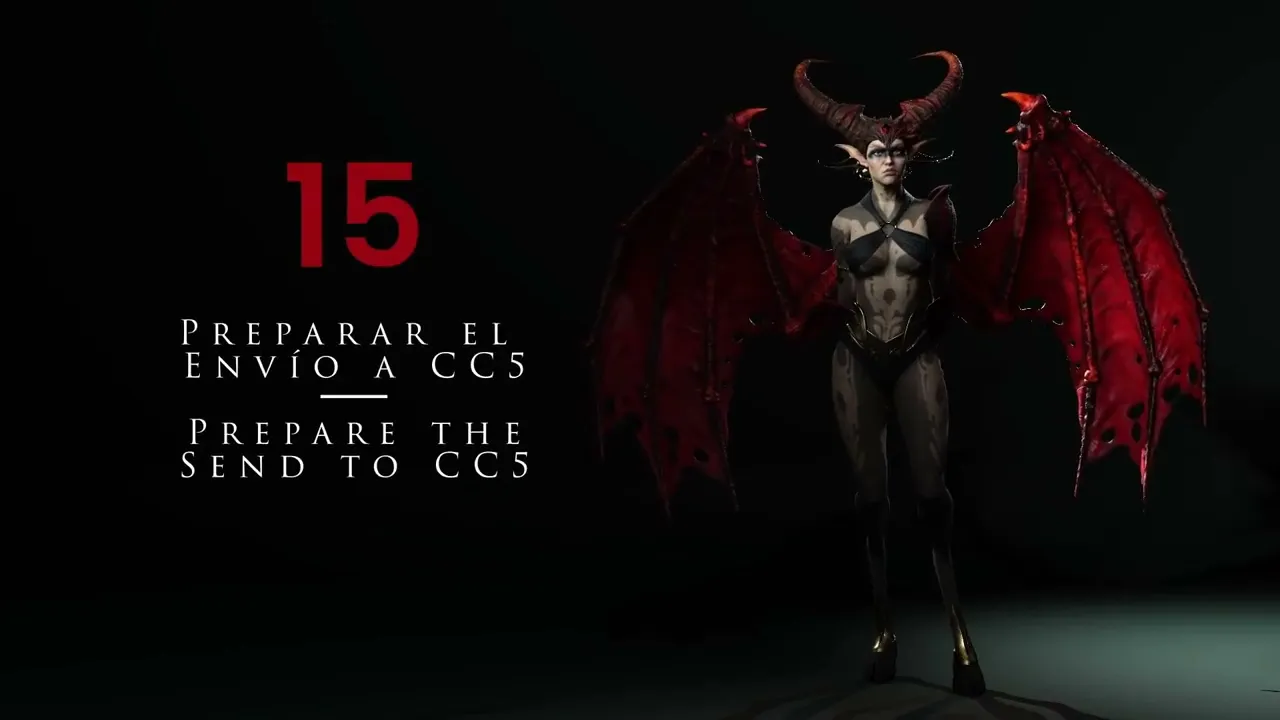
Preparing For Export To CC5 | Master Character Creator 5 & ZBrush: The Making of Veyra 15
 Reallusion
Aug 25, 2026 03:05
Reallusion
Aug 25, 2026 03:05
Create an account to hide videos, mark them watched, or save them to Don't Miss.
Create an account to hide videos, mark them watched, or save them to Don't Miss.
Create an account to hide videos, mark them watched, or save them to Don't Miss.
Chapters
TL;DR: This Character Creator 5 tutorial helps 3D artists prepare ZBrush characters for optimized export. Master merging subtools, applying advanced sculpt details, and generating high-quality normal and displacement maps for seamless Character Creator 5 integration.
⏱️ Video Chapters:
🔑 Key Takeaways & Features:
- Optimize ZBrush project files, reducing size from 830MB to approximately 415MB by deleting unused tools for efficient Character Creator 5 transfer.
- Apply high-detail surface textures, such as intricate scales, to character arms in ZBrush, leveraging up to 57 million polygons at subdivision level 7 for maximum resolution.
- Generate 2048x2048 (2K) normal and displacement maps directly from ZBrush, ensuring accurate transfer of sculpted detail and poly-paint textures to Character Creator 5.
- Preserve character UVs and subdivision levels during ZBrush subtool merging using Zplugin UV Master for clean mesh transfer to Character Creator 5.
- Adjust poly-paint contrast for tattoos or intricate designs, enhancing black and white values, to prepare for seamless layer application within Character Creator 5.
❓ Frequently Asked Questions:
Q: How do I optimize ZBrush project file size before exporting to Character Creator 5?
A: You can reduce project file size from 830MB to approximately 415MB by meticulously deleting all unused tools and elements in ZBrush.
Q: How can I add high-detail sculpted features like scales to my character for Character Creator 5?
A: Sculpt high-resolution details like scales in ZBrush using surface noise and alpha textures, leveraging up to 57 million polygons, then export as normal and displacement maps.
Q: How are poly-paint textures transferred from ZBrush to Character Creator 5?
A: Export 2048x2048 (2K) poly-paint textures from ZBrush after adjusting contrast for optimal clarity, then apply them as layers (e.g., multiply mode) within Character Creator 5.
💻 Software & Tools Used:
- Character Creator 5
- ZBrush
- Zplugin UV Master
- Marvelous Designer
📝 Comprehensive Video Summary:
This tutorial, 'Preparing For Export To CC5', provides an expert demonstration on optimizing 3D character models in ZBrush for seamless integration into Character Creator 5. It meticulously covers essential ZBrush preparation steps, including efficiently merging subtools while preserving UVs and subdivision levels, as well as significantly reducing project file sizes from 830MB to approximately 415MB. Viewers will learn to sculpt intricate HD details, such as scales, utilizing ZBrush's high polygon capabilities (up to 57 million), and apply detailed poly-paint textures. The video guides users through exporting 2048x2048 (2K) normal, displacement, and poly-paint textures, addressing common issues like overlapping UVs. Finally, it demonstrates projecting ZBrush deformations and updating textures across Character Creator 5's subdivision levels for a high-fidelity character model. (For the complete technical breakdown and software demonstration, please enable Closed Captions).
❆LEARN MORE❆
Learn about Character Creator 5:
https://www.reallusion.com/character-creator/
✦FOLLOW US✦
Instagram: https://www.instagram.com/reallusionofficial/
Facebook: https://www.facebook.com/ReallusionSoftware/
TikTok: https://www.tiktok.com/@reallusionofficial
LinkedIn: https://www.linkedin.com/company/reallusion
Twitter: https://twitter.com/reallusion
Blog: https://magazine.reallusion.com/
Forum: https://discussions.reallusion.com/
❆ONLINE HELP❆
Character Creator 5: https://courses.reallusion.com/home/character-creator
#CharacterCreator5 #ZBrush #3DModeling
Film & Animation
#Character Creator 5
#ZBrush
#how to export ZBrush to Character Creator 5
#ZBrush character prep for CC5
#how to optimize ZBrush files
#Char Creator 5
#ZBrush to CC5 pipeline
#3D character creation
#real-time animation
#digital sculpting
#character texturing
#3D art tutorial
#game dev workflow
#normal map export
#displacement map