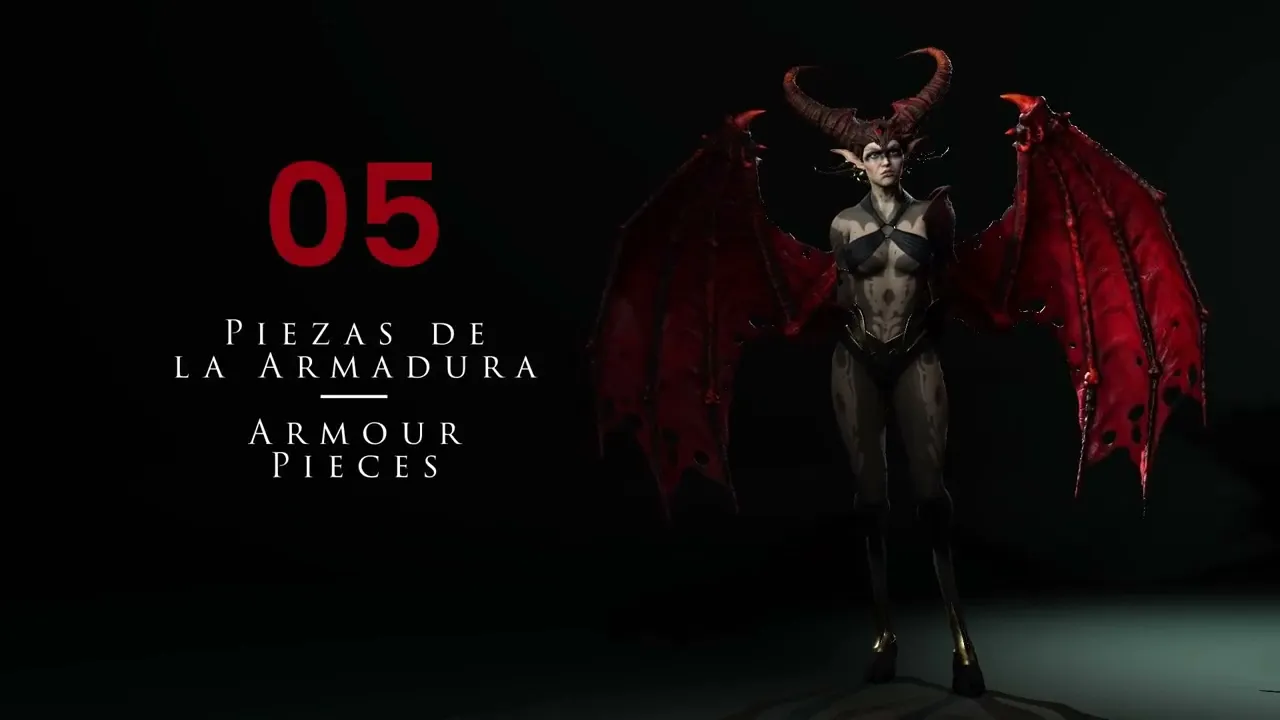
Build Basic Armor Pieces | Master Character Creator 5 & ZBrush: The Making of Veyra 05
 Reallusion
Aug 25, 2026 03:01
Reallusion
Aug 25, 2026 03:01
Create an account to hide videos, mark them watched, or save them to Don't Miss.
Create an account to hide videos, mark them watched, or save them to Don't Miss.
Create an account to hide videos, mark them watched, or save them to Don't Miss.
Chapters
TL;DR: This Character Creator 5 tutorial guides 3D artists and developers through creating simple yet effective armor pieces like shoulder pads and forearm guards. Learn efficient sculpting and retopology workflows directly on your character model for quick design iteration in Character Creator 5.
⏱️ Video Chapters:
🔑 Key Takeaways & Features:
- Utilize ZBrush's Slice Curve to precisely define complex armor shapes directly from duplicated character mesh.
- Employ Dynamic Subdivision with adjustable thickness (e.g., 0.4-0.5) to quickly add volume and dimension to flat armor panels.
- Optimize mesh topology using ZRemesher, preserving hard edges through strategic polygroup definition and the "Keep Groups" feature.
- Control mesh manipulation with ZBrush's Move tool and ACU Curve for detailed vertex-by-vertex shaping and smooth transitions.
- Generate clean polygroups using "Groups by Normals" and "Polish by Groups" to automate edge separation and refine hard-surface geometry for subsequent retopology.
❓ Frequently Asked Questions:
Q: How do you create basic armor pieces in Character Creator 5?
A: Start by duplicating body mesh parts and using sculpting tools like Slice Curve in ZBrush to define shapes, then applying ZRemesher for clean topology.
Q: What is ZRemesher's role in armor creation?
A: ZRemesher optimizes mesh topology, creating clean, quad-based geometry, with polygroups used to maintain sharp edges during the process.
Q: How are sharp edges maintained on armor pieces?
A: Sharp edges are defined by separating polygroups before ZRemesher, utilizing features like "Keep Groups," "Groups by Normals," and "Polish by Groups."
💻 Software & Tools Used:
- Character Creator 5
- ZBrush
📝 Comprehensive Video Summary:
This video, focusing on "Armor Pieces," provides a comprehensive technical guide to creating essential armor elements within Character Creator 5. The demonstrator illustrates an efficient workflow for sculpting both shoulder pads and forearm protectors. Viewers will learn to utilize advanced ZBrush tools such as the Slice Curve for precise shape definition, Dynamic Subdivision for adding thickness, and ZRemesher for optimizing mesh topology while preserving crucial hard edges through strategic polygrouping. The tutorial also covers fine-tuning shapes using the Move tool with ACU Curve and automating polygroup creation with "Groups by Normals." This workflow ensures robust, animation-ready armor pieces suitable for various 3D production pipelines. (For the complete technical breakdown and software demonstration, please enable Closed Captions).
❆LEARN MORE❆
Learn about Character Creator 5:
https://www.reallusion.com/character-creator/
✦FOLLOW US✦
Instagram: https://www.instagram.com/reallusionofficial/
Facebook: https://www.facebook.com/ReallusionSoftware/
TikTok: https://www.tiktok.com/@reallusionofficial
LinkedIn: https://www.linkedin.com/company/reallusion
Twitter: https://twitter.com/reallusion
Blog: https://magazine.reallusion.com/
Forum: https://discussions.reallusion.com/
❆ONLINE HELP❆
Character Creator 5: https://courses.reallusion.com/home/character-creator
#CharacterCreator5 #3DModeling #ZBrush
Film & Animation
#Character Creator 5
#3D armor
#how to make armor in character creator
#character creator armor tutorial
#sculpting armor workflow
#CC5 armor
#ZBrush armor
#character armor design
#3D character creation
#game dev
#animation
#3D modeling
#real-time animation
#indie game dev
#3D artist tutorial