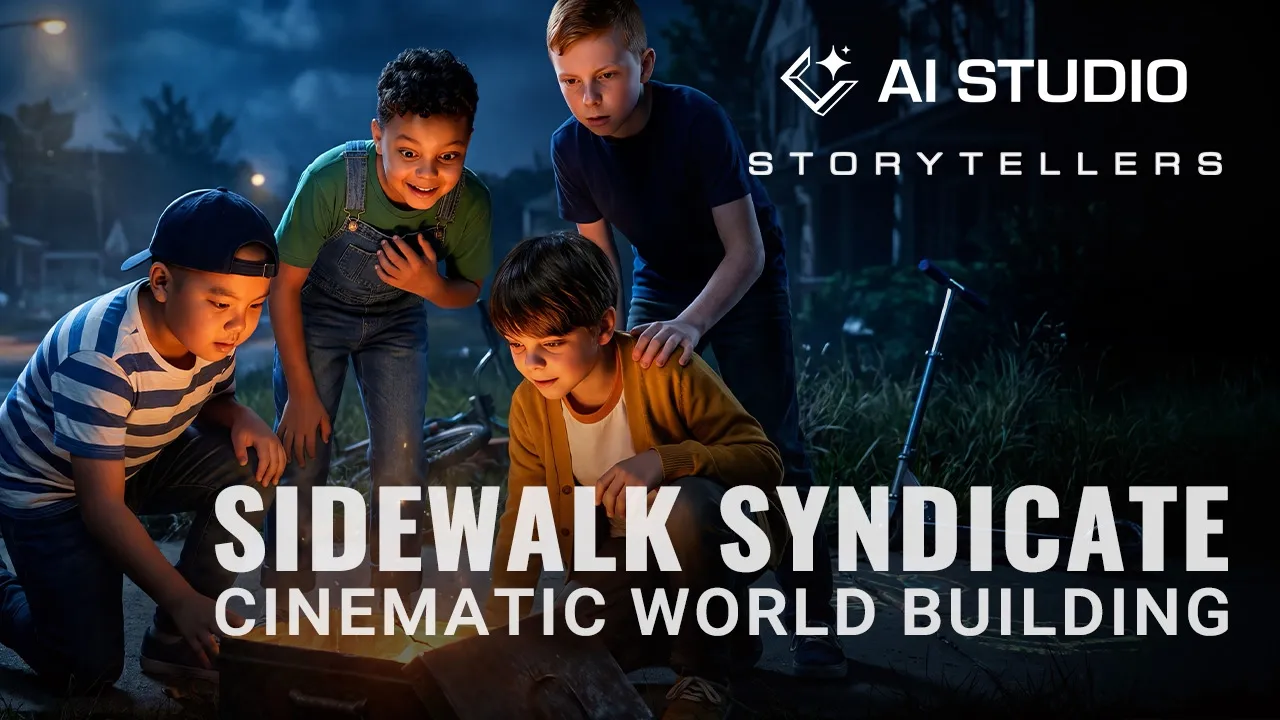
AI Studio Storytellers: Building a Consistent AI Cinematic Universe
 Reallusion
Aug 3, 2026 05:22
Reallusion
Aug 3, 2026 05:22
Create an account to hide videos, mark them watched, or save them to Don't Miss.
Create an account to hide videos, mark them watched, or save them to Don't Miss.
Create an account to hide videos, mark them watched, or save them to Don't Miss.
Chapters
TL;DR: Discover how to create truly consistent characters and connected worlds for AI storytelling. This video, featuring iClone 8 and Character Creator 5 with AI Studio, provides a production-minded approach for indie developers, freelance 3D artists, and studios to achieve repeatable results across scenes. Solve the critical challenge of maintaining visual identity and environment recognition in your AI-generated series.
⏱️ Video Chapters:
🔑 Key Takeaways & Features:
- Leverage AI Studio's 200+ AI Actor profiles to establish and develop reusable digital casts for consistent narrative series.
- Implement dual prompt architecture—Appearance Prompts for character identity and Scene Prompts for environment, camera, and mood—to maintain visual continuity across diverse situations.
- Utilize initial environment images as reusable visual references in AI Studio's edit mode, ensuring consistent location recognition across multiple shots and sequences.
- Integrate iClone 8 3D scenes to pre-define precise camera angles, character placement, and pose relationships, providing robust structural control for AI-generated images and video.
- Employ animated iClone 8 scenes as foundational motion timing and performance data, enabling sophisticated AI video generation with controlled temporal accuracy.
❓ Frequently Asked Questions:
Q: How can I maintain consistent AI characters across multiple scenes and stories?
A: By developing specific actor profiles with distinct appearance prompts and using AI Studio in iClone 8, you can separate character identity from scene context, ensuring visual consistency.
Q: What method ensures environments remain consistent throughout an AI-generated series?
A: Establish an initial environment image as a reusable visual reference in AI Studio, which can then be integrated into subsequent shots to preserve location layout, lighting, and color palette.
Q: How does 3D production enhance control over AI generative workflows?
A: Using iClone 8 for 3D pre-visualization allows precise control over camera angles, character staging, poses, and animation timing, which then provides a structured foundation for AI image and video generation.
💻 Software & Tools Used:
- iClone 8
- Character Creator 5
- AI Studio
📖 Read More:
https://magazine.reallusion.com/2026/08/03/ai-studio-storytellers-building-a-connected-world-with-consistent-ai-characters/
📝 Comprehensive Video Summary:
This video explores "AI Studio Storytellers: Building a Connected World with Consistent AI Characters," presented by Max Thomas, Professor of Practice at Georgia State University's Creative Media Industries Institute and co-founder of Actor Capture. The demonstration outlines a production-minded approach using iClone 8, Character Creator 5, and AI Studio to achieve consistent AI character identity and recognizable environments across diverse scenes and narratives. Max Thomas details methods for developing reusable digital actors via distinct appearance prompts and utilizing initial environment renders as visual references. The workflow emphasizes integrating iClone 8's 3D capabilities for precise control over camera angles, staging, and animation timing, providing a robust foundation for AI-generated images and video, thereby combining 3D production control with generative AI's speed and visual flexibility for cohesive storytelling. (For the complete technical breakdown and software demonstration, please enable Closed Captions).
❆LEARN MORE❆
Learn about AI Studio:
https://ai.reallusion.com/ai-studio/
Learn about iClone 8:
https://www.reallusion.com/iclone/
Learn about Character Creator 5:
https://www.reallusion.com/character-creator/
✦FOLLOW US✦
Instagram: https://www.instagram.com/reallusionofficial/
Facebook: https://www.facebook.com/ReallusionSoftware/
TikTok: https://www.tiktok.com/@reallusionofficial
LinkedIn: https://www.linkedin.com/company/reallusion
Twitter: https://twitter.com/reallusion
Blog: https://magazine.reallusion.com/
Forum: https://discussions.reallusion.com/
❆ONLINE HELP❆
AI Studio: https://courses.reallusion.com/home/iclone/ai-studio
iClone 8: https://courses.reallusion.com/home/iclone
Character Creator 5: https://courses.reallusion.com/home/character-creator
#iClone8 #CharacterCreator5 #ReallusionAIStudio
Film & Animation
#iClone 8
#Character Creator 5
#how to create consistent AI characters
#AI storytelling workflow
#3D animation with AI
#AI Studio Reallusion
#generative AI characters
#AI animation consistency
#virtual production pipeline
#3D character design
#real-time 3D
#digital human technology