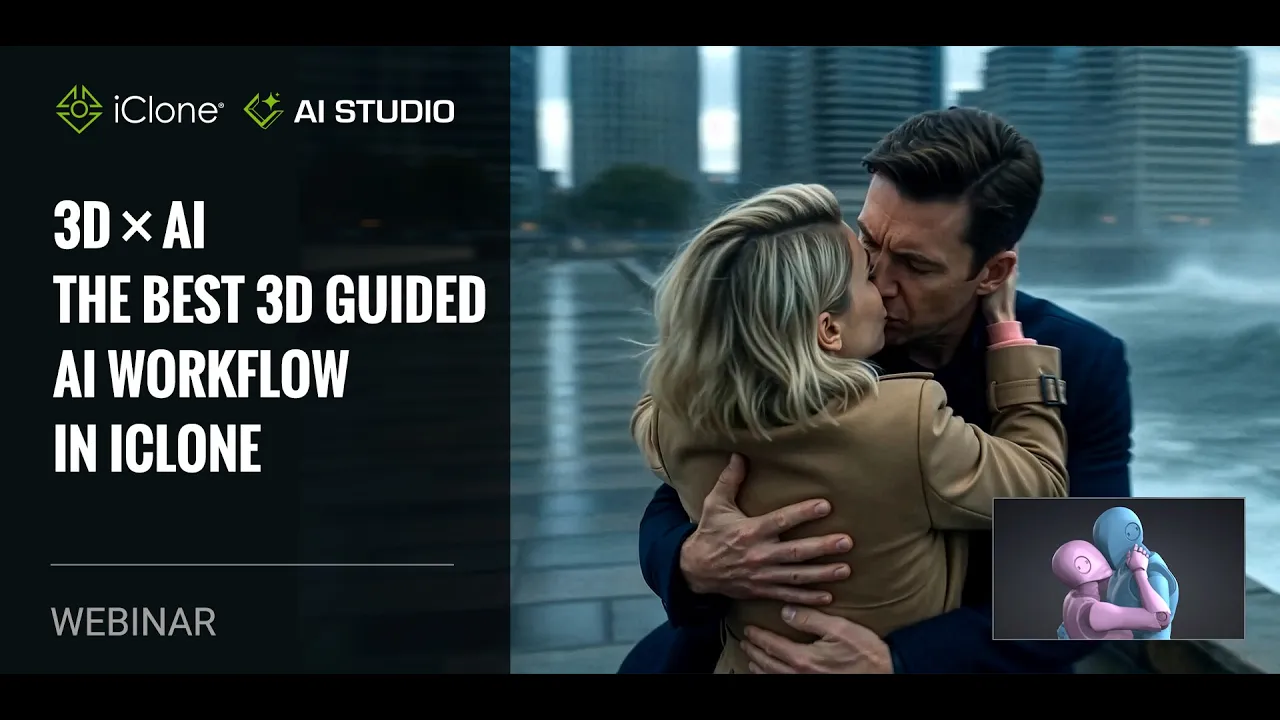
[Webinar] 3D x AI - The Best 3D Guided AI Workflow in iClone
 Reallusion
Jul 16, 2026 04:36
Reallusion
Jul 16, 2026 04:36
Create an account to hide videos, mark them watched, or save them to Don't Miss.
Create an account to hide videos, mark them watched, or save them to Don't Miss.
Create an account to hide videos, mark them watched, or save them to Don't Miss.
Chapters
TL;DR: Learn to master 3D-guided AI image and video creation using Character Creator 5 and iClone 8 with AI Studio. This tutorial empowers indie developers and professional studios to achieve unprecedented control and consistency in their AI content, dramatically accelerating visualization pipelines from days to minutes. Discover essential techniques for converting 3D scenes into stunning AI-generated visuals.
⏱️ Video Chapters:
🔑 Key Takeaways & Features:
Accelerate 3D-to-AI visualization pipelines, transforming complex scene generation from days to minutes.
Integrate iClone 8 3D data directly into AI Studio for precise camera, dummy mesh, and scene control.
Generate consistent AI characters and objects using AI Actors and gray model proxies, enabling diverse attire and object transformations.
Optimize AI video outputs by utilizing 720p resolution and a 16:9 aspect ratio, efficiently saving AI points while allowing post-up-scaling.
Leverage distinct AI models like NanoBanana (natural photos, texture detail) and Flux2max (cinematic scenes, high contrast, character consistency).
❓ Frequently Asked Questions:
Q: Can AI Studio integrate characters from other 3D software like Blender or Maya?
A: Yes, Character Creator 5 and iClone 8 are designed for compatibility, allowing you to easily transfer characters and utilize them within the AI Studio pipeline for AI generation.
Q: How does AI Studio ensure consistent character appearance across different scenes or styles?
A: AI Studio utilizes AI Actors, which are custom profiles created from various 3D images and angles, ensuring consistent character likeness and realistic rendering regardless of prompt or style.
Q: Can I use colors other than red, green, and blue to define dummy meshes for material transformation?
A: Yes, you can use any unique color to define dummy meshes in your iClone scene; AI Studio will interpret these colors to transform them into specific materials based on your prompts.
💻 Software & Tools Used:
iClone 8
AI Studio
📝 Comprehensive Video Summary:
This webinar, presented by Reallusion's Senior Technical Artist Howard Huang and VP of Marketing John, explores the "3D x AI - The Best 3D Guided AI Workflow in iClone" using Reallusion AI Studio. The session details how artists and studios can integrate 3D animation, camera control, and scene setup with advanced AI models for generating consistent 3D-to-Image and 3D-to-Video content. Key demonstrations include leveraging AI Actors for character consistency, employing gray models and dummy meshes for creative transformations, and utilizing diverse prompt techniques and AI models like NanoBanan and Flux2max for various styles. The discussion also covers optimizing AI video output, exploring iClone's extensive content library, and a live Q&A addressing technical challenges and future developments, highlighting how this workflow drastically accelerates content visualization.
❆LEARN MORE❆
Learn about iClone 8:
https://www.reallusion.com/iclone/
Learn about Character Creator 5:
https://www.reallusion.com/character-creator/
✦FOLLOW US✦
Instagram: https://www.instagram.com/reallusionofficial/
Facebook: https://www.facebook.com/ReallusionSoftware/
TikTok: https://www.tiktok.com/@reallusionofficial
LinkedIn: https://www.linkedin.com/company/reallusion
Twitter: https://twitter.com/reallusion
Blog: https://magazine.reallusion.com/
Forum: https://discussions.reallusion.com/
❆ONLINE HELP❆
iClone: https://courses.reallusion.com/home/iclone
Character Creator: https://courses.reallusion.com/home/character-creator
#CharacterCreator5 #iClone8 #AIStudio
Film & Animation