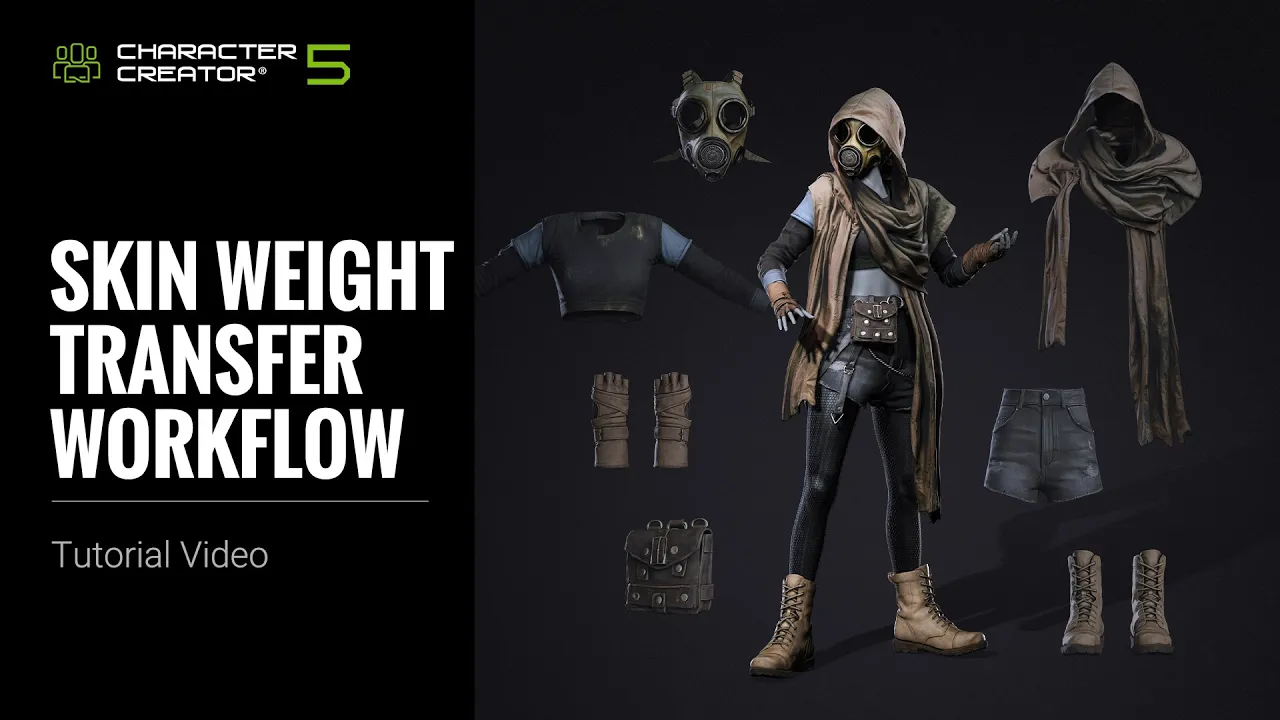
Skin Weight Transfer Workflow in CC5.2 | Character Creator 5 Tutorial
 Reallusion
Oct 29, 2026 11:30
Reallusion
Oct 29, 2026 11:30
Create an account to hide videos, mark them watched, or save them to Don't Miss.
Create an account to hide videos, mark them watched, or save them to Don't Miss.
Create an account to hide videos, mark them watched, or save them to Don't Miss.
Chapters
🖊️ Learn More on Reallusion Courses: https://reallusion.software/65l
TL;DR: Discover the powerful Skin Weight Transfer workflow in Character Creator 5.2, engineered for 3D artists and indie developers. This tutorial solves common issues of mesh penetration and unnatural clothing deformation, ensuring your AI-generated or imported outfits move flawlessly.
⏱️ Video Chapters:
*Note: Assets shown in this tutorial serve only as reference material.
🔑 Key Takeaways & Features:
- Optimize Skin Weight Transfer in Character Creator 5.2, preventing cloth mesh penetration and unwanted stretching using a new algorithm for AI-generated or imported outfits.
- Utilize diverse skin weight templates like Default, Hood, Glove, and Socks presets, which are optimized for 80% of clothing types, to ensure proper deformation for items from shirts to long stockings.
- Refine mesh intersections and deformation using the Edit Mesh tool with Soft Selection and Hide Body Mesh functionality, precisely managing visible and hidden body parts beneath clothing.
- Seamlessly manage clothing layers with the Tuck-in collision algorithm and Auto Hide Mesh tool, which automatically shrinks inner layers and hides penetrating meshes based on character pose.
- Precisely control skin weight distribution by examining bone influence via color gradients and applying weight painting tools to remove or add influence, even copying/pasting weights for hard-surface elements.
❓ Frequently Asked Questions:
Q: How do I prevent clothing from penetrating my character's body in Character Creator 5.2?
A: Use the Skin Weight Transfer workflow in Character Creator 5.2 with optimized templates, Edit Mesh tools, and the Hide Body Mesh function to prevent mesh penetration and ensure natural deformation.
Q: Can Character Creator 5.2 handle skin weights for AI-generated clothing meshes?
A: Yes, Character Creator 5.2's latest algorithm and transfer process are designed to make AI-generated mesh outfits fit characters properly, eliminating unwanted stretching.
Q: What is the best way to handle complex clothing layering in CC 5.2?
A: Character Creator 5.2 offers Cloth Layer Settings with a Tuck-in collision algorithm and Auto Hide Mesh tool, allowing inner layers to automatically shrink and hide penetrating meshes underneath outer clothing.
💻 Software & Tools Used:
- Character Creator 5
📝 Comprehensive Video Summary:
This tutorial by Character Creator experts demonstrates the essential Skin Weight Transfer workflow in Character Creator 5.2, designed for 3D artists, indie developers, and studios. It covers optimizing clothing and accessory deformation, preventing mesh penetration, and achieving natural movement for both AI-generated and imported outfits. Viewers will learn to convert items to accessories, apply specific skin weight templates (Default, Hood, Glove, Socks), and refine meshes using tools like Edit Mesh, Hide Body Mesh, and Cloth Layer Settings' Tuck-in collision algorithm. The guide also details advanced techniques for mirroring and merging meshes, precise weight painting, and intelligently handling hard-surface elements in clothing, ensuring professional and seamless character animation. (For the complete technical breakdown and software demonstration, please enable Closed Captions).
❆LEARN MORE❆
Learn about Character Creator 5:
https://www.reallusion.com/character-creator/
✦FOLLOW US✦
Instagram: https://www.instagram.com/reallusionofficial/
Facebook: https://www.facebook.com/ReallusionSoftware/
TikTok: https://www.tiktok.com/@reallusionofficial
LinkedIn: https://www.linkedin.com/company/reallusion
Twitter: https://twitter.com/reallusion
Blog: https://magazine.reallusion.com/
Forum: https://discussions.reallusion.com/
❆ONLINE HELP❆
Character Creator 5: https://courses.reallusion.com/home/character-creator
#CharacterCreator5 #3DCharacterCreation #RealtimeAnimation
Film & Animation
#Character Creator 5.2
#CC 5.2
#how to transfer skin weights
#fix mesh penetration
#cc5 clothing animation
#skin weighting tutorial
#character creator weighting
#ai clothing workflow
#3D character creation
#real-time animation
#game development
#character creator tutorial
#3d art
#cloth simulation
#clothing weights