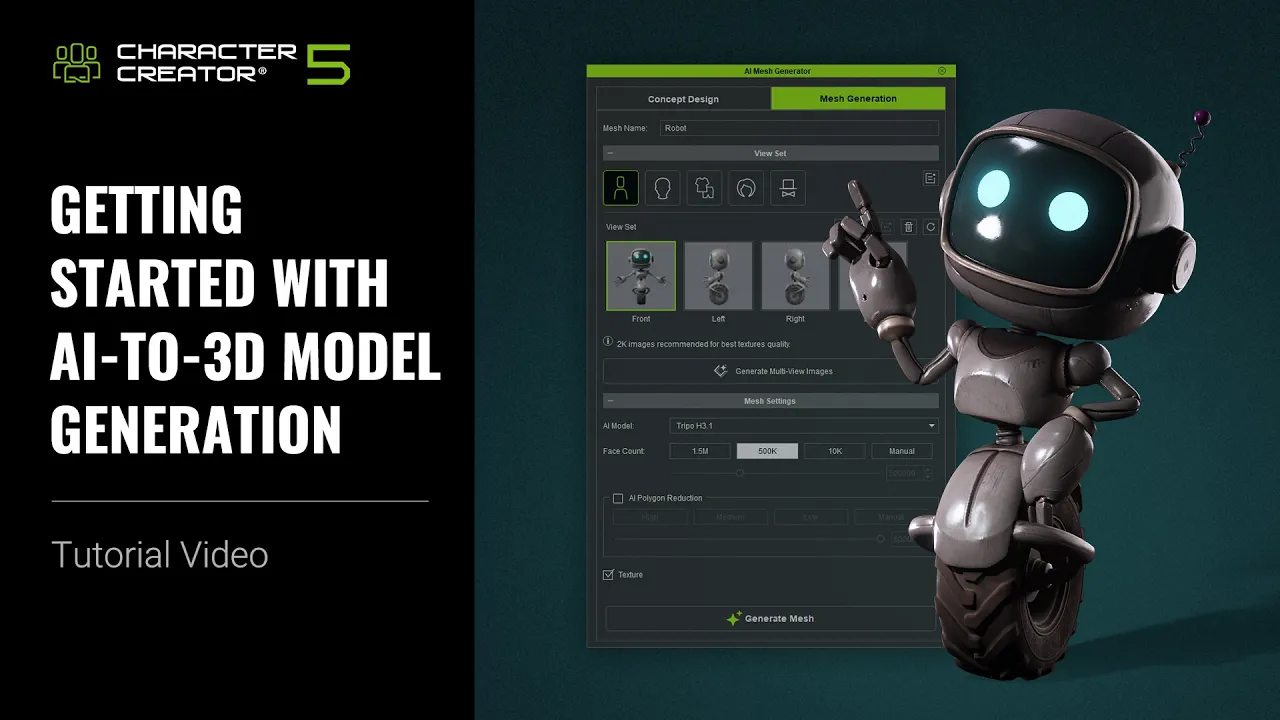
Getting Started with AI Mesh Generation | Character Creator 5 Tutorial
 Reallusion
Oct 29, 2026 11:29
Reallusion
Oct 29, 2026 11:29
Create an account to hide videos, mark them watched, or save them to Don't Miss.
Create an account to hide videos, mark them watched, or save them to Don't Miss.
Create an account to hide videos, mark them watched, or save them to Don't Miss.
Chapters
🖊️ Learn More on Reallusion Courses: https://reallusion.software/1xj
TL;DR: This tutorial reveals how to master AI Mesh Generation in Character Creator 5 and iClone 8. Learn to transform 2D images into rigged 3D characters, clothing, and props quickly. Perfect for indie devs, freelancers, and studios seeking efficient 3D asset creation.
⏱️ Video Chapters:
*Note: Assets shown in this tutorial serve only as reference material.
🔑 Key Takeaways & Features:
- Convert diverse 2D character images into Character Creator 5 (CC5) models using AI Mesh Generation and advanced A-pose standardization for rigging.
- Generate highly detailed 3D meshes with specific AI models (Tripo H 3.1 for realistic humans, Tripo P2 for game-ready topology, HunYuan 3.1 for hard surfaces) at selectable face counts (10,000, 500,000, 1.5 million, or custom).
- Utilize AccuRIG for rapid body animation rigging or Body Wrap to convert characters into CC HD Characters, enabling full body and facial animation plus CC Content compatibility.
- Process complex clothing and props, applying AI Polygon Reduction (preset options: 15,000, 10,000, 5,000 faces) and precise Edit Mesh tools (Expand Select by Angle, Delete Face) for optimal topology.
- Streamline rigging for garments and accessories using specialized Transfer Skin Weight types (Cloth, Gloves, Cloak, Shoes) and efficient asset management features like Mirror Duplicate and Merge Mesh.
❓ Frequently Asked Questions:
Q: What is the main purpose of AI Mesh Generation in Character Creator 5?
A: AI Mesh Generation allows users to convert 2D character or clothing images into editable 3D meshes within Character Creator 5 and iClone 8.
Q: How do AccuRIG and Body Wrap differ when rigging characters created with AI Mesh Generator?
A: AccuRIG provides quick body animation for characters with integrated body and clothing, while Body Wrap converts characters into full CC HD Characters with both body and facial animation support.
Q: Can I customize the polygon count of generated meshes in Character Creator 5?
A: Yes, you can select preset face counts (e.g., 10,000, 500,000, 1.5 million) or manually adjust the polygon count, and further optimize with AI Polygon Reduction.
💻 Software & Tools Used:
- Character Creator 5
- AI Mesh Generator
- iClone 8
- AI Studio
- AccuRIG
- Body Wrap
- AI Polygon Reduction
- Quad Remesher
📝 Comprehensive Video Summary:
This tutorial provides a comprehensive guide to getting started with AI Mesh Generation in Character Creator 5, a powerful feature for transforming 2D images into 3D assets. The Reallusion experts demonstrate workflows for creating full-design characters, body-only models, and custom clothing and props. The video covers using the AI Mesh Generator to produce rigged characters ready for animation in Character Creator 5 and iClone 8, detailing how to leverage features like AccuRIG and Body Wrap for robust rigging, including facial animation. It also explores advanced options such as prompt-based image generation, AI Polygon Reduction for mesh optimization, and precise mesh editing techniques. This guide is essential for artists and studios looking to streamline their 3D character creation pipelines. (For the complete technical breakdown and software demonstration, please enable Closed Captions).
❆LEARN MORE❆
Learn about Character Creator 5:
https://www.reallusion.com/character-creator/
✦FOLLOW US✦
Instagram: https://www.instagram.com/reallusionofficial/
Facebook: https://www.facebook.com/ReallusionSoftware/
TikTok: https://www.tiktok.com/@reallusionofficial
LinkedIn: https://www.linkedin.com/company/reallusion
Twitter: https://twitter.com/reallusion
Blog: https://magazine.reallusion.com/
Forum: https://discussions.reallusion.com/
❆ONLINE HELP❆
Character Creator 5: https://courses.reallusion.com/home/character-creator
#CharacterCreator5 #AIMeshGenerator #3DCharacterCreation
Film & Animation
#character creator 5
#ai mesh generation
#how to convert image to 3d mesh
#how to rig character creator 5
#ai 3d character creation
#character creator ai
#cc5 ai mesh
#reallusion ai mesh
#3d animation software
#real-time character creation
#game dev tools
#3d character design
#character rigging
#body wrap
#accurig