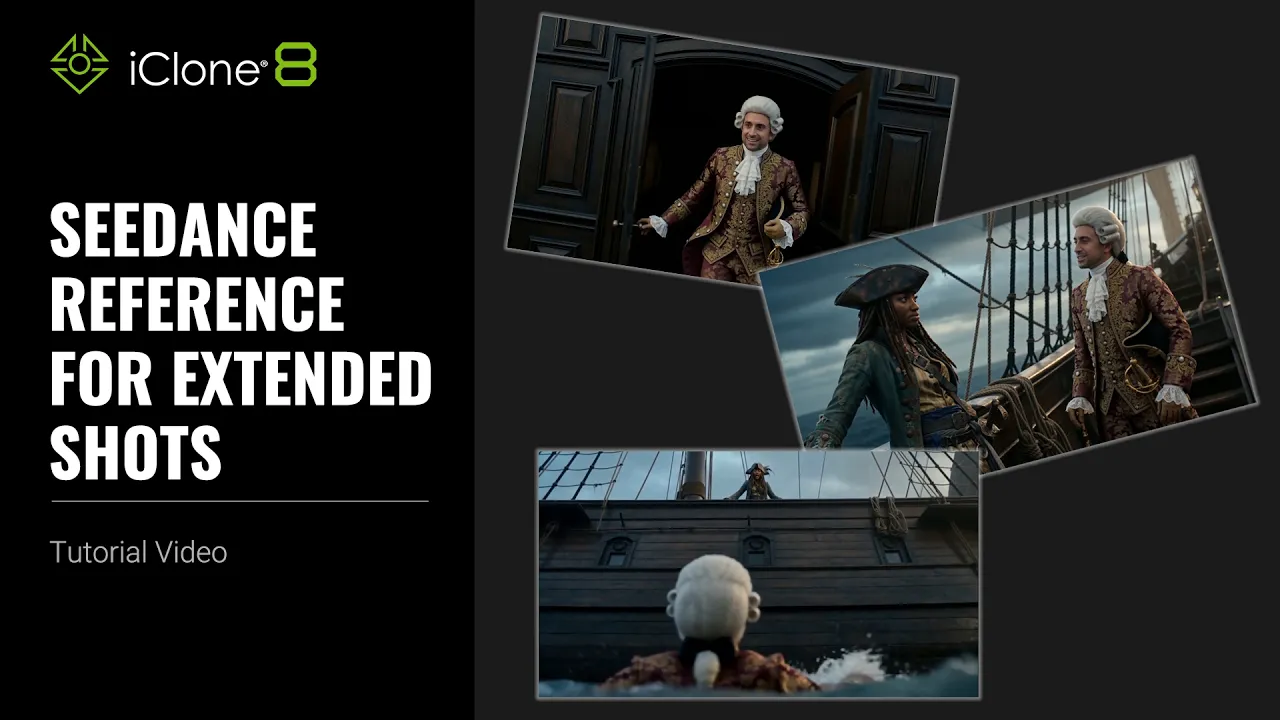
Seedance Reference for Extended Shots | AI Studio Tutorial
 Reallusion
Aug 5, 2026 01:40
Reallusion
Aug 5, 2026 01:40
Create an account to hide videos, mark them watched, or save them to Don't Miss.
Create an account to hide videos, mark them watched, or save them to Don't Miss.
Create an account to hide videos, mark them watched, or save them to Don't Miss.
Chapters
TL;DR: This tutorial shows how to use Seedance Reference in AI Studio to seamlessly extend video sequences while maintaining consistent visual style, character appearance, and camera continuity in iClone 8 projects. Perfect for 3D artists, animators, and studios, it solves the challenge of generating extended shots without breaking immersion. You'll master advanced prompting techniques to expand your real-time animation pipelines.
⏱️ Video Chapters:
*Note: Assets shown in this tutorial serve only as reference material.
🔑 Key Takeaways & Features:
- Maintain consistent character appearance, visual style, camera continuity, and voice across extended iClone 8 video sequences using Seedance Reference in AI Studio.
- Integrate diverse references including Image, Video, Audio, and AI Actor for comprehensive scene generation in Seedance.
- Define intricate continuity requirements and specific camera movements through descriptive prompts to achieve seamless transitions between original and extended clips.
- Utilize advanced prompt techniques to match exact compositions, like "The perspective shifts to match the composition of Video 1 first frame," ensuring pixel-perfect scene blending.
- Accelerate video production by quickly extending original 13-second clips with opening and ending scenes, then combining for a longer, cohesive narrative.
❓ Frequently Asked Questions:
Q: How can Seedance Reference extend video length while maintaining consistency in iClone 8?
A: Seedance Reference allows users to define continuity requirements in prompts for new opening and ending scenes, preserving character appearance, visual style, camera continuity, and audio from existing videos.
Q: What types of references can be integrated into Seedance AI Actor projects?
A: Users can add various references, including images for character outfits and environments, video clips, audio tracks for voice and dialogue, and specific AI Actor information.
Q: How do you achieve seamless transitions when extending videos with Seedance?
A: Seamless transitions are achieved by carefully describing shot scenarios and camera movements in the prompt, including explicit instructions to match compositions or continue actions from preceding frames.
💻 Software & Tools Used:
- iClone 8
- Character Creator 5
- AI Studio
- Seedance AI Actor
- Video Editing Software
📖 Read More:
https://ai.reallusion.com/ai-studio/default.html
📝 Comprehensive Video Summary:
This video provides a detailed guide on utilizing Seedance Reference for Extended Shots within the iClone 8 ecosystem, specifically leveraging AI Studio and the Seedance AI Actor feature. The tutorial demonstrates how to extend existing video sequences, such as a 13-second clip, by seamlessly generating new opening and ending scenes. Viewers will learn the advanced prompting techniques required to define critical continuity elements, including consistent character appearance, scene environment, visual style, camera movement, and audio across all segments. By adding various references like images, audio, and AI Actor data, and meticulously crafting shot-by-shot prompt descriptions, users can achieve perfect transitions and cohesive narratives, culminating in combining the extended clips using standard video editing software for a longer, unified production. (For the complete technical breakdown and software demonstration, please enable Closed Captions).
❆LEARN MORE❆
Learn about iClone 8:
https://www.reallusion.com/iclone/
Learn about Character Creator 5:
https://www.reallusion.com/character-creator/
✦FOLLOW US✦
Instagram: https://www.instagram.com/reallusionofficial/
Facebook: https://www.facebook.com/ReallusionSoftware/
TikTok: https://www.tiktok.com/@reallusionofficial
LinkedIn: https://www.linkedin.com/company/reallusion
Twitter: https://twitter.com/reallusion
Blog: https://magazine.reallusion.com/
Forum: https://discussions.reallusion.com/
❆ONLINE HELP❆
iClone 8: https://courses.reallusion.com/home/iclone
Character Creator 5: https://courses.reallusion.com/home/character-creator
#iClone8 #AIStudio #VideoEditing
Film & Animation
#iClone 8
#Seedance AI
#how to extend video continuity
#seedance ai character consistency
#iclone 8 animation extension
#iclone8
#seedance reference
#ai studio animation
#3D animation
#realtime animation
#generative AI
#character creator 5
#ai character
#character creator workflow