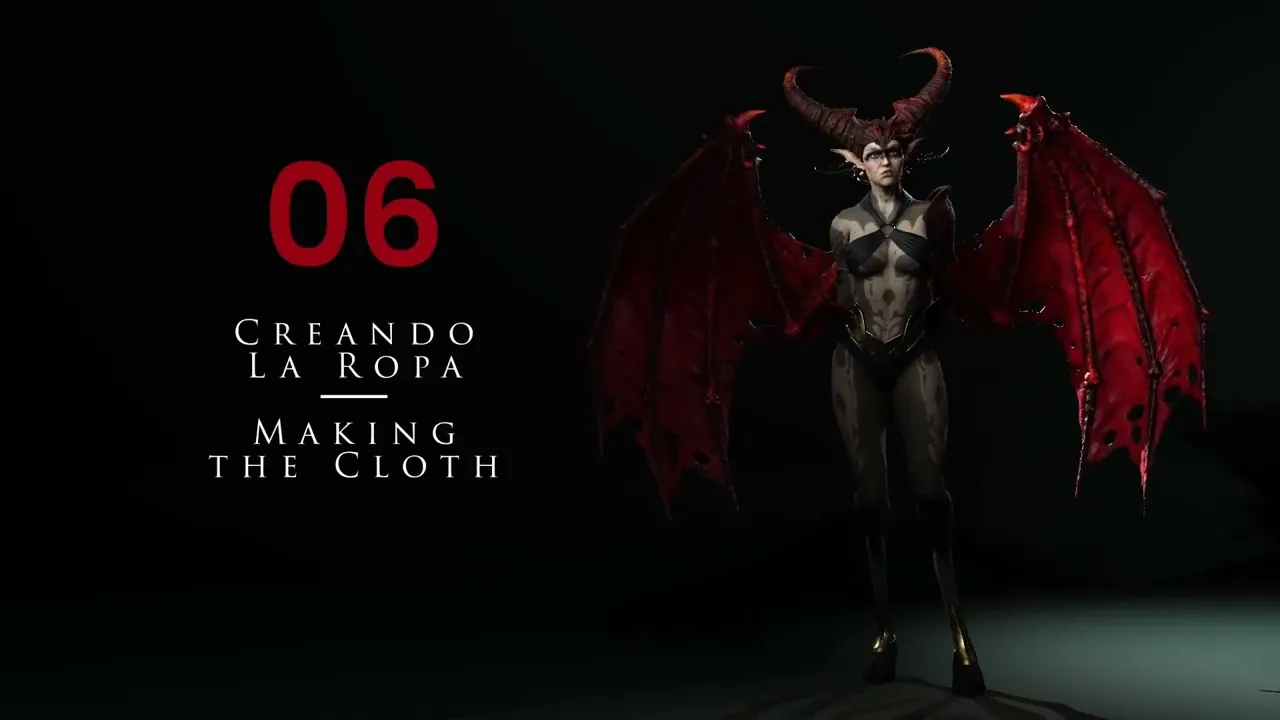
Sculpt Realistic Clothing | Master Character Creator 5 & ZBrush: The Making of Veyra 06
 Reallusion
Aug 25, 2026 03:01
Reallusion
Aug 25, 2026 03:01
Create an account to hide videos, mark them watched, or save them to Don't Miss.
Create an account to hide videos, mark them watched, or save them to Don't Miss.
Create an account to hide videos, mark them watched, or save them to Don't Miss.
Chapters
TL;DR: This Character Creator 5 tutorial guides 3D artists through advanced techniques for custom clothing creation. Learn to sculpt realistic fabric, adjust anatomy for perfect fit, and master ZBrush-like tools for organic garment design. Solve challenges in creating intricate clothing for any character.
⏱️ Video Chapters:
🔑 Key Takeaways & Features:
- Sculpt precise anatomical adjustments at subdivision level three to ensure ideal clothing drape and fit.
- Utilize the Mask Lasso tool and Ctrl+W for efficient polygroup creation and isolation of garment sections.
- Apply dynamic subdivision with precise thickness settings (e.g., 0.3 offset) to achieve realistic fabric volume without intersection.
- Optimize mesh topology using ZRemesher with options like "same polygon count" or "half density" while preserving polygroups.
- Define sharp fabric edges and seams by strategically employing "Polish by Groups" and managing complex polygroup assignments.
❓ Frequently Asked Questions:
Q: How do you adjust character anatomy for custom clothing fit?
A: Anatomy is adjusted by gently raising and smoothing areas like the chest at subdivision level three, and using masking and the move tool to give natural sag and weight before adding fabric.
Q: What tools are used to create custom fabric shapes?
A: Custom fabric shapes are created by duplicating existing subtools, using mask lasso for precise area selection, slice curve to cut topology, and polygrouping (Ctrl+W) to isolate parts for modification.
Q: How can sharp edges be maintained on 3D clothing?
A: Sharp edges are maintained by strategically using "Polish by Groups" after defining specific polygroups with Zmodeler, ensuring polygroup separation along desired sharp contours, and applying ZRemesher with group preservation.
💻 Software & Tools Used:
- Character Creator 5
- ZBrush
📝 Comprehensive Video Summary:
This technical video tutorial details the intricate process of creating custom clothing for 3D characters, focusing on workflows compatible with Character Creator 5. It begins with essential anatomical adjustments, meticulously shaping the character's chest and hips to ensure a natural and realistic garment fit. The demonstration proceeds through preparing base meshes, segmenting fabric sections using masking and polygroups, and refining their forms with tools like ZRemesher for optimal topology. Viewers will learn to apply dynamic subdivision for realistic fabric thickness, integrate accessories like rings, and precisely sculpt drapes. Emphasis is placed on maintaining sharp edges through specific polishing techniques and correcting mesh normals for a pristine final mesh. The comprehensive guide ensures a solid foundation for designing any custom clothing piece. (For the complete technical breakdown and software demonstration, please enable Closed Captions).
❆LEARN MORE❆
Learn about Character Creator 5:
https://www.reallusion.com/character-creator/
✦FOLLOW US✦
Instagram: https://www.instagram.com/reallusionofficial/
Facebook: https://www.facebook.com/ReallusionSoftware/
TikTok: https://www.tiktok.com/@reallusionofficial
LinkedIn: https://www.linkedin.com/company/reallusion
Twitter: https://twitter.com/reallusion
Blog: https://magazine.reallusion.com/
Forum: https://discussions.reallusion.com/
❆ONLINE HELP❆
Character Creator 5: https://courses.reallusion.com/home/character-creator
#CharacterCreator5 #ZBrush #DigitalSculpting
Film & Animation
#Character Creator 5
#3D Clothing
#how to make 3d clothes
#character clothing workflow
#sculpting fabric tutorial
#CC5 clothing
#3d garment design
#3D Character Design
#Digital Sculpting
#3D Modeling
#Realtime Character
#Game Character
#ZBrush clothing
#Character Customization
#ZRemesher workflow