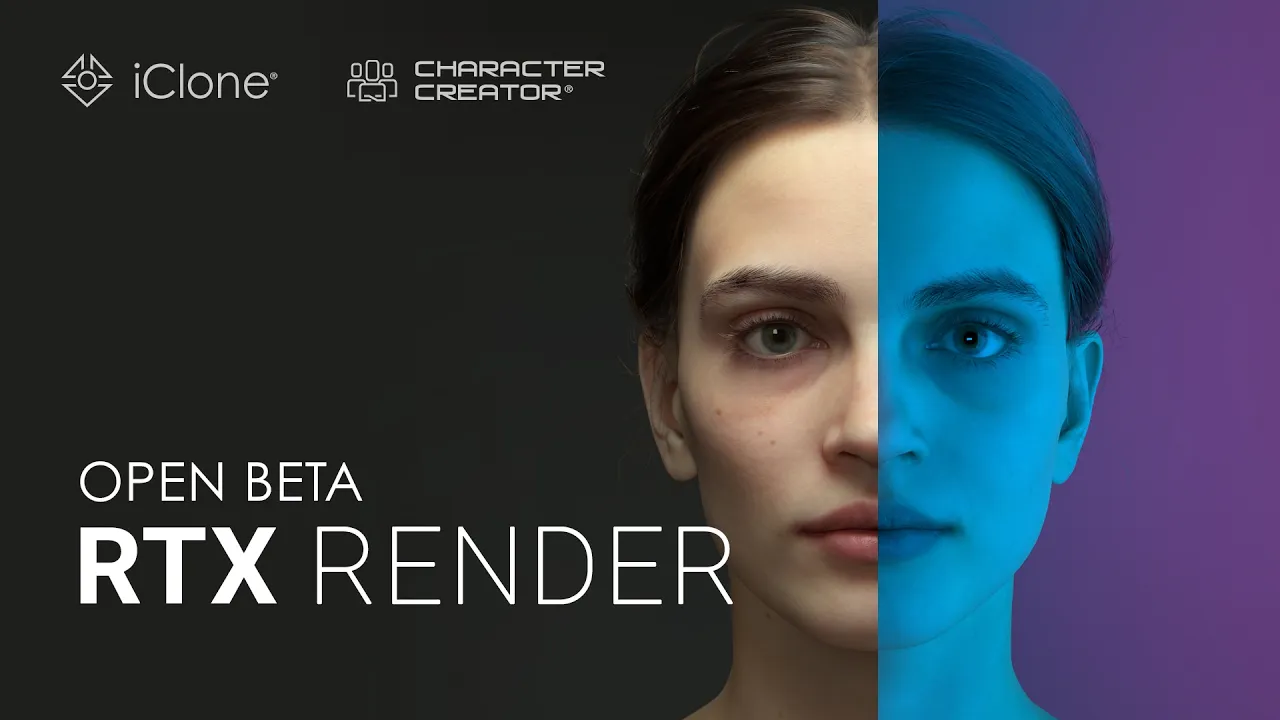
RTX Render Open Beta Begins : Path-Traced Quality Inside Character Creator 5 and iClone 8
 Reallusion
Jul 28, 2026 10:30
Reallusion
Jul 28, 2026 10:30
Create an account to hide videos, mark them watched, or save them to Don't Miss.
Create an account to hide videos, mark them watched, or save them to Don't Miss.
Create an account to hide videos, mark them watched, or save them to Don't Miss.
Chapters
TL;DR: Discover the RTX Render Open Beta for Character Creator 5 and iClone 8, bringing NVIDIA path tracing to 3D artists and studios. This video shows how to achieve physically accurate, real-time rendering for digital humans and animations, solving the challenge of photorealistic visualization.
Sign up and join the beta (CC5 & iClone 8 required): https://docs.google.com/forms/d/e/1FAIpQLSfj0S75KbAGWC2OUGw4u46x3NuT-esXWf5xm2zSesoieZLwrA/viewform?usp=dialog
Learn more: https://discussions.reallusion.com/t/rtx-render-open-beta-1-overview-getting-started/17902/1
⏱️ Video Chapters:
🔑 Key Takeaways & Features:
- Integrate NVIDIA RTX path tracing technology seamlessly alongside existing DirectX11 workflows.
- Convert existing projects, PBR materials, and HDRI environments automatically for RTX rendering.
- Achieve greater realism for digital humans through optimization for Reallusion's digital human shaders.
- Experience physically accurate lighting with realistic shadows, reflections, and natural light bounce.
- Navigate and interact with scenes in near real-time, with RTX Render continuously refining the image.
❓ Frequently Asked Questions:
Q: What is the RTX Render Open Beta for?
A: The RTX Render Open Beta brings NVIDIA's path tracing technology to Character Creator 5 and iClone 8 for highly realistic rendering.
Q: How does RTX Render integrate with existing workflows?
A: It works seamlessly with your existing DirectX11 workflow, allowing you to switch between renderers with a single click and automatically converting projects and materials.
Q: What visual improvements does RTX Render offer?
A: It provides physically accurate lighting, realistic shadows, reflections, natural light bounce, authentic optical effects, and dynamic atmospheric motion.
💻 Software & Tools Used:
- iClone 8
- Character Creator 5
- RTX render open beta
📝 Comprehensive Video Summary:
This video introduces the RTX Render Open Beta, a significant advancement from Reallusion, integrating NVIDIA's cutting-edge RTX path tracing technology directly into Character Creator 5 and iClone 8. Designed to enhance the realism of 3D character creation and animation, this beta allows artists to achieve physically accurate lighting, realistic shadows, and natural light bounce with unprecedented ease. It works seamlessly with existing DirectX11 workflows, automatically converting PBR materials and HDRI environments. Optimized specifically for Reallusion's digital human shaders, RTX Render delivers superior fidelity for digital characters, enabling users to navigate scenes in near real-time while the image refines. The beta includes an RTX-ready material library and portrait lighting presets, inviting indie developers and studios to shape the future of real-time rendering. (For the complete technical breakdown and software demonstration, please enable Closed Captions).
❆LEARN MORE❆
Learn about iClone 8:
https://www.reallusion.com/iclone/
Learn about Character Creator 5:
https://www.reallusion.com/character-creator/
✦FOLLOW US✦
Instagram: https://www.instagram.com/reallusionofficial/
Facebook: https://www.facebook.com/ReallusionSoftware/
TikTok: https://www.tiktok.com/@reallusionofficial
LinkedIn: https://www.linkedin.com/company/reallusion
Twitter: https://twitter.com/reallusion
Blog: https://magazine.reallusion.com/
Forum: https://discussions.reallusion.com/
❆ONLINE HELP❆
iClone 8: https://courses.reallusion.com/home/iclone
Character Creator 5: https://courses.reallusion.com/home/character-creator
#iClone8 #CharacterCreator5 #NVIDIARTX
Film & Animation