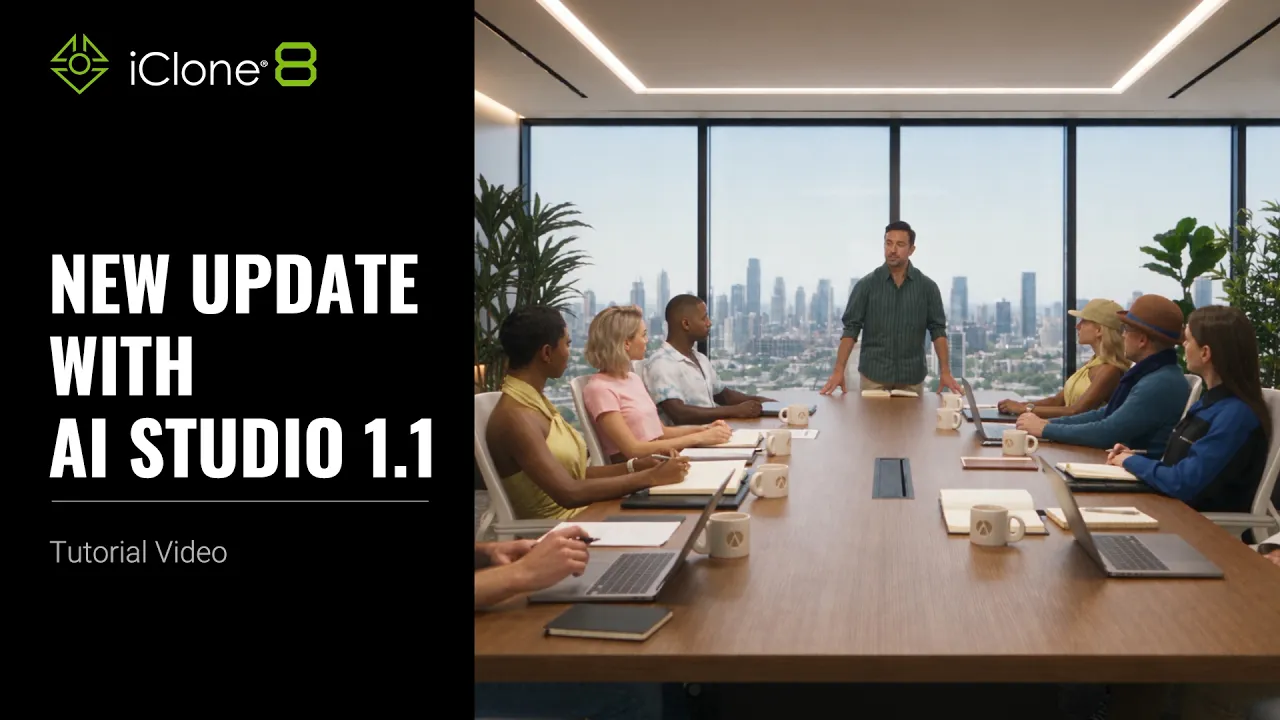
New Updates with AI Studio 1.1 | AI Studio Tutorial
 Reallusion
Sep 2, 2026 01:40
Reallusion
Sep 2, 2026 01:40
Create an account to hide videos, mark them watched, or save them to Don't Miss.
Create an account to hide videos, mark them watched, or save them to Don't Miss.
Create an account to hide videos, mark them watched, or save them to Don't Miss.
Chapters
TL;DR: Discover the powerful new features in AI Studio 1.1, including 4K image and video generation, advanced AI models, and streamlined 3D actor creation. This guide shows 3D artists and animators how to integrate these updates into iClone 8 and Character Creator 5 workflows for unparalleled speed and quality.
⏱️ Video Chapters:
*Note: Assets shown in this tutorial serve only as reference material.
🔑 Key Takeaways & Features:
- Enable 4K resolution in AI Studio 1.1 for both Nano Banana pro and GPT Image 2 models, enhancing image and video detail.
- Synchronize local AI Studio 1.1 history to the cloud, allowing access and backup across multiple computers.
- Generate custom AI Actors faster using the new Create Actor Basic Mode, supporting up to 8 reference images.
- Produce high-fidelity videos with Seedance 2.5 (1080p, 30s, up to 50 references) and Seedance 2.0 (4K video output).
- Streamline 3D animation workflows by directly sending iClone 8 viewport captures or renders to AI Studio 1.1 for AI-guided video generation.
❓ Frequently Asked Questions:
Q: What are the main new features in AI Studio 1.1?
A: AI Studio 1.1 introduces 4K image and video generation, new Seedance models (2.5, 2.0, Mini), an improved Create Actor Basic Mode, and enhanced iClone 8 integration.
Q: How does AI Studio 1.1 handle previous data and updates?
A: AI Studio 1.1 is a standalone application that updates automatically and allows users to sync local history from previous versions to the cloud.
Q: Can I generate 4K video with AI Studio 1.1?
A: Yes, AI Studio 1.1 supports 4K video generation through the Seedance 2.0 model, providing significantly finer details compared to 1K resolution.
💻 Software & Tools Used:
- iClone 8
- AI Studio
📖 Read More:
https://ai.reallusion.com/ai-studio/default.html
📝 Comprehensive Video Summary:
This tutorial details the New Updates with AI Studio 1.1, a standalone application now offering enhanced features for 3D character creation and animation. Key advancements include support for 4K resolution in both image and video generation, utilizing models like Nano Banana pro and GPT Image 2. The guide covers the new Assets workflow, enabling efficient management and download of generated content. Users will discover the revamped Create Actor Basic Mode for simplified AI actor generation and the powerful 3D Guided Generation workflow, which seamlessly integrates with iClone 8 and Character Creator 5. This update provides 3D artists and animators with more robust tools for high-fidelity content creation. (For the complete technical breakdown and software demonstration, please enable Closed Captions).
❆LEARN MORE❆
Learn about iClone 8:
https://www.reallusion.com/iclone/
Learn about Character Creator 5:
https://www.reallusion.com/character-creator/
✦FOLLOW US✦
Instagram: https://www.instagram.com/reallusionofficial/
Facebook: https://www.facebook.com/ReallusionSoftware/
TikTok: https://www.tiktok.com/@reallusionofficial
LinkedIn: https://www.linkedin.com/company/reallusion
Twitter: https://twitter.com/reallusion
Blog: https://magazine.reallusion.com/
Forum: https://discussions.reallusion.com/
❆ONLINE HELP❆
iClone 8: https://courses.reallusion.com/home/iclone
Character Creator 5: https://courses.reallusion.com/home/character-creator
#iClone8 #AIStudio #CharacterCreator5
Film & Animation
#AI Studio 1.1
#iClone 8
#Character Creator 5
#how to use AI Studio
#generate 4K video
#AI character creation
#AI Studio tutorial
#Reallusion AI
#3D animation
#generative AI
#real-time character
#AI art
#3D workflow
#Seedance
#Nano Banana pro