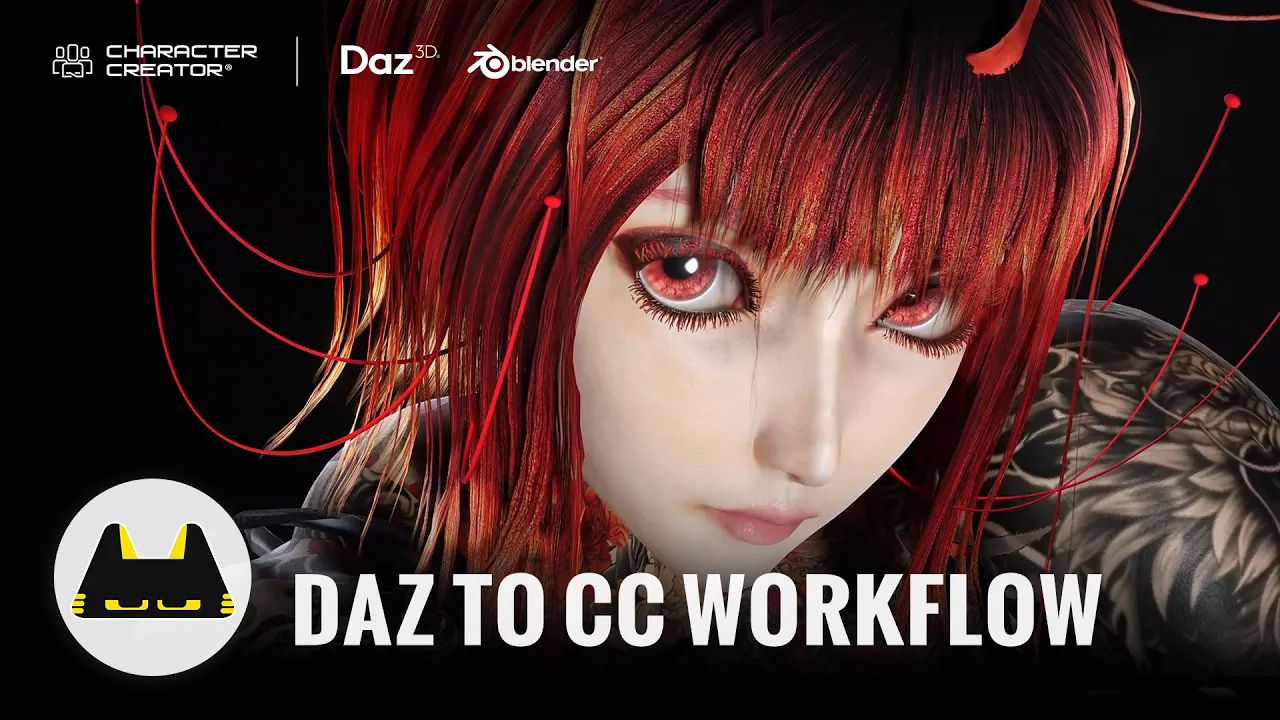
Master Daz to Character Creator 5 Workflow Fast: Building Bu Ra En with CC5 and Blender
 Reallusion
Aug 6, 2026 09:14
Reallusion
Aug 6, 2026 09:14
Create an account to hide videos, mark them watched, or save them to Don't Miss.
Create an account to hide videos, mark them watched, or save them to Don't Miss.
Create an account to hide videos, mark them watched, or save them to Don't Miss.
Chapters
TL;DR: Master the Daz3D to Character Creator 5 workflow to build stunning 3D characters fast. This video guides 3D artists and studios through using Daz3D, Character Creator 5, and Blender to refine Genesis 9 models. Leverage CC5's powerful Transformer and Headshot 3 for a streamlined pipeline.
⏱️ Video Chapters:
🔑 Key Takeaways & Features:
- Convert diverse Daz3D models, including Genesis 3, 8, 8.1, 9, and HD characters, into CC3+ or CC5 HD characters using the Transformer feature.
- Refine character facial features, body proportions, and expressions directly in Character Creator 5 using intuitive morph tools without complex rebuilding.
- Integrate full-body tattoo textures and material responses, ensuring seamless blending with skin and outfits for dramatic visual impact.
- Utilize Blender for creating custom props, accessories, and unique design elements, then integrate them flawlessly into Character Creator 5 for character-specific styling.
- Centralize the entire 3D character pipeline within Character Creator 5, combining Daz3D bases, morphs, textures, materials, outfits, custom assets, and animation testing.
❓ Frequently Asked Questions:
Q: What Daz3D character generations does Character Creator 5's Transformer support?
A: Character Creator 5's Transformer supports Daz3D Genesis 3, Genesis 8, Genesis 8.1, Genesis 9, and HD characters, converting them to CC3+ or CC5 HD formats.
Q: How can I customize Daz3D characters imported into Character Creator 5?
A: In Character Creator 5, you can refine characters using morph tools for face, body, and expression, and integrate custom assets created in external software like Blender.
Q: What is the main benefit of using Character Creator 5 in a Daz3D character pipeline?
A: Character Creator 5 serves as a central hub for refining Daz3D bases, applying morph adjustments, managing textures, materials, outfits, custom assets, and preparing characters for animation.
💻 Software & Tools Used:
- Character Creator 5
- Headshot 3 for Character Creator 5
- Daz3D
- Blender
📝 Comprehensive Video Summary:
This video presents a detailed "Daz to Character Creator 5 Workflow" for "Building Bu Ra En with CC5 and Blender," as demonstrated by a multimedia designer and 3D character creator from Malaysia. The workflow outlines how to transform Daz3D Genesis 9 models into customizable Character Creator 5 assets, focusing on creating unique character designs. It covers initial concept development, selecting a suitable Daz3D base, importing it into Character Creator 5 using the powerful Transformer feature, and then extensively refining the character's facial features, body, and expressions. The guide further details integrating full-body tattoo textures and material responses, and leveraging Blender for crafting custom props and accessories, all within the Character Creator 5 pipeline. This integrated approach ensures efficient character development ready for animation and presentation. (For the complete technical breakdown and software demonstration, please enable Closed Captions).
❆LEARN MORE❆
Learn about Character Creator 5:
https://www.reallusion.com/character-creator/
✦FOLLOW US✦
Instagram: https://www.instagram.com/reallusionofficial/
Facebook: https://www.facebook.com/ReallusionSoftware/
TikTok: https://www.tiktok.com/@reallusionofficial
LinkedIn: https://www.linkedin.com/company/reallusion
Twitter: https://twitter.com/reallusion
Blog: https://magazine.reallusion.com/
Forum: https://discussions.reallusion.com/
❆ONLINE HELP❆
Character Creator 5: https://courses.reallusion.com/home/character-creator
#CharacterCreator5 #Headshot3 #Blender
Film & Animation
#Character Creator 5
#CC5
#Daz to Character Creator 5 workflow
#import Daz3D to CC5
#how to make 3D characters
#Daz3D to CC
#Character Creator Daz3D
#Daz character pipeline
#3D character design
#character animation
#Blender 3D
#real-time animation
#game art