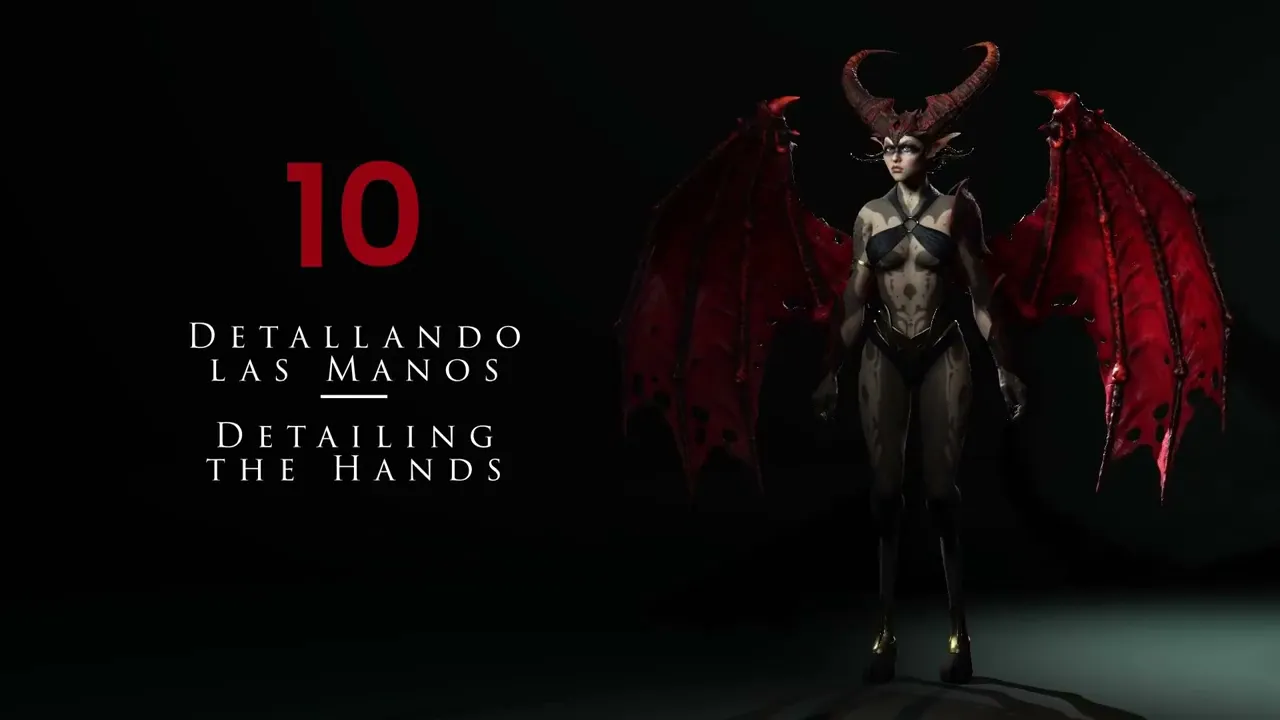
Detailing The Hands | Master Character Creator 5 & ZBrush: The Making of Veyra 10
 Reallusion
Aug 25, 2026 03:04
Reallusion
Aug 25, 2026 03:04
Create an account to hide videos, mark them watched, or save them to Don't Miss.
Create an account to hide videos, mark them watched, or save them to Don't Miss.
Create an account to hide videos, mark them watched, or save them to Don't Miss.
Chapters
TL;DR: Learn to sculpt incredibly detailed hands and monster claws for your 3D characters in Character Creator 5. This guide targets 3D artists and game developers aiming to enhance anatomical fidelity and unique design elements for high-quality character models. Solve the challenge of adding realistic or stylized hand details that retain proper topology for animation.
⏱️ Video Chapters:
🔑 Key Takeaways & Features:
- Optimize anatomical shapes by emphasizing character joints and tendons in Character Creator 5.
- Utilize ZBrush topological automasking with a range of 3 to 5 to isolate individual finger sculpting.
- Sculpt realistic or monstrous hand details using ZBrush brushes like Inflate, Standard, and Dam Standard.
- Refine character model resolution for intricate details at subdivision level 4.
- Isolate finger sections using Control+Shift+X for precise, targeted sculpting workflows.
❓ Frequently Asked Questions:
Q: How do you sculpt individual fingers without affecting adjacent parts in ZBrush?
A: You can use ZBrush's topological automasking feature, setting the range to 3, 4, or the default 5, to control brush influence per finger.
Q: Which ZBrush brushes are effective for detailing hand joints and tendons?
A: The Inflate brush is ideal for emphasizing joints, while the Standard and Dam Standard brushes are used for marking tendons and defining anatomical folds.
Q: How can I add monster-like or exaggerated details to character hands in Character Creator 5?
A: By using the Inflate brush to create bumps on joints and enhancing nail thickness and curvature, you can achieve a monster-like or arthritic appearance for your character's hands.
💻 Software & Tools Used:
- Character Creator 5
- ZBrush
📝 Comprehensive Video Summary:
This video, focused on "Detailing The Hands," guides 3D artists through the process of adding high-fidelity anatomical and monster-like details to character hands within a Character Creator 5 workflow. It demonstrates using ZBrush to sculpt intricate joints, pronounced tendons, and unique claw or nail shapes. Viewers will learn how to leverage ZBrush's topological automasking feature to precisely sculpt individual fingers without affecting adjacent geometry. The tutorial covers techniques for enhancing finger bone structures, defining skin folds with various brushes, and adjusting nail thickness at high subdivision levels. The goal is to produce highly detailed hand models, ensuring they are optimized for seamless integration back into Character Creator 5, ultimately preparing the character with refined secondary and tertiary forms. (For the complete technical breakdown and software demonstration, please enable Closed Captions).
❆LEARN MORE❆
Learn about Character Creator 5:
https://www.reallusion.com/character-creator/
✦FOLLOW US✦
Instagram: https://www.instagram.com/reallusionofficial/
Facebook: https://www.facebook.com/ReallusionSoftware/
TikTok: https://www.tiktok.com/@reallusionofficial
LinkedIn: https://www.linkedin.com/company/reallusion
Twitter: https://twitter.com/reallusion
Blog: https://magazine.reallusion.com/
Forum: https://discussions.reallusion.com/
❆ONLINE HELP❆
Character Creator 5: https://courses.reallusion.com/home/character-creator
#CharacterCreator5 #ZBrush #DigitalSculpting
Film & Animation
#Character Creator 5
#ZBrush
#3D hand sculpting
#character hand details
#how to sculpt monster hands
#ZBrush topological automasking
#CC5 hand sculpt
#3D character art
#digital sculpting tutorial
#anatomical sculpting
#real-time character
#game development
#3D artist workflow
#character animation
#creature design