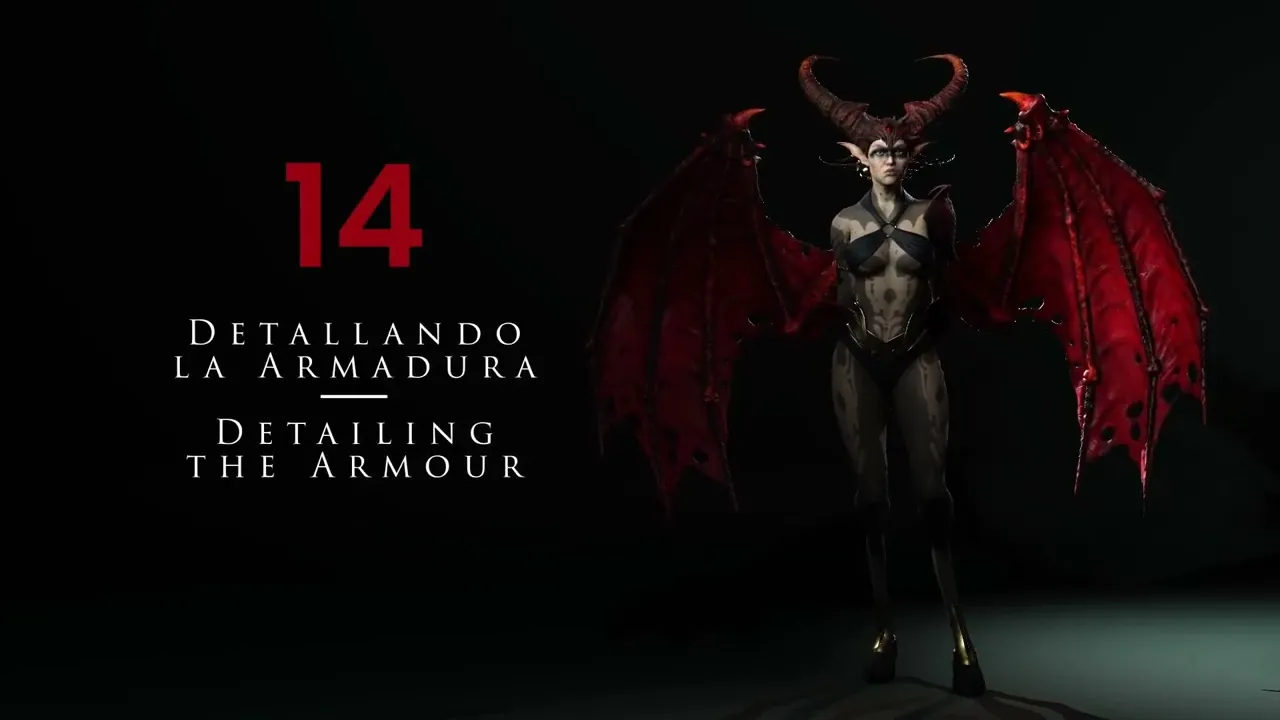
Detailing The Armor | Master Character Creator 5 & ZBrush: The Making of Veyra14
 Reallusion
Aug 25, 2026 03:04
Reallusion
Aug 25, 2026 03:04
Create an account to hide videos, mark them watched, or save them to Don't Miss.
Create an account to hide videos, mark them watched, or save them to Don't Miss.
Create an account to hide videos, mark them watched, or save them to Don't Miss.
Chapters
TL;DR: This tutorial reveals expert techniques for detailing armor components like shoulder pads and forearm protectors. Learn how indie developers and 3D artists can achieve high-fidelity, production-ready armor for Character Creator 5 by leveraging advanced ZBrush workflows. Solve common challenges in symmetry, UV mapping, and texture application for your 3D characters.
⏱️ Video Chapters:
🔑 Key Takeaways & Features:
- Achieve precise armor symmetry using ZBrush's transpose tool and mirror & weld operations.
- Streamline UV mapping with ZBrush UV Master, creating distinct polygroup islands for efficient texture application.
- Generate custom alpha brushes from OBJ files, enabling simultaneous poly paint and detail extrusion onto high-poly meshes.
- Apply realistic surface imperfections, including noise and dents, using specialized Orb brushes with mask by polygroups and back face mask features.
- Optimize meshes for Character Creator 5 by employing ZModeler for structural attachments and ZRemesher for controlled subdivision levels, reaching up to 800,000 polygons for combined assets.
❓ Frequently Asked Questions:
Q: How do I ensure perfect symmetry when detailing armor pieces in ZBrush?
A: Achieve perfect symmetry by aligning your mesh with the ZBrush gizmo, using the transpose tool, and then applying the mirror and weld function.
Q: What is the recommended workflow for creating and applying custom details to armor?
A: Create custom details by generating alphas from OBJ files, then apply them using the standard brush with poly paint enabled, carefully controlling focal shift and resolution.
Q: How can I prepare my detailed armor meshes for use in Character Creator 5, ensuring proper topology and texture?
A: Prepare meshes by optimizing UVs with UV Master, applying surface noise and dents, and ensuring watertight geometry with 'close holes' before merging and exporting.
💻 Software & Tools Used:
- Character Creator 5
- ZBrush
- Photoshop
- Orb Brushes
📝 Comprehensive Video Summary:
This tutorial, "Detailing The Armor," provides an in-depth guide to enhancing 3D armor components for use with Character Creator 5. The instructor demonstrates essential ZBrush workflows, beginning with establishing perfect symmetry for shoulder pads and efficient UV unwrapping using UV Master. Viewers will learn to create custom alpha brushes from OBJ files, enabling precise poly paint applications for intricate surface details. The video further covers applying realistic surface noise and structural dents with specialized Orb brushes, and generating high-resolution texture maps (e.g., 2K/4K). Key techniques for crafting functional forearm protector attachments, including ZModeler operations and ZRemesher for optimized geometry, are also detailed. This comprehensive approach ensures artists can produce high-fidelity, production-ready armor for their Character Creator 5 characters. (For the complete technical breakdown and software demonstration, please enable Closed Captions).
❆LEARN MORE❆
Learn about Character Creator 5:
https://www.reallusion.com/character-creator/
✦FOLLOW US✦
Instagram: https://www.instagram.com/reallusionofficial/
Facebook: https://www.facebook.com/ReallusionSoftware/
TikTok: https://www.tiktok.com/@reallusionofficial
LinkedIn: https://www.linkedin.com/company/reallusion
Twitter: https://twitter.com/reallusion
Blog: https://magazine.reallusion.com/
Forum: https://discussions.reallusion.com/
❆ONLINE HELP❆
Character Creator 5: https://courses.reallusion.com/home/character-creator
#CharacterCreator5 #ZBrush #3DModeling
Film & Animation
#Character Creator 5
#ZBrush
#how to detail armor
#ZBrush armor workflow
#CC5 armor tutorial
#3D armor sculpting
#character creator 5 armor
#zbrush detailing
#3D character art
#game art pipeline
#digital sculpting
#real-time 3D
#character design