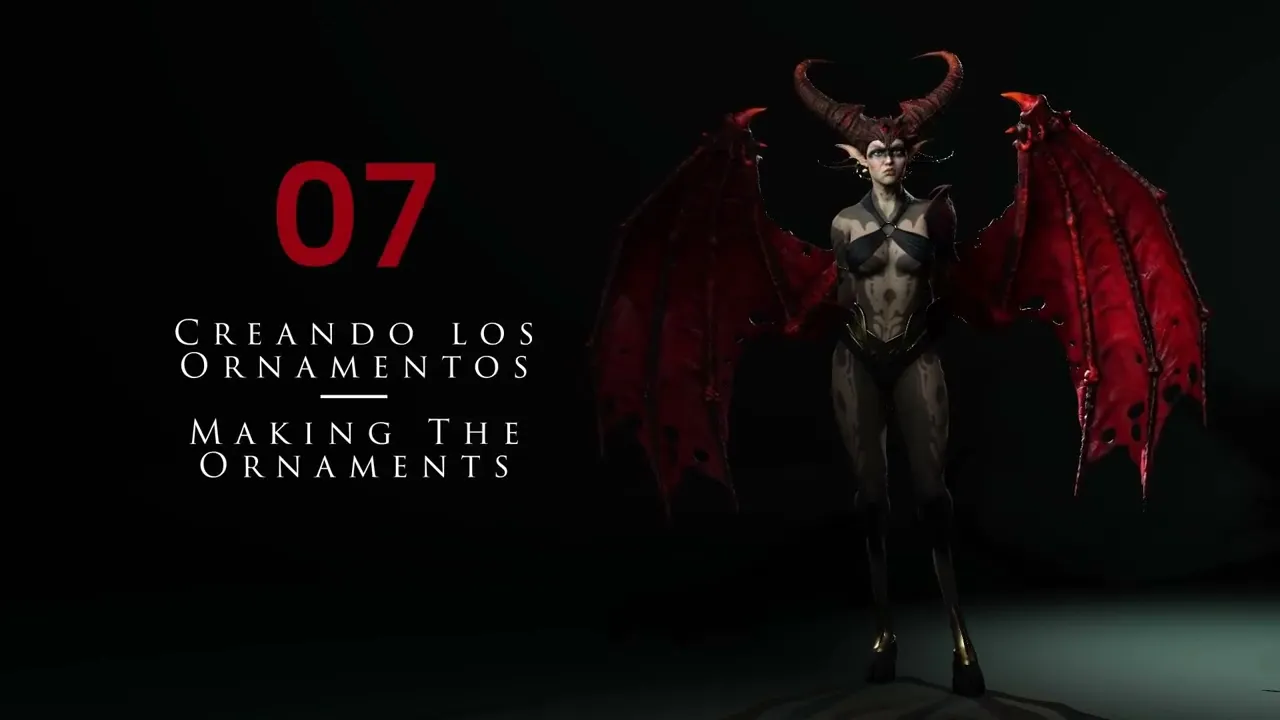
Design Pro 3D Ornaments | Master Character Creator 5 & ZBrush: The Making of Veyra 07
 Reallusion
Aug 25, 2026 03:01
Reallusion
Aug 25, 2026 03:01
Create an account to hide videos, mark them watched, or save them to Don't Miss.
Create an account to hide videos, mark them watched, or save them to Don't Miss.
Create an account to hide videos, mark them watched, or save them to Don't Miss.
Chapters
TL;DR: This tutorial guides 3D artists and indie developers through the efficient creation of detailed 3D ornaments within Character Creator 5. Learn advanced sculpting techniques for hard-surface elements, ensuring your characters boast intricate, production-ready designs with precision.
⏱️ Video Chapters:
🔑 Key Takeaways & Features:
- Subdivide meshes up to 3 million polygons for precision sculpting, enabling detailed drawing and surface manipulation.
- Simulate realistic fabric drape by setting collision inflate value to 0 and initiating gravity-based fall simulation, ensuring natural garment fitting.
- Extract solid 3D geometry from masks with precise thickness control, demonstrated with values like 0.01 and 0.005 for varied structural elements.
- Organize complex hard-surface topology rapidly using polygroups, ZModeller, and 'Groups by Normals' for defining crisp, sharp edges.
- Optimize mesh density to approximately 7,000 polygons using ZRemesher, while preserving critical polygroup separation for cleaner topology and efficient workflows.
❓ Frequently Asked Questions:
Q: How do you create sharp edges for hard-surface ornaments?
A: Sharp edges are achieved by organizing polygon groups (polygroups), utilizing ZModeller functionality, and applying polish by groups to accentuate defined boundaries effectively.
Q: What is the process for extracting 3D geometry from masks?
A: Geometry can be extracted using the "Sub Tool Extract" function, allowing for precise control over thickness values (e.g., 0.01 or 0.005) to generate solid pieces from masked areas.
Q: How are polygroups used to accelerate ornament design?
A: Polygroups simplify selection and manipulation, enabling rapid isolation of areas for polishing, smoothing, and maintaining hard surface integrity, even during mesh optimization with ZRemesher.
💻 Software & Tools Used:
- Character Creator 5
- Masking Tools
- Polygroups
- ZRemesher
- Sub Tool Extract
- ZModeller
📝 Comprehensive Video Summary:
This tutorial, centered on Creating Ornaments, provides an in-depth guide to crafting intricate 3D hard-surface elements for character designs. The instructor demonstrates essential sculpting techniques, including efficient mesh duplication, dynamic fabric simulation, and advanced polygroup management within a ZBrush-like workflow. Learn to subdivide models for high-detail sculpting (e.g., up to 3 million polygons), create precise shapes using masks, and extract solid geometry with adjustable thickness (e.g., 0.005). The video also covers refining edges with polish by groups and optimizing topology (e.g., to 7,000 polygons) using ZRemesher, ensuring professional-grade hard surface designs for Character Creator 5 projects. (For the complete technical breakdown and software demonstration, please enable Closed Captions).
❆LEARN MORE❆
Learn about Character Creator 5:
https://www.reallusion.com/character-creator/
✦FOLLOW US✦
Instagram: https://www.instagram.com/reallusionofficial/
Facebook: https://www.facebook.com/ReallusionSoftware/
TikTok: https://www.tiktok.com/@reallusionofficial
LinkedIn: https://www.linkedin.com/company/reallusion
Twitter: https://twitter.com/reallusion
Blog: https://magazine.reallusion.com/
Forum: https://discussions.reallusion.com/
❆ONLINE HELP❆
Character Creator 5: https://courses.reallusion.com/home/character-creator
#CharacterCreator5 #3DCharacter #ZBrush
Film & Animation
#Character Creator 5
#CC5
#how to sculpt armor
#create fantasy ornaments
#3D character details
#character creator five
#ornament modeling
#zbrush techniques
#3D art
#game development
#real-time animation
#polygroups tutorial
#hard surface modeling
#fabric simulation
#zremesher workflow