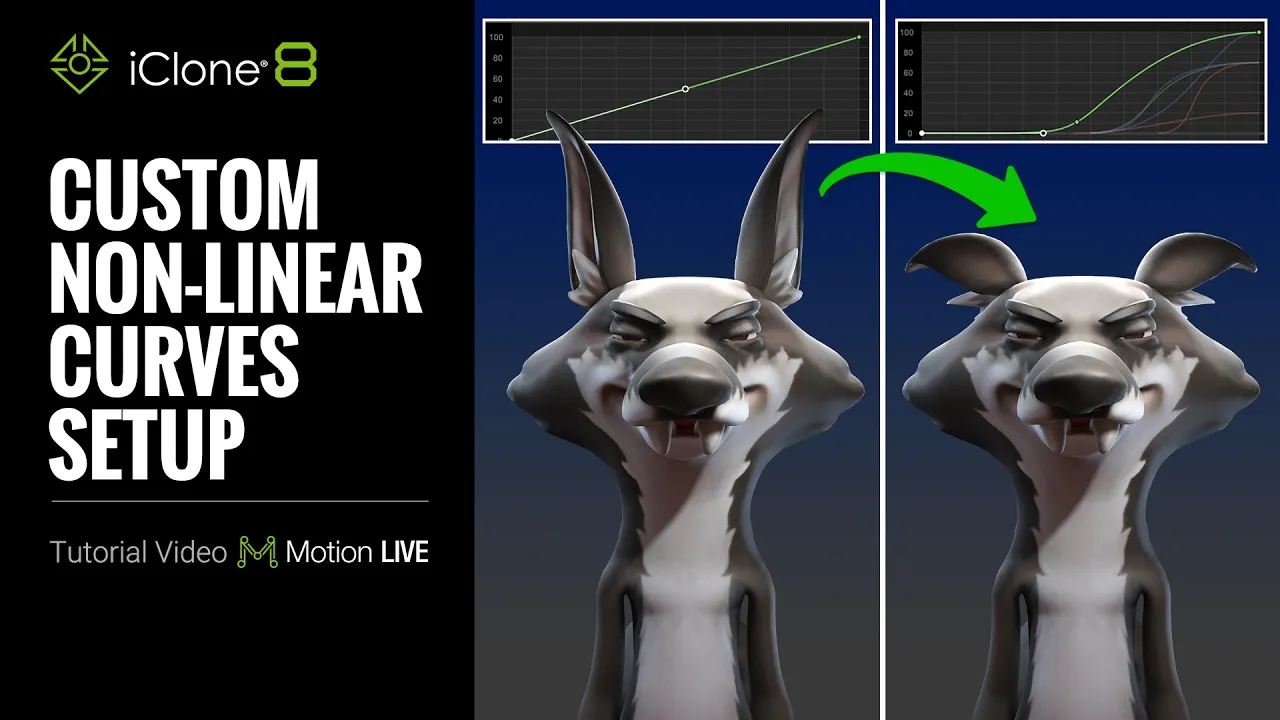
Custom Non-linear Curves Setup in Motion Live | iClone 8 Tutorial
 Reallusion
Aug 20, 2026 01:47
Reallusion
Aug 20, 2026 01:47
Create an account to hide videos, mark them watched, or save them to Don't Miss.
Create an account to hide videos, mark them watched, or save them to Don't Miss.
Create an account to hide videos, mark them watched, or save them to Don't Miss.
Chapters
TL;DR: Master non-linear facial animation in iClone 8 with the Motion LIVE Curve System. This expert tutorial guides 3D artists and animators through customizing dynamic expression curves using AccuFACE 2 for truly lively character performances, solving stiffness and enhancing realism.
⏱️ Video Chapters:
*Note: Assets shown in this tutorial serve only as reference material.
🔑 Key Takeaways & Features:
- Customize response curves for facial expressions to control how mocap data is interpreted, making characters more lively and expressive, even for stylized characters.
- Utilize the Expression Curve panel in Motion LIVE to apply and switch between various curve presets (e.g., Intensified) or load custom JSON curve profiles for intricate interpolations.
- Analyze incoming signal values in real-time using the Tracking Data Inspector, mapping specific driver signals (e.g., Brow Down Left around 0.8) to curve adjustments for precise control (e.g., ear reacts differently depending on the curve).
- Drive multiple morph sliders (e.g., ear rotation, ear curl, eye width, pupil diameter) from a single input signal, applying Bezier handle adjustments and keying to control timing and attenuation (e.g., ear remains still whenever the incoming signal is below 30).
- Apply advanced effects like squash and stretch to ears for cartoonish results, or specific eyelid curves for natural closing and pupil dilation for dramatic shock effects.
❓ Frequently Asked Questions:
Q: How can I make my facial motion capture performances more expressive in iClone 8?
A: You can customize response curves using the Motion LIVE Curve System to dynamically interpret incoming mocap data, enhancing the liveliness and expressiveness of your character's facial performance.
Q: What is the benefit of using non-linear curves for facial animation?
A: Non-linear curves allow a single input signal to drive multiple morph sliders with varied responses, providing precise control over micro-expressions and complex facial movements, unlike simple linear interpretation.
Q: How do I manage and save custom facial curve settings?
A: Custom curve profiles can be loaded from and saved as JSON files within the Motion LIVE Expression Curve panel, allowing for reuse and further editing of intricate curve interpolations.
💻 Software & Tools Used:
- iClone 8
- AccuFACE 2
- Motion Live
📖 Read More:
https://www.reallusion.com/iclone/motion-capture/accuface.html
📝 Comprehensive Video Summary:
This tutorial provides an expert guide on the Custom Non-linear Curves Setup in Motion Live for iClone 8, demonstrating how to achieve highly expressive 3D character facial animations. Utilizing the Motion LIVE Curve System and AccuFACE 2, artists learn to customize response curves that dynamically interpret incoming motion capture data. The video showcases advanced techniques such as driving multiple morphs from a single signal, making real-time curve adjustments with the Tracking Data Inspector, and implementing unique effects like ear squash and stretch, pupil dilation, and sticky lips. Learn to transform stiff, linear performances into vibrant, stylized expressions and save custom curve profiles as JSON files for future use. This process significantly enhances the realism and expressiveness of character performances within iClone 8. (For the complete technical breakdown and software demonstration, please enable Closed Captions).
❆LEARN MORE❆
Learn about iClone 8:
https://www.reallusion.com/iclone/
✦FOLLOW US✦
Instagram: https://www.instagram.com/reallusionofficial/
Facebook: https://www.facebook.com/ReallusionSoftware/
TikTok: https://www.tiktok.com/@reallusionofficial
LinkedIn: https://www.linkedin.com/company/reallusion
Twitter: https://twitter.com/reallusion
Blog: https://magazine.reallusion.com/
Forum: https://discussions.reallusion.com/
❆ONLINE HELP❆
iClone 8: https://courses.reallusion.com/home/iclone
#iClone8 #AccuFACE2 #MotionLIVE
Film & Animation
#iClone 8
#Motion LIVE Curve System
#AccuFACE 2
#iClone 8 facial animation
#how to customize mocap
#non-linear animation
#Motion LIVE expressions
#character animation curves
#real-time animation pipeline
#3D character animation
#facial mocap tutorial
#iclone8
#accuface2
#digital human
#creative software