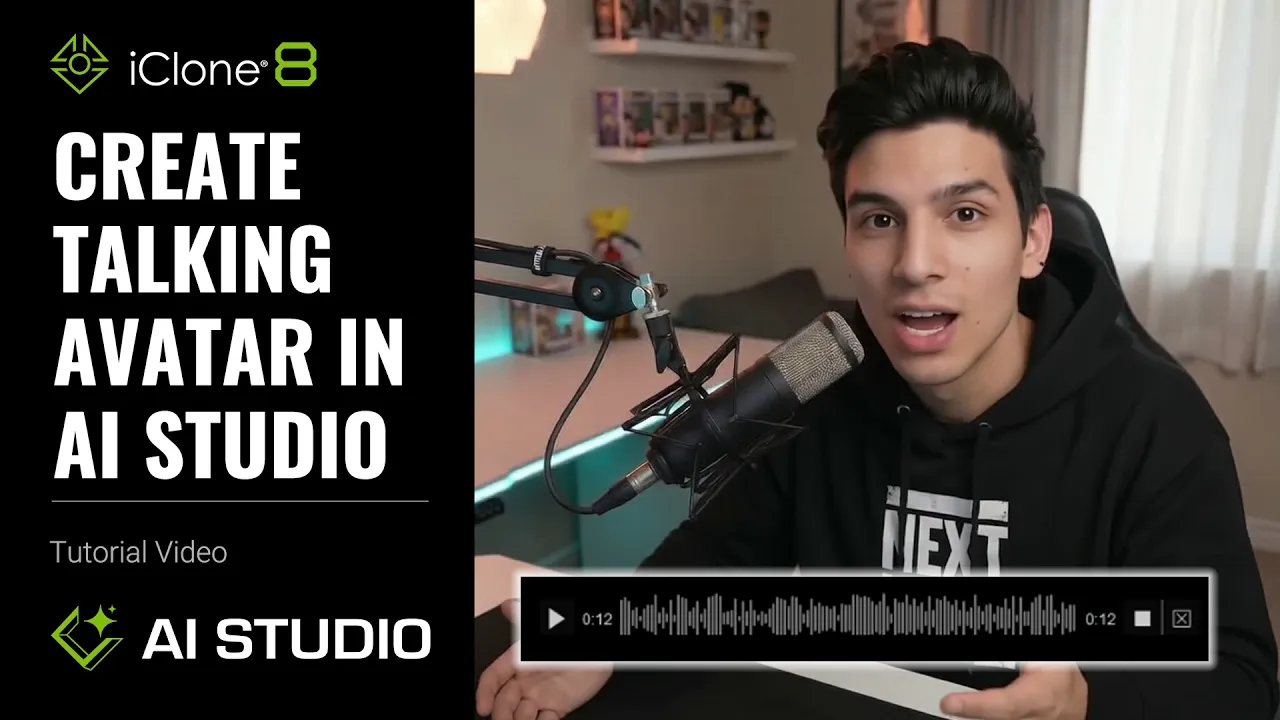
Create Talking Actor in AI Studio | AI Studio Tutorial
 Reallusion
Jul 20, 2026 10:01
Reallusion
Jul 20, 2026 10:01
Create an account to hide videos, mark them watched, or save them to Don't Miss.
Create an account to hide videos, mark them watched, or save them to Don't Miss.
Create an account to hide videos, mark them watched, or save them to Don't Miss.
Chapters
TL;DR: Master customizing character voices in AI Studio's Talking Avatar for iClone 8 and Character Creator 5. This tutorial solves voice generation and lip-sync complexities, enabling 3D artists and animators to create expressive talking avatars efficiently.
⏱️ Video Chapters:
*Note: Assets shown in this tutorial serve only as reference material.
🔑 Key Takeaways & Features:
- Generate emotionally rich voices for 3D characters from static images or video references using AI Studio's Talking Avatar, including multi-language support.
- Integrate iClone 8 animation workflows with 3D Guided Generation and 3D to Video to stylize output and add dynamic voice performances with consistent motion.
- Control specific emotional parameters (Emotion, Tone, Speaking Speed, Voice Style) directly within the Speech Text field for precise voice delivery.
- Manage complex dialogues for up to two characters using Multiple Talking Avatars, allowing for custom voice assignments and natural pacing with delay times.
- Export all generated audio as WAV files for seamless reuse across projects or direct application within iClone 8 3D environments.
❓ Frequently Asked Questions:
Q: How can I generate stable, emotionally rich voices efficiently?
A: Use AI Studio's Talking Avatar feature to create high-quality voices at a lower credit cost compared to other methods like Seedance.
Q: How do I control emotional intensity in AI Studio's generated voices?
A: You can enhance emotional control by adding structured emotion parameters (Emotion, Tone, Speaking Speed, Voice Style) directly within the Speech Text field.
Q: Can I create dialogues for multiple talking avatars simultaneously?
A: Yes, AI Studio's Multiple Talking Avatars feature supports up to two characters, allowing you to build full conversations with independent voice assignments and customizable pauses.
💻 Software & Tools Used:
- iClone 8
- Character Creator 5
- AI Studio
📖 Read More:
https://ai.reallusion.com/ai-studio/default.html
📝 Comprehensive Video Summary:
This video tutorial demonstrates how to create a talking actor using AI Studio, focusing on the powerful Talking Avatar feature within iClone 8 and Character Creator 5. It outlines workflows for generating customized character voices from static images via Image Create and dynamic video references, integrating 3D Guided Generation and 3D to Video for seamless animation. The tutorial details using the Text-to-Voice panel, Reference Audio, and Audio-to-Voice for diverse voice generation, including multi-language support. Viewers learn to control emotional parameters within Speech Text and manage complex dialogues for multiple talking avatars. The process emphasizes efficient creation of expressive 3D characters with precise voice and motion control for various creative projects. (For the complete technical breakdown and software demonstration, please enable Closed Captions).
❆LEARN MORE❆
Learn about iClone 8:
https://www.reallusion.com/iclone/
Learn about Character Creator 5:
https://www.reallusion.com/character-creator/
✦FOLLOW US✦
Instagram: https://www.instagram.com/reallusionofficial/
Facebook: https://www.facebook.com/ReallusionSoftware/
TikTok: https://www.tiktok.com/@reallusionofficial
LinkedIn: https://www.linkedin.com/company/reallusion
Twitter: https://twitter.com/reallusion
Blog: https://magazine.reallusion.com/
Forum: https://discussions.reallusion.com/
❆ONLINE HELP❆
iClone 8: https://courses.reallusion.com/home/iclone
Character Creator 5: https://courses.reallusion.com/home/character-creator
#iClone8 #AIStudio #AIvoice
Film & Animation
#iClone 8
#AI Studio
#how to make talking avatar
#how to generate ai voice
#how to control character emotions
#talking character ai
#iclone voice
#character creator voice
#3D animation
#character creation
#real-time animation
#AI voice generation
#lip sync tutorial
#ai animation
#reallusion