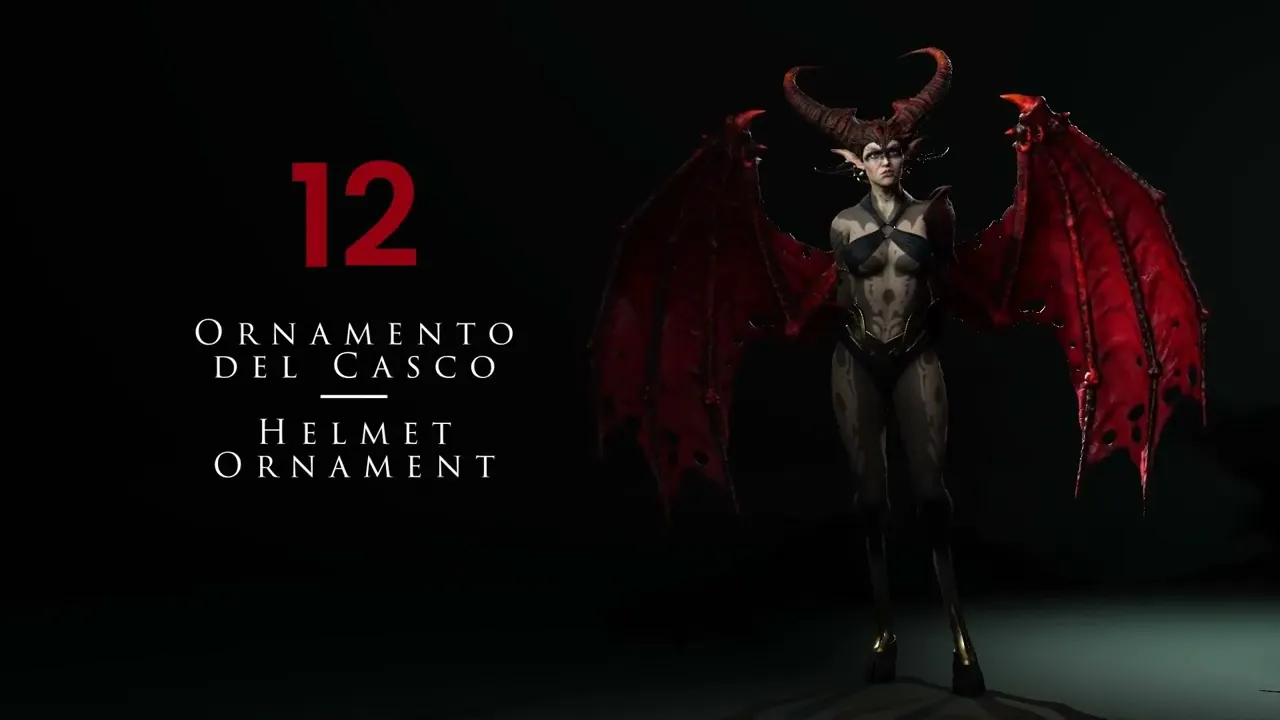
Craft Custom Helmet Ornaments | Master Character Creator 5 & ZBrush: The Making of Veyra 12
 Reallusion
Aug 25, 2026 03:04
Reallusion
Aug 25, 2026 03:04
Create an account to hide videos, mark them watched, or save them to Don't Miss.
Create an account to hide videos, mark them watched, or save them to Don't Miss.
Create an account to hide videos, mark them watched, or save them to Don't Miss.
Chapters
TL;DR: Learn to craft stunning custom helmet ornaments for your 3D characters in Character Creator 5. This tutorial guides indie developers and freelance 3D artists through converting low-resolution 2D images into high-quality 3D assets using Photoshop and ZBrush, solving the challenge of complex custom asset creation. Master an efficient pipeline for unique character accessory design.
⏱️ Video Chapters:
🔑 Key Takeaways & Features:
- Transform low-resolution 2D images into detailed 3D assets using Photoshop's robust image enhancement and 3D extrusion features, including Gaussian Blur and Unsharp Mask.
- Generate precise 3D object geometry from 2D layers within Photoshop, utilizing specific extrusion settings like 45° angle and 100% width for clean borders, then export as OBJ.
- Refine complex imported OBJ models in ZBrush by employing advanced sculpting techniques such as Mirror and Weld for symmetry, ZRemesher for optimized topology (targeting 15,000 polygons), and ZModeler for sharp edge definition.
- Optimize ZBrush assets with PolyGroups and Polish by Groups to maintain surface integrity and prepare for dynamic subdivision, ensuring high-quality meshes for Character Creator 5.
- Integrate and adjust final 3D ornament assets onto characters using ZBrush's Gizmo and Bend Curve tool with active symmetry for accurate placement and seamless integration.
❓ Frequently Asked Questions:
Q: How can I transform a low-resolution 2D image into a high-quality 3D helmet ornament?
A: You can use Photoshop to enhance the 2D image resolution, convert it to a 3D extrusion with specific settings, and then refine its topology and form in ZBrush.
Q: What is the process for preparing a Photoshop-generated 3D object for a character in ZBrush?
A: The process involves importing the OBJ into ZBrush, centering it with the Gizmo, applying Mirror and Weld for symmetry, creating PolyGroups, and using ZRemesher and ZModeler for clean geometry before final placement.
Q: Which ZBrush tools are key for maintaining symmetry and clean topology when refining helmet ornaments?
A: Key ZBrush tools include Mirror and Weld for symmetry, Groups by Normals to define PolyGroups, ZRemesher for optimized mesh flow, and Polish by Groups for surface smoothing.
💻 Software & Tools Used:
- Character Creator 5
- Photoshop
- ZBrush
📝 Comprehensive Video Summary:
This expert tutorial demonstrates a comprehensive workflow for creating intricate 3D Helmet Ornaments, specifically designed for integration with Character Creator 5. The video begins by leveraging Photoshop to transform a low-resolution 2D image into a refined 3D extrusion, detailing techniques like resolution enhancement using Gaussian Blur and Unsharp Mask. The process then transitions to ZBrush, where the imported OBJ model undergoes extensive optimization. Key ZBrush operations include applying Mirror and Weld for perfect symmetry, generating PolyGroups for topology control, employing ZRemesher to achieve a clean mesh around 15,000 polygons, and defining sharp edges with ZModeler. The instructor guides viewers through precisely positioning and sculpting the ornament using ZBrush's Gizmo and Bend Curve tools, ensuring seamless integration onto a character's head. This method provides an efficient solution for artists seeking to rapidly develop complex, high-quality custom accessories. (For the complete technical breakdown and software demonstration, please enable Closed Captions).
❆LEARN MORE❆
Learn about Character Creator 5:
https://www.reallusion.com/character-creator/
✦FOLLOW US✦
Instagram: https://www.instagram.com/reallusionofficial/
Facebook: https://www.facebook.com/ReallusionSoftware/
TikTok: https://www.tiktok.com/@reallusionofficial
LinkedIn: https://www.linkedin.com/company/reallusion
Twitter: https://twitter.com/reallusion
Blog: https://magazine.reallusion.com/
Forum: https://discussions.reallusion.com/
❆ONLINE HELP❆
Character Creator 5: https://courses.reallusion.com/home/character-creator
#CharacterCreator5 #Photoshop #ZBrush
Film & Animation