Create Realistic CQB Squad Operations | iClone & ActorCore
 Reallusion
Aug 12, 2026 03:02
Reallusion
Aug 12, 2026 03:02
Create an account to hide videos, mark them watched, or save them to Don't Miss.
Create an account to hide videos, mark them watched, or save them to Don't Miss.
Create an account to hide videos, mark them watched, or save them to Don't Miss.
Chapters
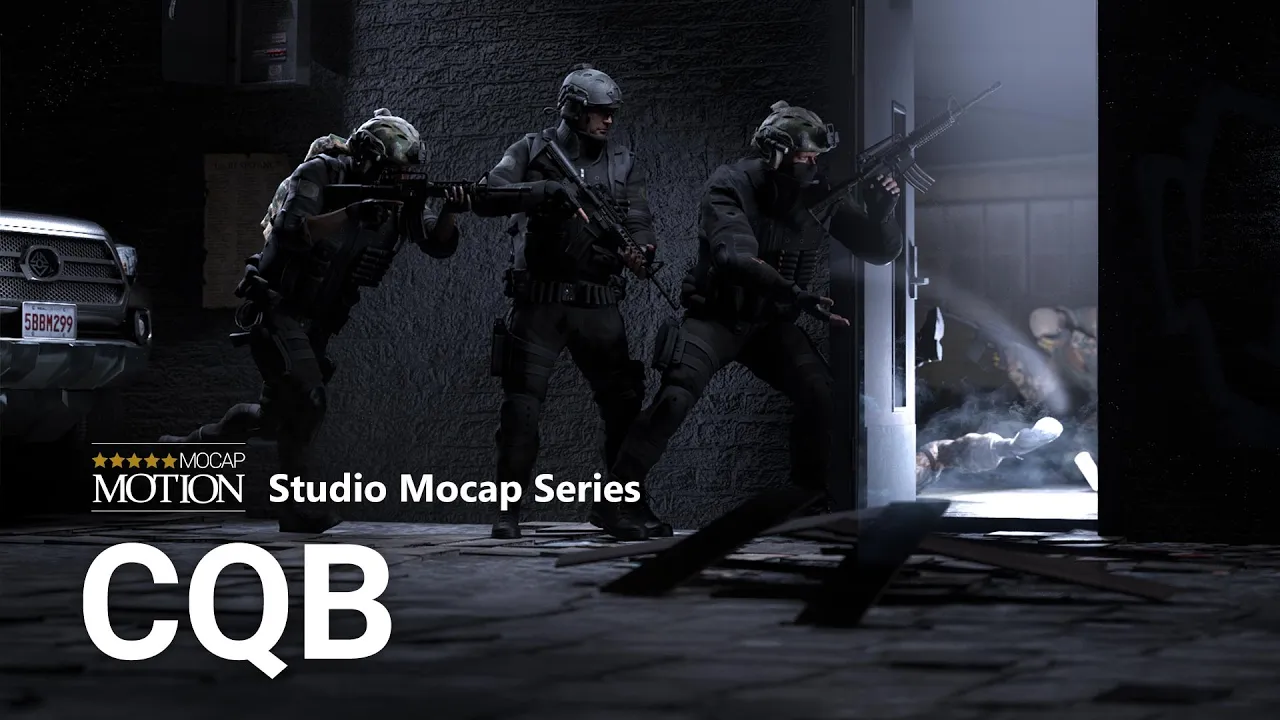
TL;DR: Explore the CQB Series, featuring 109 MotionPlus motion capture animations for iClone 8 and ActorCore. Each MotionPlus clip automatically loads the matching weapon prop for a faster animation workflow. Divided into five tactical motion packs—Stack & Search, Breach & Engage, Staircase Assault, Clear & Rescue, and Patrol & Hand Sign—the series is designed to create realistic CQB squad operations for game animation development, cinematics, and film production .
⏱️ Video Chapters:
🔑 Key Takeaways & Features:
- Stack & Search – Build realistic CQB squad formations with - coordinated wall stacks, cover movement, and tactical positioning.
- Breach & Engage – Create dynamic breaches, point-man entries, cover fire, suspect restraint, and buddy drags for authentic close-quarters combat.
- Staircase Assault – Coordinate tactical squad movements through multi-level stairwells with ascending, descending, and all-around security operations.
- Clear & Rescue – Execute professional room-clearing techniques, flashbang entries, and synchronized hostage rescue and extraction animations.
- Patrol & Hand Sign – Create stealth patrols, tactical reconnaissance, and silent squad communication with realistic hand signals.
- MotionPlus Workflow – Every MotionPlus animation automatically loads the matching weapon prop for faster scene setup.
- Bonus – Includes a Free Modular M4 Rifle with fully detachable parts for realistic weapon animations.
❓ Frequently Asked Questions:
Q: Can I replace the included M4 rifle with my own weapon?
A: Yes. You can use your own weapon model as long as it follows the same attachment hierarchy as the included Modular M4 Rifle. Check out our step-by-step guide below to learn how to swap weapons.
Q: What's the difference between MotionPlus and standard motion clips?
A: MotionPlus clips automatically load the matching weapon prop and preserve the complete animation setup, eliminating the need to manually attach or animate the weapon.
Q: Was this trailer rendered in iClone, or does it require another 3D application?
A: This trailer was rendered entirely in Reallusion iClone using the latest RTX Render. To learn more about RTX Render please visit: https://discussions.reallusion.com/t/rtx-render-open-beta-1-overview-getting-started/17902
💻 Software & Tools Used:
- iClone 8
- ActorCore
- iClone RTX Render
- iClone Content Packs
- ActorCore 3D motions
📖 Read More:
https://www.reallusion.com/ContentStore/iClone/3d-animation/cqb/default.html
📝 Comprehensive Video Summary:
Explore the CQB Series Motion Packs for iClone 8 and ActorCore in this series overview trailer. Watch coordinated Close-Quarters Battle scenarios featuring Stack & Search, Breach & Engage, Staircase Assault, Clear & Rescue, and Patrol & Hand Sign, then preview the motion gallery from each pack. Check out the individual pack trailers to explore the complete motion galleries.
❆LEARN MORE❆
Learn about iClone 8:
https://www.reallusion.com/iclone/
Learn about ActorCore:
https://actorcore.reallusion.com/
#iClone #ActorCore #CQB
---
✦FOLLOW US✦
Instagram: https://www.instagram.com/reallusionofficial/
Facebook: https://www.facebook.com/ReallusionSoftware/
TikTok: https://www.tiktok.com/@reallusionofficial
LinkedIn: https://www.linkedin.com/company/reallusion
Twitter: https://twitter.com/reallusion
Blog: https://magazine.reallusion.com/
Forum: https://discussions.reallusion.com/
❆ONLINE HELP❆
iClone 8: https://courses.reallusion.com/home/iclone
ActorCore: https://courses.reallusion.com/home/actorcore
Film & Animation