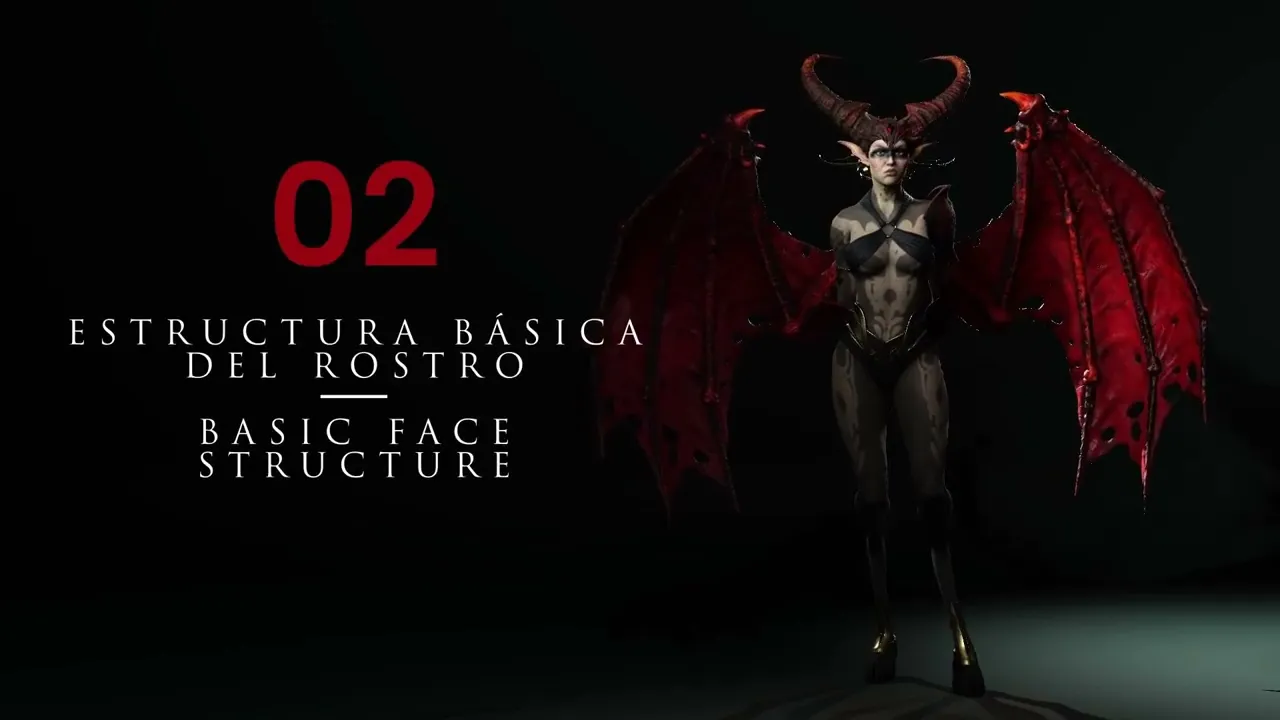
Basic Facial Structure | Master Character Creator 5 & ZBrush: The Making of Veyra 02
 Reallusion
Aug 25, 2026 03:01
Reallusion
Aug 25, 2026 03:01
Create an account to hide videos, mark them watched, or save them to Don't Miss.
Create an account to hide videos, mark them watched, or save them to Don't Miss.
Create an account to hide videos, mark them watched, or save them to Don't Miss.
Chapters
TL;DR: Learn to sculpt and refine precise facial structures for your 3D characters in Character Creator 5. This guide targets 3D artists, indie devs, and studios seeking to craft high-quality, expressive faces efficiently. Solve common deformation issues by respecting Character Creator 5's base mesh topology.
⏱️ Video Chapters:
🔑 Key Takeaways & Features:
- Optimize facial deformation by sculpting at subdivision level one in Character Creator 5, maintaining minimal polygon load.
- Guide precise sculpting using a facial region texture map to ensure natural expressions and deformation.
- Refine character features, such as jawline, cheekbones, nose, and lips, primarily with the move tool to preserve base mesh topology.
- Achieve age-specific facial characteristics, like pronounced mature lines, by carefully defining anatomical grooves at low resolution.
- Streamline ear customization, like creating elf ears, directly within Character Creator 5 using intuitive sliders post-sculpting.
❓ Frequently Asked Questions:
Q: Why is defining a character's face crucial for overall quality?
A: A well-defined face is one of the most attention-grabbing elements, significantly contributing to the character's overall quality and appeal.
Q: How does sculpting at low resolution benefit facial refinement in Character Creator 5?
A: Working at low resolution, especially at subdivision level one, makes it easier to modify primary shapes and lines precisely, avoiding an undesirable "plastin effect" at higher subdivisions.
Q: What is the recommended workflow for creating custom ears like elf ears for Character Creator 5?
A: Sculpt the main facial features externally and then use Character Creator 5's dedicated ear options and sliders to easily apply and refine custom ear types like elf ears.
💻 Software & Tools Used:
- Character Creator 5
- ZBrush (for sculpting)
📚 Oscar's Full Course Playlists:
https://www.youtube.com/playlist?list=PLNV5zSFadPdlpzcpixBqwjtBv16CY7iGS
📝 Comprehensive Video Summary:
This video provides an in-depth guide to sculpting basic facial structures for 3D characters, emphasizing techniques optimized for Character Creator 5. The instructor demonstrates how to define key facial features, starting with a low-resolution base mesh to maintain optimal topology for animation and expressions. Viewers learn to utilize a facial region texture guide for precise deformation, focusing on elements like the jawline, cheekbones, nose, and lips. The workflow covers sculpting for varied age appearances, from defining mature lines to maintaining natural form. Crucially, this expert guidance details the seamless integration of custom sculpted heads back into Character Creator 5, showcasing efficient methods for further customization like crafting distinct elf ears directly within the software. This ensures characters are prepared for dynamic, expressive animation. (For the complete technical breakdown and software demonstration, please enable Closed Captions).
❆LEARN MORE❆
Learn about Character Creator 5:
https://www.reallusion.com/character-creator/
✦FOLLOW US✦
Instagram: https://www.instagram.com/reallusionofficial/
Facebook: https://www.facebook.com/ReallusionSoftware/
TikTok: https://www.tiktok.com/@reallusionofficial
LinkedIn: https://www.linkedin.com/company/reallusion
Twitter: https://twitter.com/reallusion
Blog: https://magazine.reallusion.com/
Forum: https://discussions.reallusion.com/
❆ONLINE HELP❆
Character Creator 5: https://courses.reallusion.com/home/character-creator
#CharacterCreator5 #CharacterDesign #ZBrush
Film & Animation
#Character Creator 5
#how to sculpt face for Character Creator 5
#custom face creation Character Creator 5
#make realistic face Character Creator 5
#CC5 face
#Character Creator face sculpt
#CC5 facial design
#3D character design
#3D sculpting tutorial
#game character development
#animation character workflow
#digital sculpting