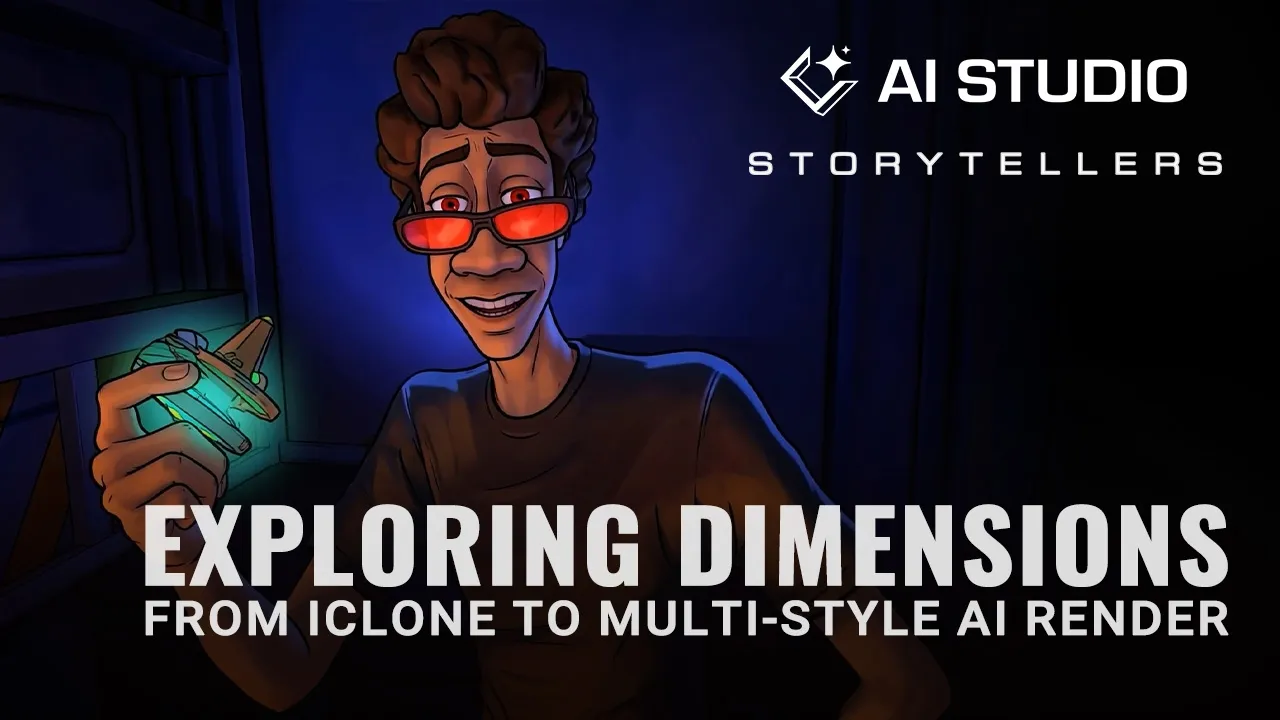
AI Studio Storytellers: Exploring Dimensions from iClone to Multi-Style AI Render
 Reallusion
Aug 24, 2026 03:14
Reallusion
Aug 24, 2026 03:14
Create an account to hide videos, mark them watched, or save them to Don't Miss.
Create an account to hide videos, mark them watched, or save them to Don't Miss.
Create an account to hide videos, mark them watched, or save them to Don't Miss.
Chapters
TL;DR: Learn to generate diverse AI video render styles using iClone 8 and Character Creator 5 for unmatched consistency and artistic control. This tutorial guides 3D artists, animators, and studios through leveraging 3D-guided AI creation in AI Studio, solving the challenge of maintaining character and scene integrity across varied aesthetic outputs.
⏱️ Video Chapters:
🔑 Key Takeaways & Features:
- Guide AI video generation using iClone 8's 3D animation, scene, and camera control for consistent multi-style renders.
- Transform Character Creator 5 avatars into iModels, leveraging Headshot 3 for character creation and iClone AccuLIPS for perfect lip-sync from AI voices like ElevenLabs.
- Explore over 33 diverse AI render styles in AI Studio (2D Anime, Photorealistic, Origami Art, Minimal Cartoon), powered by Seedance 2.0 and other advanced AI models.
- Maintain absolute motion control and 3D previs for AI cinematography, applying iClone 8 camera movements to guide AI video outputs and prevent hallucinations.
- Access advanced real-time effects with the iClone PopCornFX plugin and integrate seamlessly with AI Studio, costing approximately 17 AI point credits (USD 0.15) for image generation.
❓ Frequently Asked Questions:
Q: How do I guide AI video generation for consistent results?
A: You guide AI video generation by using iClone 8's precise 3D animation, scene setup, and camera movements as strict references within AI Studio.
Q: What software is used to create characters for AI-guided video?
A: Characters are created in Character Creator 5, often utilizing the Headshot 3 plugin, before being imported into iClone 8 for animation.
Q: Can I achieve various artistic styles in my AI-generated videos?
A: Yes, AI Studio offers a vast library of over 33 render styles, such as 2D Anime, Photorealistic, Origami Art, and Minimal Cartoon, which can be further customized with specific prompts.
💻 Software & Tools Used:
- iClone 8
- Character Creator 5
- AI Studio
- Headshot 3
- iClone AccuLIPS
- iClone PopCornFX plugin
- ElevenLabs
📖 Read More:
https://reallusion.software/xj1
🎨 Featured Artist/Studio:
Benjamin Sokomba Dazhi (Benny Dee)
https://www.instagram.com/therealbennydee
📝 Comprehensive Video Summary:
In this "How to use 3D characters and animations to guide AI video generation for multiple render styles" episode of AI Studio Storytellers, Benjamin Sokomba Dazhi (Benny Dee), an expert in 3D animation, demonstrates a powerful workflow. He showcases how to animate custom characters, created in Character Creator 5 with Headshot 3, within iClone 8. Benny Dee details how iClone 8's 3D animation, scene setup, and camera movements provide absolute motion control and 3D previs, acting as strict guidance for AI Studio. This 3D-guided AI creation platform, powered by Seedance 2.0, transforms iClone characters into iModels for consistent AI Actors, allowing artists to generate diverse video render styles—such as 2D Anime, Origami Art, and Minimal Cartoon—while maintaining consistency and content ownership. (For the complete technical breakdown and software demonstration, please enable Closed Captions).
🎁 Get it Today:
https://ai.reallusion.com/ai-studio/
👉 Claim here: https://www.reallusion.com/iclone/download.html
❆LEARN MORE❆
Learn about iClone 8:
https://www.reallusion.com/iclone/
Learn about Character Creator 5:
https://www.reallusion.com/character-creator/
✦FOLLOW US✦
Instagram: https://www.instagram.com/reallusionofficial/
Facebook: https://www.facebook.com/ReallusionSoftware/
TikTok: https://www.tiktok.com/@reallusionofficial
LinkedIn: https://www.linkedin.com/company/reallusion
Twitter: https://twitter.com/reallusion
Blog: https://magazine.reallusion.com/
Forum: https://discussions.reallusion.com/
❆ONLINE HELP❆
iClone 8: https://courses.reallusion.com/home/iclone
Character Creator 5: https://courses.reallusion.com/home/character-creator
#iClone8 #AIStudio #CharacterCreator5
Film & Animation
#iClone 8
#AI Studio
#how to guide AI video
#consistent AI animation
#multiple AI render styles
#iClone8
#Reallusion AI
#Character Creator 5
#3D animation
#AI video generation
#real-time 3D
#digital character
#Benny Dee