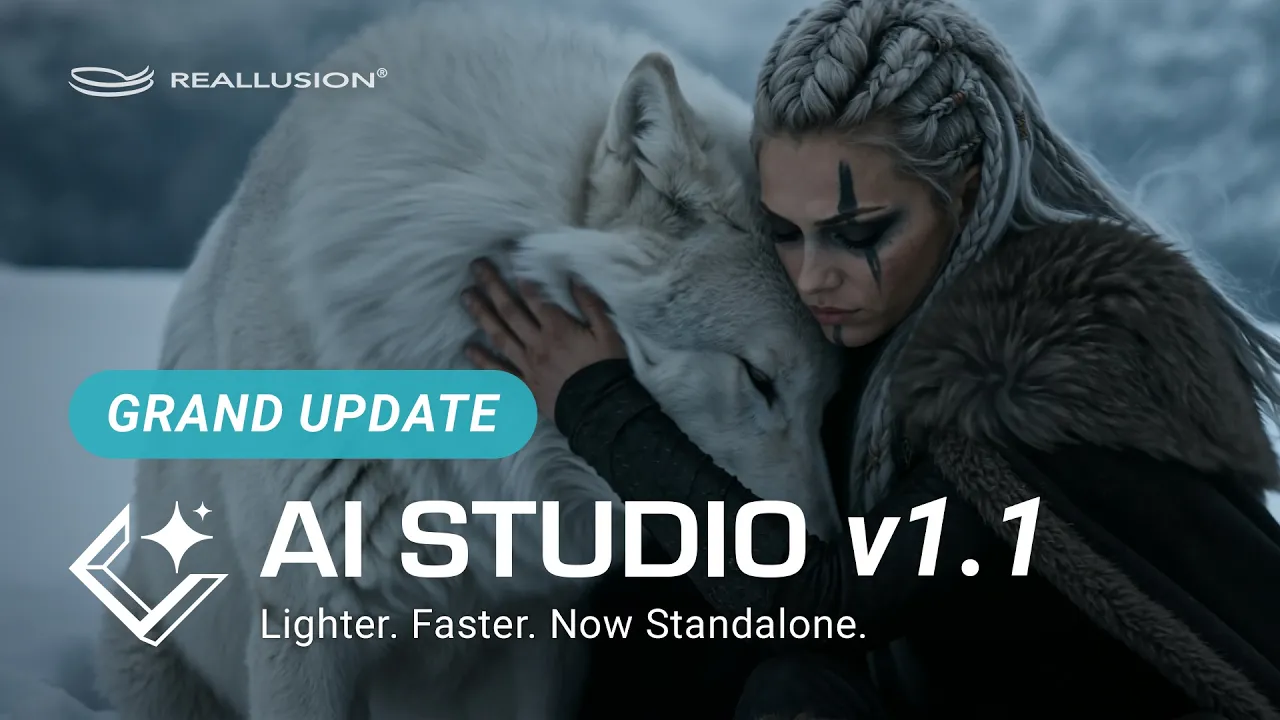
AI Studio 1.1 Major Update: Standalone Application, Seedance 2.5, and Upgraded AI Actor Creator
 Reallusion
Sep 1, 2026 09:33
Reallusion
Sep 1, 2026 09:33
Create an account to hide videos, mark them watched, or save them to Don't Miss.
Create an account to hide videos, mark them watched, or save them to Don't Miss.
Create an account to hide videos, mark them watched, or save them to Don't Miss.
Chapters
TL;DR: This video unveils the major AI Studio 1.1 update, showcasing its new standalone capabilities. See how artists can now execute AI generation tasks independently, leverage the simplified AI Actor Creator via GPT Image 2 for multi-scene character consistency, produce up to 30-second videos using Seedance 2.5, and save 50% with Seedance 2.0 Mini—all while preserving on-demand access to 3D guidance whenever advanced control is required.
⏱️ Video Chapters:
🔑 Key Takeaways & Features:
- Integrate AI Studio 1.1 as a standalone application or seamlessly connect to iClone 8 and Character Creator 5 for precision 3D guidance.
- Generate consistent AI character sheets from a few reference images, applying diverse visual styles and changing outfits effortlessly.
- Extend video content by capturing any frame and reusing it as a starting point for subsequent generations.
- Leverage Seedance 2.5 to support up to 50 references across AI actors, images, videos, and audio.
- Produce stunning video creations with extended generation times of up to 30 seconds, exportable in high-resolution 4K quality.
❓ Frequently Asked Questions:
Q: Can AI Studio 1.1 work without iClone or Character Creator?
A: Yes, AI Studio 1.1 can run independently as a standalone application, while still offering seamless connection to iClone 8 and Character Creator 5 workflows when needed.
Q: What is the maximum video length AI Studio 1.1 can generate?
A: AI Studio 1.1, powered by Seedance 2.5, supports extended video generation of up to 30 seconds.
Q: How does AI Studio 1.1 ensure character consistency across different styles or videos?
A: It allows users to generate a character sheet from reference images, then apply different visual styles or change outfits while maintaining the same character's consistency throughout your video.
💻 Software & Tools Used:
- iClone 8
- Character Creator 5
- Reallusion AI Studio
- Seedance 2.5
- Seedance 2.0 Mini
📖 Read More:
https://magazine.reallusion.com/2026/09/01/ai-studio-1-1-major-update-standalone-application-seedance-2-5-and-upgraded-ai-actor-creator/
📝 Comprehensive Video Summary:
This video details the significant AI Studio 1.1 Major Update, introducing a powerful standalone application that also seamlessly integrates with iClone 8 and Character Creator 5 for precision 3D workflows. The update focuses on an Upgraded AI Actor Creator, enabling users to generate consistent AI characters from reference images and apply various visual styles and outfits while maintaining character integrity across productions. Key enhancements include Seedance 2.5, now supporting up to 50 references across AI actors, images, videos, and audio, alongside extended video generation capabilities up to 30 seconds in stunning 4K quality. This update, presented by the Reallusion team, empowers indie developers, freelance 3D artists, and enterprise studios to streamline their character creation and animation pipelines. (For the complete technical breakdown and software demonstration, please enable Closed Captions).
❆LEARN MORE❆
Learn about AI Studio:
https://ai.reallusion.com/ai-studio/
Learn about iClone 8:
https://www.reallusion.com/iclone/
Learn about Character Creator 5:
https://www.reallusion.com/character-creator/
✦FOLLOW US✦
Instagram: https://www.instagram.com/reallusionofficial/
Facebook: https://www.facebook.com/ReallusionSoftware/
TikTok: https://www.tiktok.com/@reallusionofficial
LinkedIn: https://www.linkedin.com/company/reallusion
Twitter: https://twitter.com/reallusion
Blog: https://magazine.reallusion.com/
Forum: https://discussions.reallusion.com/
❆ONLINE HELP❆
AI Studio: https://courses.reallusion.com/home/iclone/ai-studio
iClone 8: https://courses.reallusion.com/home/iclone
Character Creator 5: https://courses.reallusion.com/home/character-creator
#ReallusionAIStudio #seedance #seedance25
Film & Animation
#AI Studio 1.1
#Reallusion AI Studio
#how to generate 4K animation
#AI character creation
#AI Studio update
#Seedance 2.5
#iClone 8 AI
#Character Creator 5 AI
#3D animation
#real-time animation
#generative AI
#AI video generation