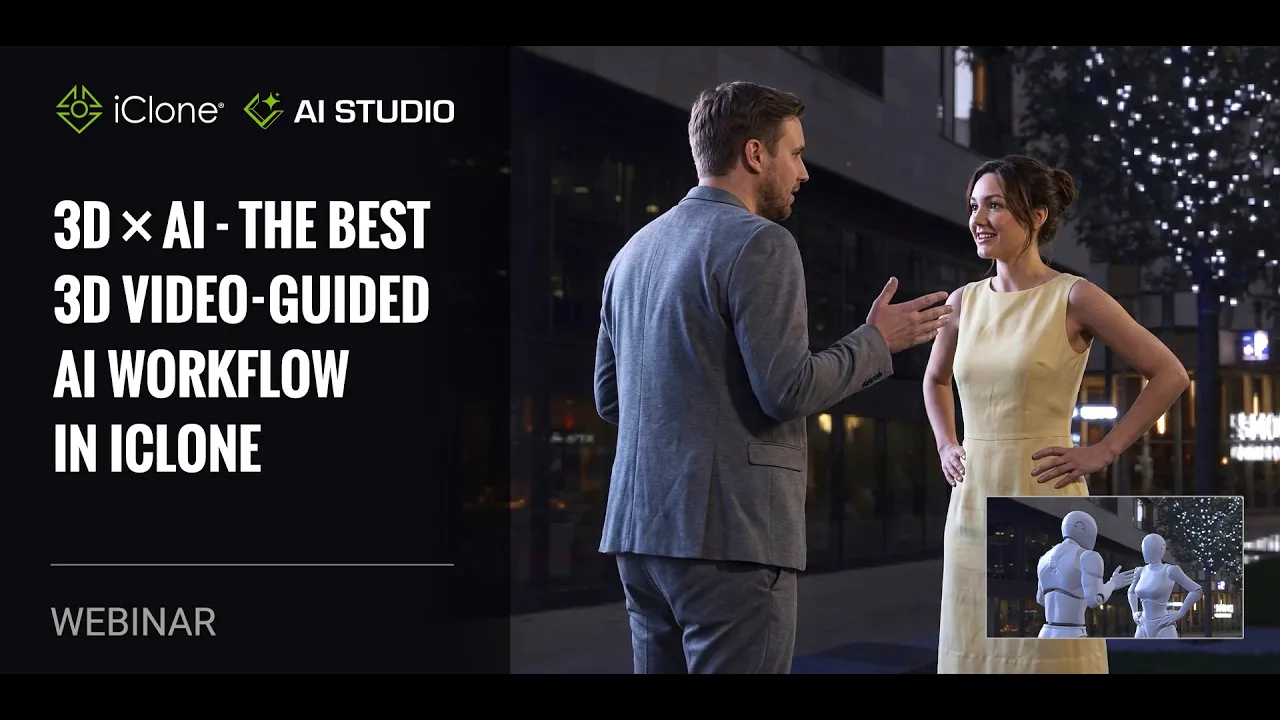
3D x AI - The Best 3D Video-Guided AI Workflow in iClone
 Reallusion
Jul 29, 2026 07:39
Reallusion
Jul 29, 2026 07:39
Create an account to hide videos, mark them watched, or save them to Don't Miss.
Create an account to hide videos, mark them watched, or save them to Don't Miss.
Create an account to hide videos, mark them watched, or save them to Don't Miss.
Chapters
TL;DR: Learn the ultimate 3D-guided AI video workflow in iClone 8, targeting 3D artists and content creators seeking precise control over AI generation. Solve common AI video challenges like inconsistent character animation and camera misinterpretation using advanced iClone 8 tools.
⏱️ Video Chapters:
🔑 Key Takeaways & Features:
- Optimize AI video generation with iClone 8's 3D-to-Video workflow, leveraging precise scene and camera data to guide AI models like CDENS 2.0 for superior animation fidelity and consistent visual style.
- Guide AI models effectively using dummy characters for enhanced realism in physics, clothing, hair, and muscle tension, especially within action-heavy scenes, reducing the "overly CG" look.
- Control narrative and pacing through iClone 8's comprehensive camera tools, including Dolly, Spiral Out, Track Left, and Orbital presets, or manual keyframing for dynamic multi-shot sequences up to 10 seconds per segment (at 60fps).
- Integrate advanced dialogue prompts and facial expressions to drive specific character performances with accurate lip-syncing, ensuring emotive and contextually relevant AI video generation.
❓ Frequently Asked Questions:
Q: How can I achieve consistent character appearance and animation in AI-generated videos?
A: Utilize the AI actor system in AI Studio with dummy characters from iClone 8, as they provide AI models like CDENS 2.0 greater freedom to generate natural movement, clothing, and hair physics, ensuring consistency.
Q: What is the best strategy for controlling complex camera movements and multi-shot sequences in AI video?
A: Leverage iClone 8's camera tools, including presets like Dolly and Orbital, or manual keyframing to create precise camera paths and multi-shot sequences, then ensure "Apply Camera Movement" is enabled in AI Studio for accurate AI guidance.
Q: Which AI video model within AI Studio offers the best balance of quality and efficiency?
A: CDENS 2.0 is recommended as the solution for human animation, physics, and background environments, often saving money by yielding great results in one or two tries compared to other models.
💻 Software & Tools Used:
- iClone 8
- AI Studio
📝 Comprehensive Video Summary:
This webinar, "3D x AI - The Best 3D Video-Guided AI Workflow in iClone," explores advanced techniques for generating AI videos with precise control using iClone 8. Presenter Howard demonstrates a 3D-to-Video workflow in AI Studio, highlighting how 3D scenes, camera animation, multi-shot sequences, and dummy meshes can guide AI generation more effectively than text prompts alone. The session covers optimizing AI video results for cost-efficiency, comparing AI models like CDENS 2.0, and customizing character animations. Howard also showcases iClone 8's camera tools for dynamic cinematography and integrates dialogue prompts for accurate facial expressions, enabling creators to maintain full creative control over AI-rendered content. (For the complete technical breakdown and software demonstration, please enable Closed Captions).
❆LEARN MORE❆
Learn about iClone 8:
https://www.reallusion.com/iclone/
✦FOLLOW US✦
Instagram: https://www.instagram.com/reallusionofficial/
Facebook: https://www.facebook.com/ReallusionSoftware/
TikTok: https://www.tiktok.com/@reallusionofficial
LinkedIn: https://www.linkedin.com/company/reallusion
Twitter: https://twitter.com/reallusion
Blog: https://magazine.reallusion.com/
Forum: https://discussions.reallusion.com/
❆ONLINE HELP❆
iClone 8: https://courses.reallusion.com/home/iclone
#iClone8 #AIStudio #RealtimeAnimation
Film & Animation