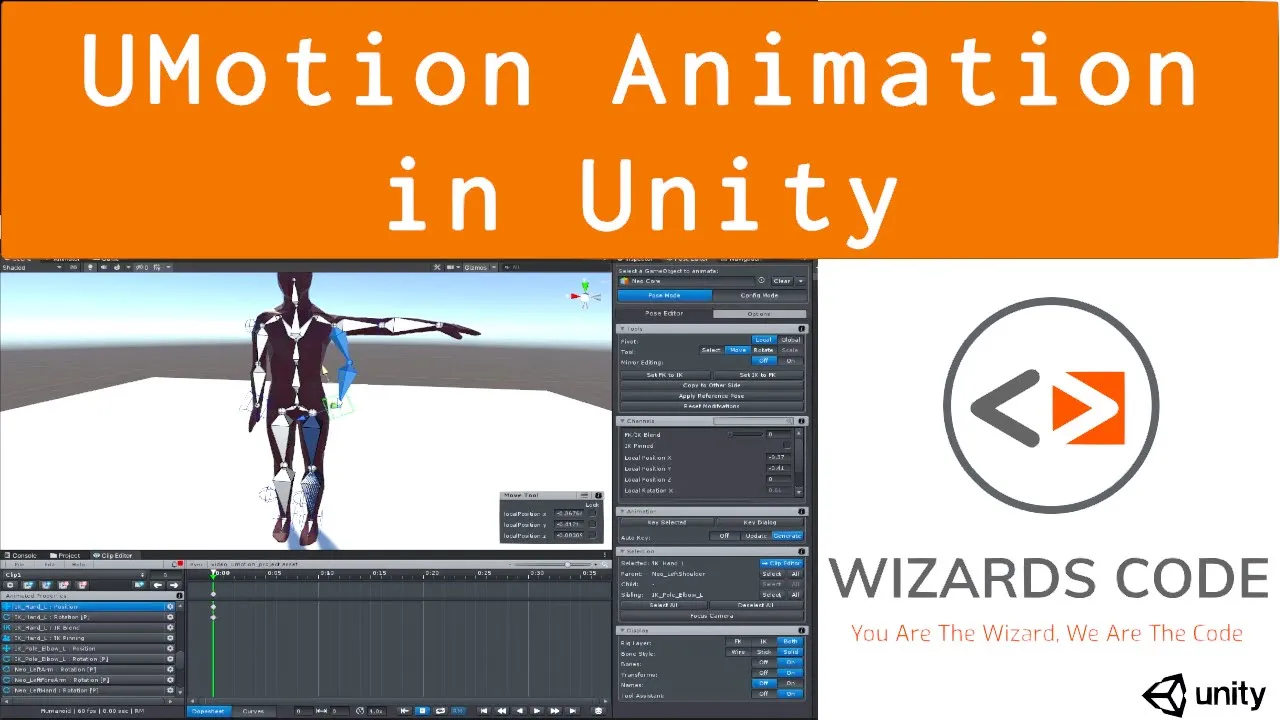
Introduction to Animating in Unity with UMotion (Free version available)
 Wizards Code
Apr 7, 2021 14:30
Wizards Code
Apr 7, 2021 14:30
Create an account to hide videos, mark them watched, or save them to Don't Miss.
Create an account to hide videos, mark them watched, or save them to Don't Miss.
Create an account to hide videos, mark them watched, or save them to Don't Miss.
This video shows the basics of how I make simple animations using UMotion, a Powerful Animation Editor for any 3D model right inside Unity. I'm no artist, but with this tooling I can get my placeholder animations into the game quickly. Once the design is done I can source decent animations for the final game - often the animator will take my animations as a starting point.
UMotion comes in two version, a free community version (http://bit.ly/UMotionCommunity) and a pro version. In this video I use the Pro (http://bit.ly/UMotionPro) version but only Pro for the Inverse Kinematics as a convenience for positioning bones. You can do all this at no cost using the Community edition, so go grab it http://bit.ly/UMotionCommunity (affiliate links).
Need free Unity assets? Here are some of the best: http://bit.ly/BestFreeUnityAssets
And here's a bunch of good, but under $10, Unity assets: http://bit.ly/BestUnityAssetsUnder10
Don't forget to subscribe: http://bit.ly/WizardsCodeSubscribe
Comments encouraged, including constructive criticism - help me improve.
#madewithunity #unity3d #gamedev #Animation
Education
#unity game development
#game development
#game dev
#gamedev
#unity
#unity3d
#indiegamedev
#indie game dev
#indie game development
#unity asset store
#wizards code
#prototype
#prototyping
#WizardsCode
#Unity Assets