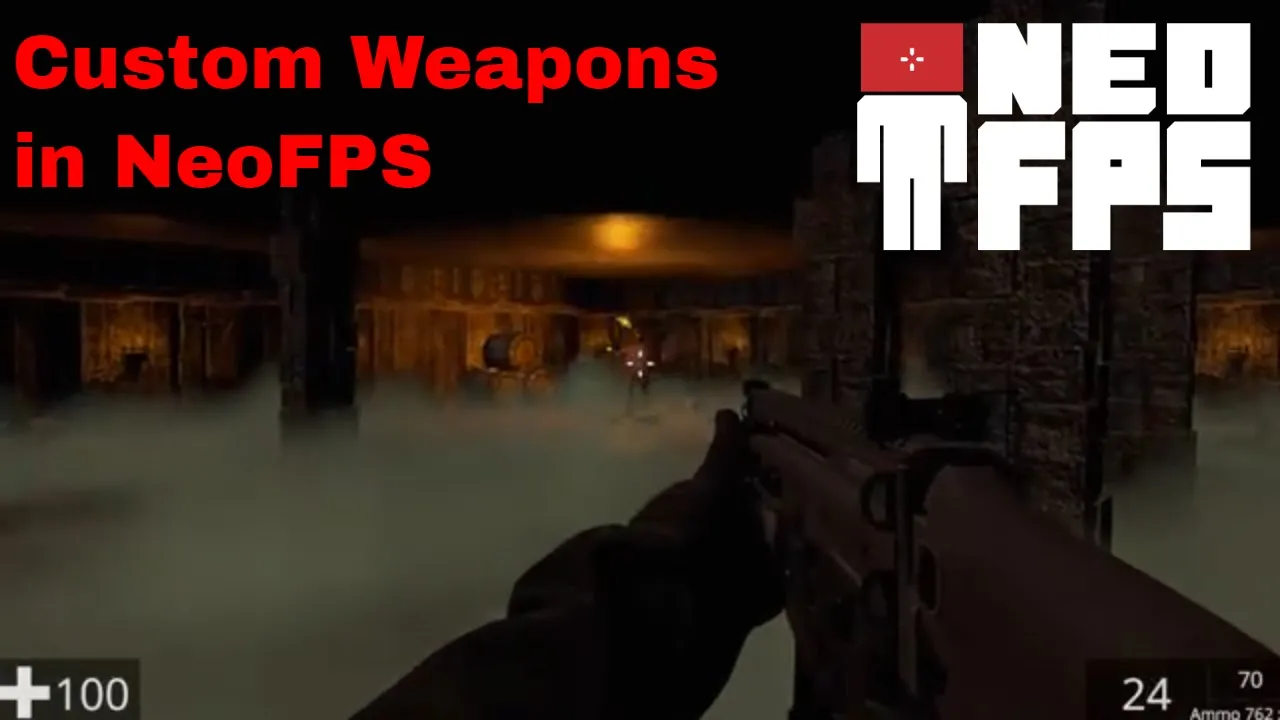
Custom Weapons in a NeoFPS Unity First Person Shooter | #Unity #GameDev #Tutorial
 Wizards Code
Jul 25, 2020 14:00
Wizards Code
Jul 25, 2020 14:00
Create an account to hide videos, mark them watched, or save them to Don't Miss.
Create an account to hide videos, mark them watched, or save them to Don't Miss.
Create an account to hide videos, mark them watched, or save them to Don't Miss.
Chapters
The 3rd part of a tutorial series creating a first person shooter in Unity. This video focuses on the look and feel of the game adding custom weapons to the NeoFPS controller and some visual and sound effects. Click 'Read More' to see an index to the video.
The goal is to build a fully playable game in under 3 hours* using assets from the Unity Asset store.
We built the environment in the first video and the AI enemies in the second, so be sure to check that out first ( https://youtu.be/1LiOkdY3FOo and https://youtu.be/1od07ivihyA ).
Subscribe to get notifications of new videos in the series and leave a comment about what you would like to see me do as I develop this game.
All assets in this video are linked from https://bit.ly/ZombieSewerAssets
Need free Unity assets? Here are some of the best: http://bit.ly/BestFreeUnityAssets
And here's a bunch of good, but under $10, Unity assets: http://bit.ly/BestUnityAssetsUnder10
Don't forget to subscribe: http://bit.ly/WizardsCodeSubscribe
Comments encouraged, including constructive criticism - help me improve.
Education
#unity game development
#game development
#game dev
#gamedev
#unity
#unity3d
#indiegamedev
#indie game dev
#indie game development
#unity asset store
#wizards code
#unity tutorial
#first person shooter
#unity fps
#how to make a game
#tutorial
#beginner
#game engine
#unity tutorials
#unity fps tutorial
#Custom Weapons in a NeoFPS Unity First Person Shooter
#neoFPS
#fps tutorial
#fps tutorial series
#unity first person shooter controller
#game development unity
#game developer