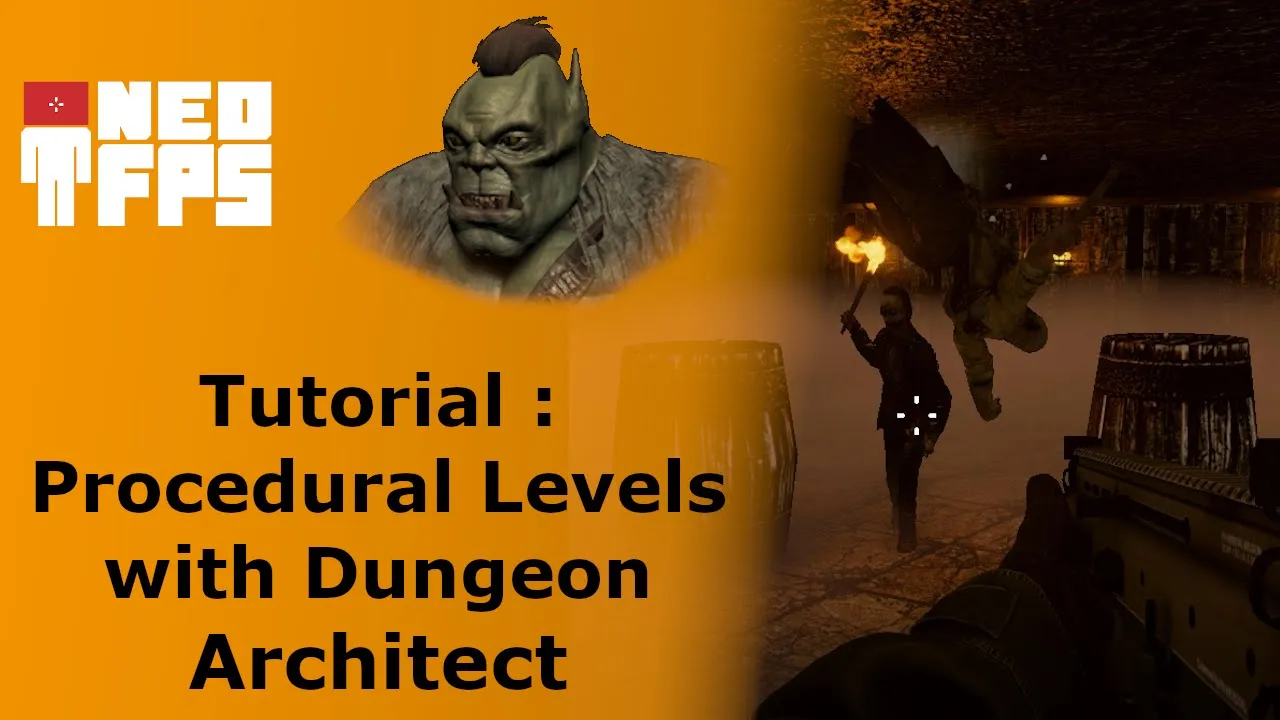
Create Procedural Levels with Dungeon Architect | | #Unity #GameDev #Tutorial
 Wizards Code
Aug 23, 2020 06:00
Wizards Code
Aug 23, 2020 06:00
Create an account to hide videos, mark them watched, or save them to Don't Miss.
Create an account to hide videos, mark them watched, or save them to Don't Miss.
Create an account to hide videos, mark them watched, or save them to Don't Miss.
Chapters
In an earlier DevLog I quickly showed the use of Dungeon Architect to create levels. A few people asked me to go into more detail into how you can create procedural levels with Dungeon Architect. So here it is, a getting started guide for the wonderful Unity Asset Dungeon Architect (https://bit.ly/DungeonArchitect).
This video series is about creating an FPS as fast as possible using assets from the asset store (list of assets here https://bit.ly/ZombieSewerAssets). In the earlier videos we made a fully playable prototype level in less than 3 hours. The last couple of videos have focused on making the prototype a proper game. If you haven't seen the earlier videos then you might want to view the playlist first https://www.youtube.com/playlist?list=PL6pqvWkvTOzQUqkz_mWS1rY-XXJ7t6RrT
Subscribe to get notifications of new videos in the series and leave a comment about what you would like to see me do as I develop this game.
Dungeon Architect Documentation: https://docs.dungeonarchitect.com/unity/tutorials/index.html
Need free Unity assets? Here are some of the best: http://bit.ly/BestFreeUnityAssets
And here's a bunch of good, but under $10, Unity assets: http://bit.ly/BestUnityAssetsUnder10
Don't forget to subscribe: http://bit.ly/WizardsCodeSubscribe
Comments encouraged, including constructive criticism - help me improve.
Education
#unity game development
#game development
#game dev
#gamedev
#unity
#unity3d
#indiegamedev
#indie game dev
#indie game development
#unity asset store
#wizards code
#Wizards Code
#FPS
#First Person Shooter
#Game Development
#NeoFPS
#unity fps
#tutorial
#unity tutorial
#fps tutorial
#Level Design
#game design
#Dungeon Architect
#Procedural Levels
#procedural level design
#roguelike
#gamedev tutorial
#game prototyping