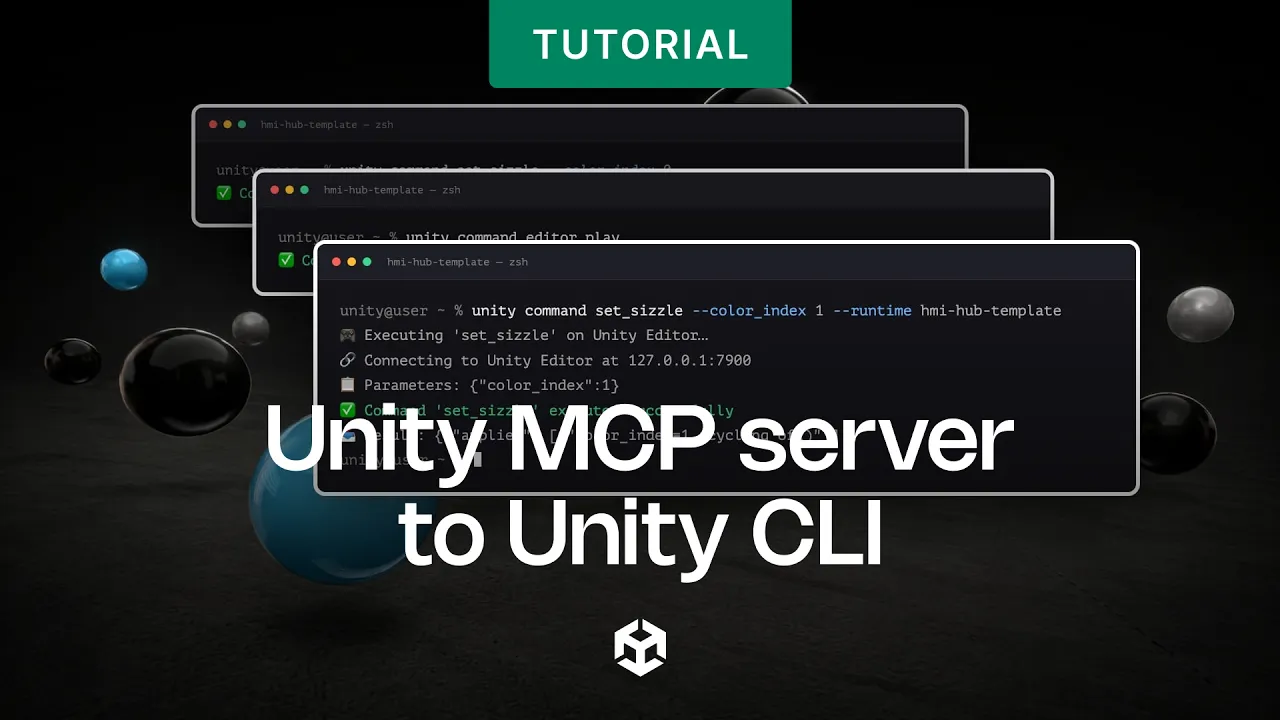
Switching from Unity MCP server to Unity CLI
 Unity
Aug 27, 2026 15:41
Unity
Aug 27, 2026 15:41
Create an account to hide videos, mark them watched, or save them to Don't Miss.
Create an account to hide videos, mark them watched, or save them to Don't Miss.
Create an account to hide videos, mark them watched, or save them to Don't Miss.
Move your Unity MCP setup to the Unity CLI and unlock play mode, tests, screenshots, live runtime control, and eval, all from your terminal.
The Unity MCP connection opened Unity up to agents. The Unity CLI and the com.unity.pipeline package take it further: a faster, more deterministic way to drive the Editor and the running game - from your terminal, your build machine, or any agent you already use. Already on MCP? Nothing breaks. Install the CLI alongside your current setup and start using the extra reach right away. It's free, has no concurrency limits, and works with any agent or just you and the terminal.
Unity CLI is now part of the Hub. Here’s how to install it manually:
- macOS / Linux: brew install --cask unity-cli
- Windows: winget install Unity.CLI
🔗 Check out the documentation: https://on.unity.com/UnityCLI_Docs
🔗 Connect your project today: https://on.unity.com/UnityCLI_Docs
_______________
Stay connected with us:
Games Twitter/X: https://x.com/unitygames
Instagram: https://www.instagram.com/unitytechnologies/
Discord: https://discord.com/invite/unity
Discussions: https://discussions.unity.com/
LinkedIn: https://www.linkedin.com/company/unity/
Facebook: https://www.facebook.com/unity3d.in/
Bluesky: https://bsky.app/profile/unity.com
Company Twitter/X: https://x.com/unity
#Unity #UnityCLI
Gaming
#Unity3d
#Unity
#Unity Technologies
#Games
#Game Development
#Game Dev
#Game Engine