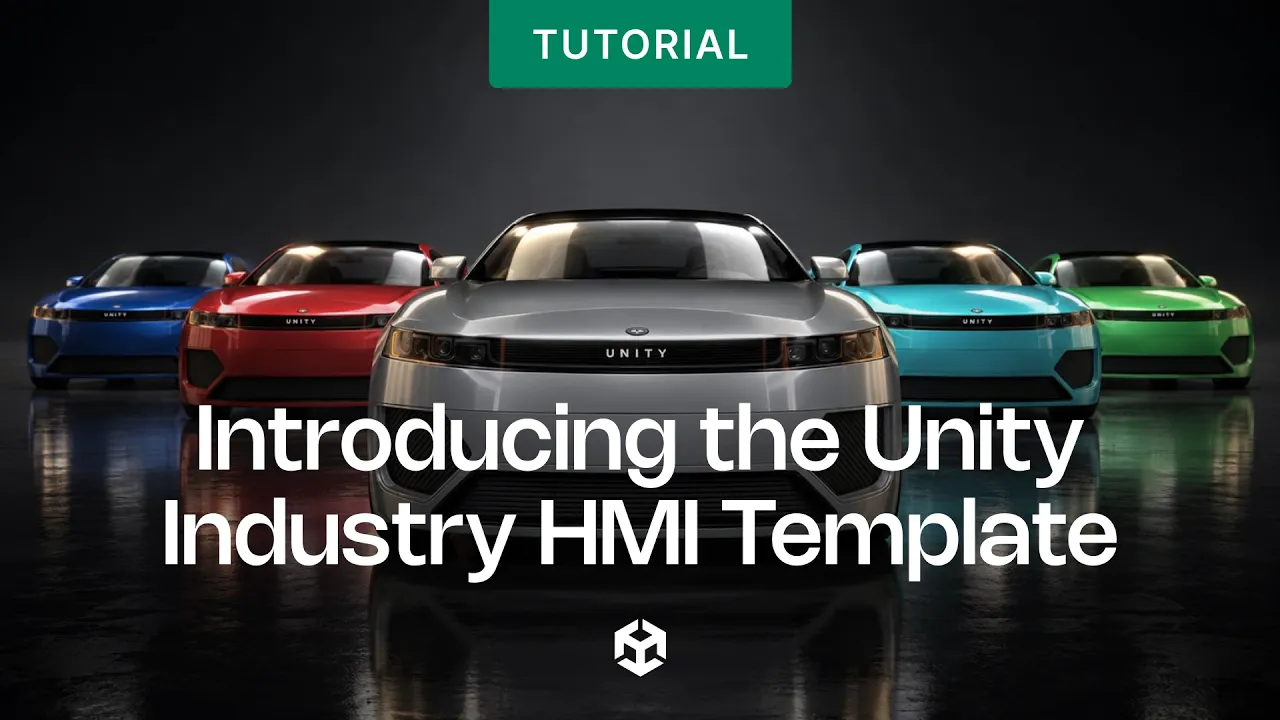
Introducing the Unity Industry HMI Template
 Unity
Oct 9, 2026 13:51
Unity
Oct 9, 2026 13:51
Create an account to hide videos, mark them watched, or save them to Don't Miss.
Create an account to hide videos, mark them watched, or save them to Don't Miss.
Create an account to hide videos, mark them watched, or save them to Don't Miss.
A complete automotive human-machine interface, built in Unity and running at 60 fps on a Raspberry Pi 5.
In this video, we walk through the four modules in the Industry HMI Template, Body Control, ADAS, Cluster and Climate, and look inside the Unity project at the modular scene setup, the ScriptableObject data layer, and the theme system.
Whether you're prototyping a cockpit, restyling an interface for a new brand, or plugging in real telemetry, the template gives you a working HMI to start from instead of an empty project and something you can deploy to constrained hardware and profile end to end.
🔗 Get started: https://on.unity.com/HMI
[] Intro
[] What an HMI is and why it's more than UI design
[] The Main scene and the four modules
[] Cluster: live telemetry and glanceable data
[] Body Control: interactive 3D vehicle
[] Climate: controls and real-time 3D airflow
[] ADAS: live traffic simulation and perception visualization
[] Inside the project: five scenes, additive loading
[] The data layer: CarData and ThemeData
[] The theme system
[] Performance: URP and the Raspberry Pi 5 demo
[] Where to start
[] Outro
_______________
Stay connected with us:
Games Twitter/X: https://x.com/unitygames
Instagram: https://www.instagram.com/unitytechnologies/
Discord: https://discord.com/invite/unity
Discussions: https://discussions.unity.com/
LinkedIn: https://www.linkedin.com/company/unity/
Facebook: https://www.facebook.com/unity3d.in/
Bluesky: https://bsky.app/profile/unity.com
Company Twitter/X: https://x.com/unity
#UnityIndustry #HMI
Gaming
#Unity3d
#Unity
#Unity Technologies
#Games
#Game Development
#Game Dev
#Game Engine