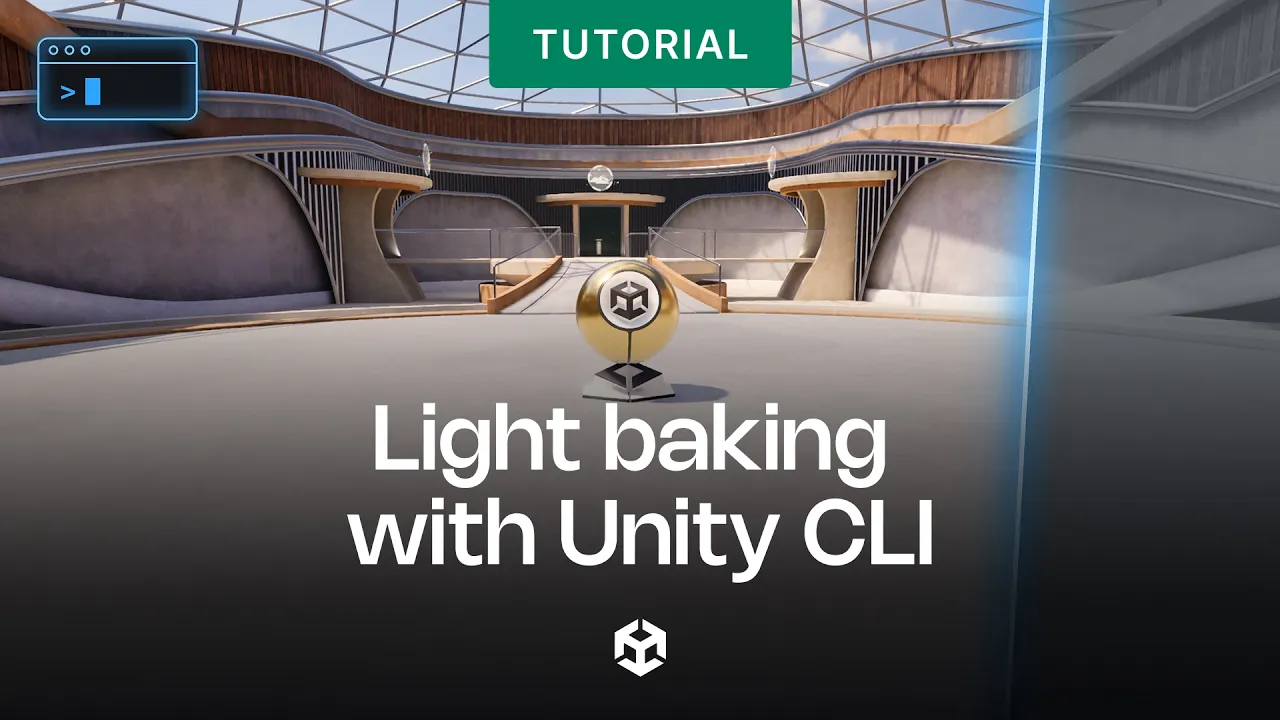
Light baking with Unity CLI
 Unity
Oct 27, 2026 13:32
Unity
Oct 27, 2026 13:32
Create an account to hide videos, mark them watched, or save them to Don't Miss.
Create an account to hide videos, mark them watched, or save them to Don't Miss.
Create an account to hide videos, mark them watched, or save them to Don't Miss.
Baking lighting across multiple scenes usually means opening each one, waiting for the bake, and checking the same camera angles over and over. With Unity CLI, you can turn that whole routine into a single command you run from the terminal.
In this video, we'll explore a few of Unity CLI's built-in commands and show you how to write your own custom command in just a few lines of C#. Then we'll combine them into a workflow that bakes three scenes (lightmaps, light probes, reflection probes, and environment lighting). For each scene, it captures consistent camera views and builds an HTML contact sheet.
You'll learn how to:
✅ Connect to a running Unity Editor and browse its available commands
✅ Run built-in commands like lighting bakes and game view captures from the terminal
✅ Write a custom command using a static method and the CLI command attribute
✅ Chain commands into a repeatable bake-and-review workflow that's easy to call from scripts or AI agents.
🔗 Download the example scripts: https://on.unity.com/LightmapBaking_Discussions
🔗 Unity CLI documentation: https://on.unity.com/UnityCLI_Docs
[] Introduction
[] What is Unity CLI?
[] Finding built-in commands
[] Running built-in lighting commands
[] Writing your first custom command
[] Custom lighting workflow commands
[] Three design decisions for custom commands
[] Running the full workflow
[] Reviewing the contact sheets
[] Other baking commands
[] Try it in your own project
_______________
Stay connected with us:
Games Twitter/X: https://x.com/unitygames
Instagram: https://www.instagram.com/unitytechnologies/
Discord: https://discord.com/invite/unity
Discussions: https://discussions.unity.com/
LinkedIn: https://www.linkedin.com/company/unity/
Facebook: https://www.facebook.com/unity3d.in/
Bluesky: https://bsky.app/profile/unity.com
Company Twitter/X: https://x.com/unity
#Unity #LightBaking #UnityCLI
Gaming
#Unity3d
#Unity
#Unity Technologies
#Games
#Game Development
#Game Dev
#Game Engine