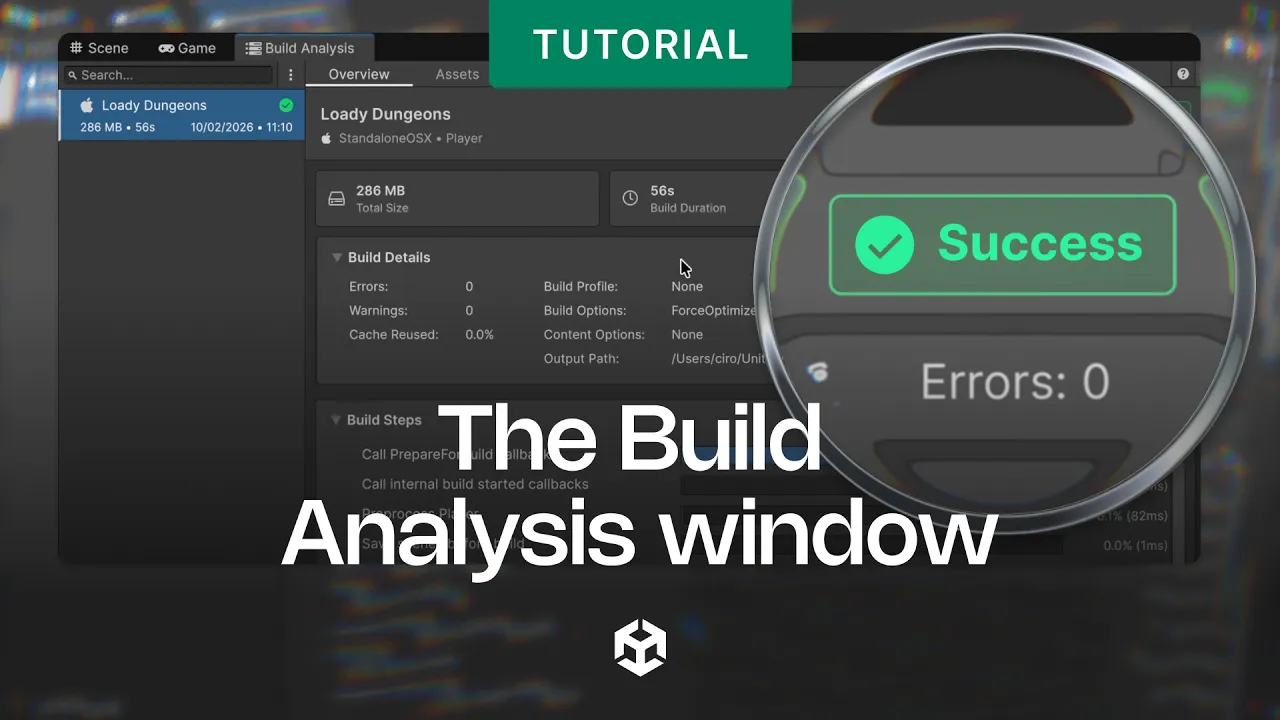
The Build Analysis window
 Unity
Oct 16, 2026 13:00
Unity
Oct 16, 2026 13:00
Create an account to hide videos, mark them watched, or save them to Don't Miss.
Create an account to hide videos, mark them watched, or save them to Don't Miss.
Create an account to hide videos, mark them watched, or save them to Don't Miss.
Discover the Build Analysis window, a new tool introduced in Unity 6.6 designed to inspect and analyze the results of player and content builds.
In this video, learn what the Build Analysis window is, how to view build properties and steps, how to utilize build report files and logs, and how to inspect assets and dependencies included in your builds.
🔗 Build Analysis window reference: https://on.unity.com/BuildAnalysisWindow_Docs
🔗 Content directories reference: https://on.unity.com/ContentDirectories_Docs
[] Introduction
[] Inspecting a Player build
[] Build reports and the Trace Event Profile
[] The Assets tab
[] Inspecting Content builds
[] Future roadmap
[] Outro
_______________
Stay connected with us:
Games Twitter/X: https://x.com/unitygames
Instagram: https://www.instagram.com/unitytechnologies/
Discord: https://discord.com/invite/unity
Discussions: https://discussions.unity.com/
LinkedIn: https://www.linkedin.com/company/unity/
Facebook: https://www.facebook.com/unity3d.in/
Bluesky: https://bsky.app/profile/unity.com
Company Twitter/X: https://x.com/unity
#Unity #ContentDirectories
Gaming
#Unity3d
#Unity
#Unity Technologies
#Games
#Game Development
#Game Dev
#Game Engine