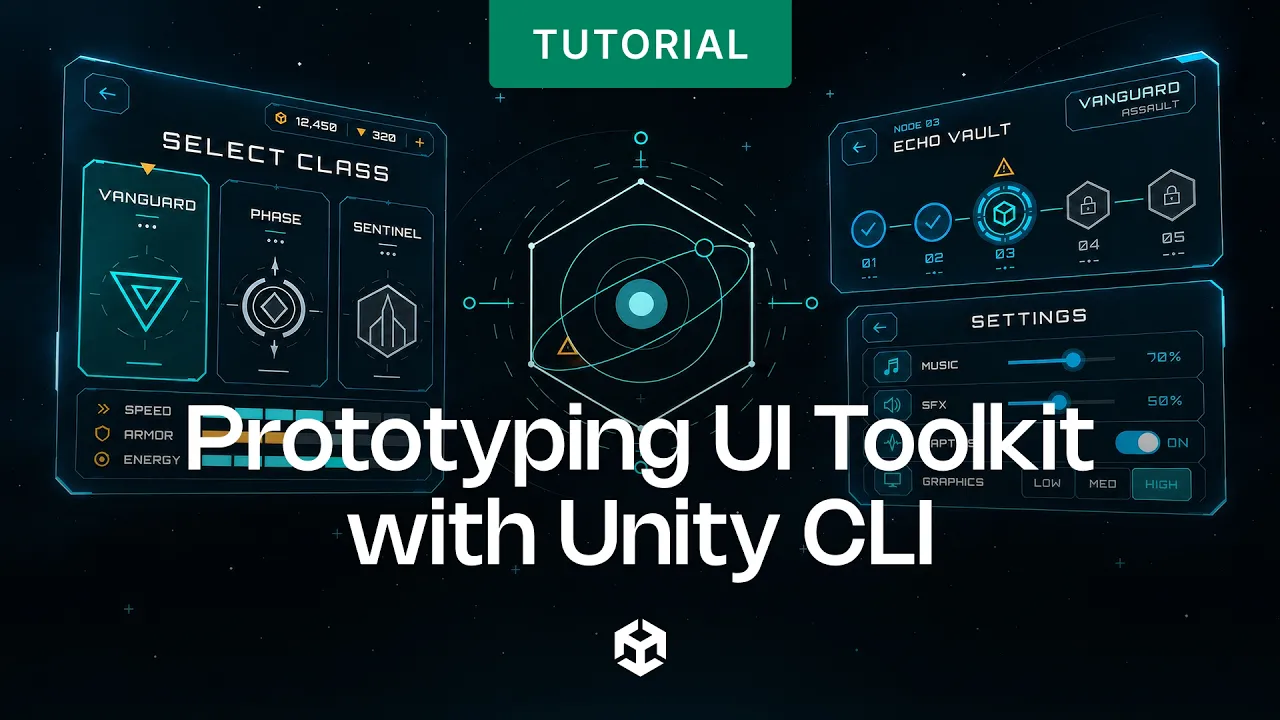
Prototyping UI Toolkit with Unity CLI
 Unity
Oct 5, 2026 16:30
Unity
Oct 5, 2026 16:30
Create an account to hide videos, mark them watched, or save them to Don't Miss.
Create an account to hide videos, mark them watched, or save them to Don't Miss.
Create an account to hide videos, mark them watched, or save them to Don't Miss.
Learn how to prototype a game UI using Unity UI Toolkit and an AI agent directly through the Unity CLI!
In this tutorial, we start from concept art and a short brief, and watch an AI agent build a fully functional main menu inside the Unity Editor - all driven from the terminal.
What you’ll learn:
✔️ The agent brief workflow: How to brief, guide, and steer an AI agent as it builds UI screens from concept art.
✔️ Under the hood: How the Pipeline package, official Unity agent skills, and custom CLI commands work together.
✔️ Automated feedback loops: How to run Play mode UI tests and capture Game view screenshots via the command line so the agent can inspect, verify, and iterate on its own work.
✔️ The core agent loop: Master the Observe ➔ Perceive ➔ Plan ➔ Act cycle to successfully delegate complex tasks while retaining full control over the output.
Prerequisites and setup:
🔹 Unity 6.x (built and tested on 6000.5.10f1)
🔹 Unity CLI
🔹 Unity Agent Skills: https://github.com/Unity-Technologies/skills
🔗 Download the template project attached to the Discussion article: https://on.unity.com/UITKCLI_Discussions
[] Intro
[] The template project
[] Starting the agent
[] Reviewing progress
[] Continue progress
[] Setting up the CLI
[] Agent skills
[] CLI Commands / Agent Tools
[] Briefing the agent
[] Project preferences / memory
[] The agent loop
[] Testing
[] The sample project
[] Outro
_______________
Stay connected with us:
Games Twitter/X: https://x.com/unitygames
Instagram: https://www.instagram.com/unitytechnologies/
Discord: https://discord.com/invite/unity
Discussions: https://discussions.unity.com/
LinkedIn: https://www.linkedin.com/company/unity/
Facebook: https://www.facebook.com/unity3d.in/
Bluesky: https://bsky.app/profile/unity.com
Company Twitter/X: https://x.com/unity
#Unity #UIToolkit #UnityCLI
Gaming
#Unity3d
#Unity
#Unity Technologies
#Games
#Game Development
#Game Dev
#Game Engine