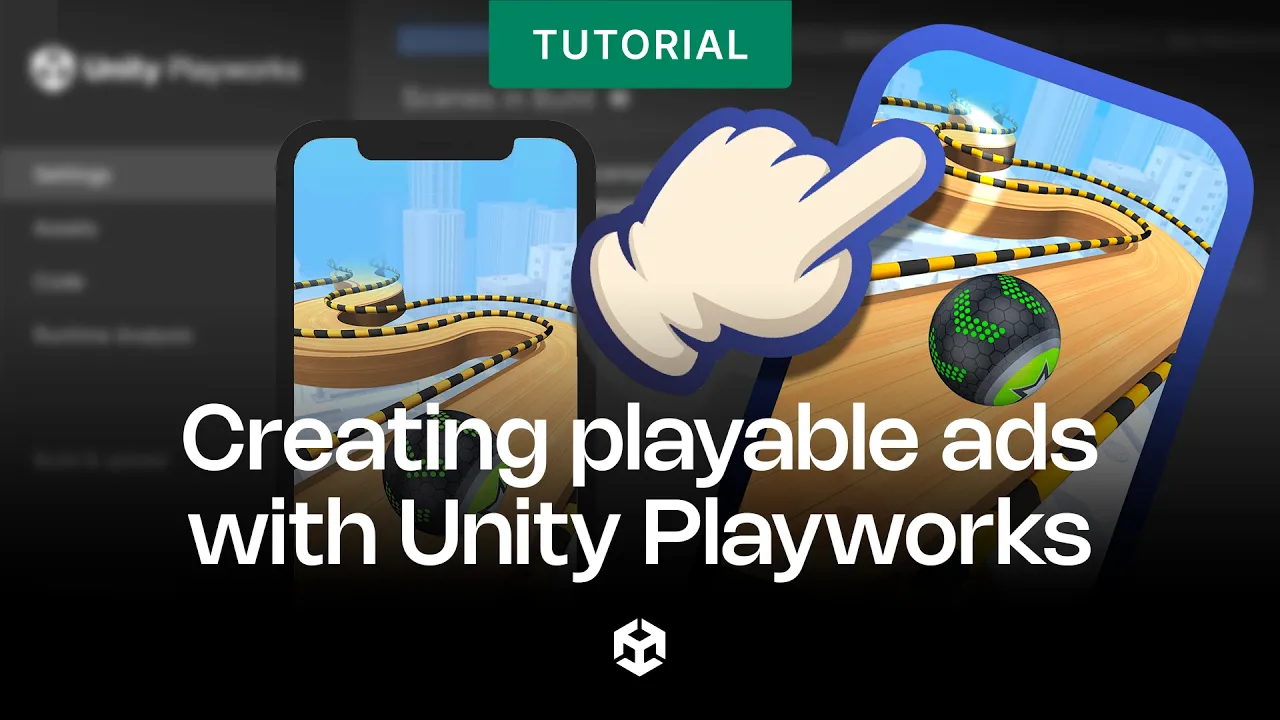
How to create playable ads for Unity
 Unity
Aug 20, 2026 16:08
Unity
Aug 20, 2026 16:08
Create an account to hide videos, mark them watched, or save them to Don't Miss.
Create an account to hide videos, mark them watched, or save them to Don't Miss.
Create an account to hide videos, mark them watched, or save them to Don't Miss.
Learn how to create playable ads with Unity PlayWorks, the ad format that lets players try your game before they install it.
In this video, we’ll walk you through both approaches: no-code Interactive Templates for fast turnaround, and the Unity plugin for developers who want editable game variables, health checks, and full campaign integration.
🔗 Check out the Unity Ads best practices Ebook to level up your Unity Ads campaigns: https://on.unity.com/UABestPractices
_______________
Stay connected with us:
Games Twitter/X: https://x.com/unitygames
Instagram: https://www.instagram.com/unitytechnologies/
Discord: https://discord.com/invite/unity
Discussions: https://discussions.unity.com/
LinkedIn: https://www.linkedin.com/company/unity/
Facebook: https://www.facebook.com/unity3d.in/
Bluesky: https://bsky.app/profile/unity.com
Company Twitter/X: https://x.com/unity
#Unity #UnityAds #UnityPlayworks
Gaming
#Unity3d
#Unity
#Unity Technologies
#Games
#Game Development
#Game Dev
#Game Engine