Lo-Fi - QnDS - Discovering additive animations with Unity
 Unity Addiction
Aug 4, 2020 22:54
Unity Addiction
Aug 4, 2020 22:54
Create an account to hide videos, mark them watched, or save them to Don't Miss.
Create an account to hide videos, mark them watched, or save them to Don't Miss.
Create an account to hide videos, mark them watched, or save them to Don't Miss.
Hello and welcome!
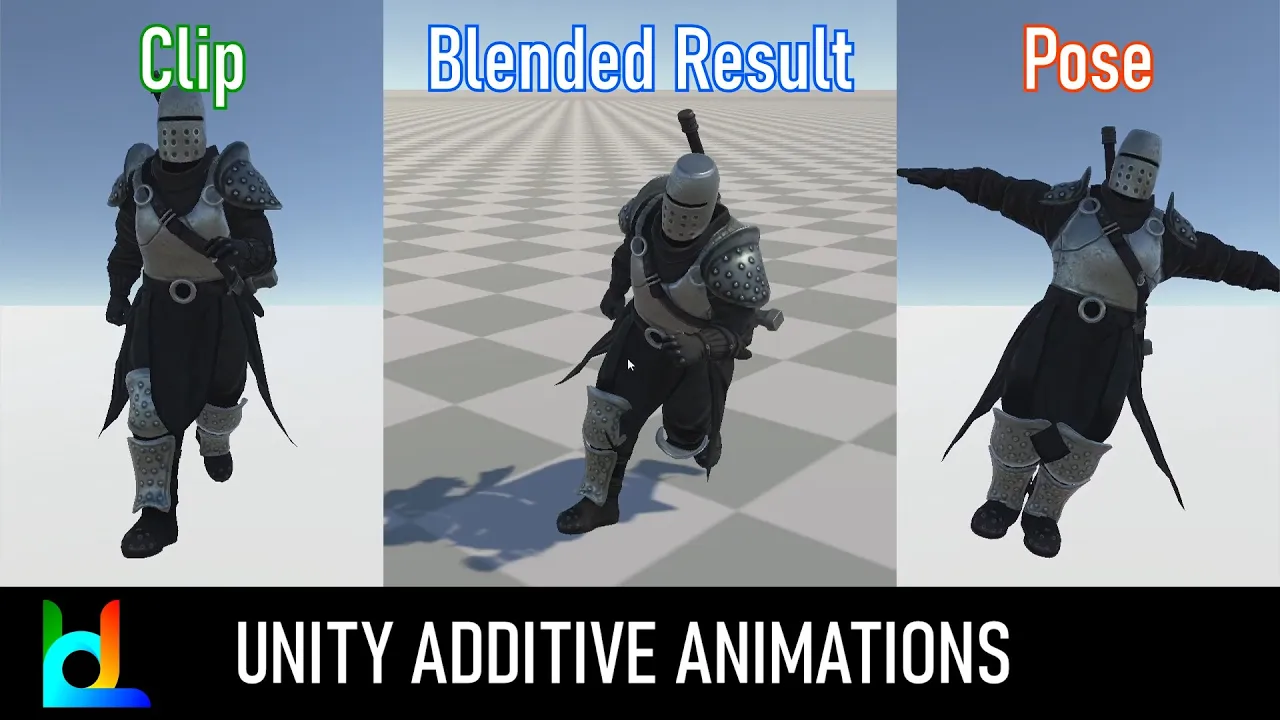
In this video we will see a rather mysterious feature: additive animations.
It is an underrated topic for which I have never found a satisfactory source, perhaps this is the first video tutorial on it.
With this feature it is possible to modify existing animations by "adding" a pose to them.
It can be used to make some characters walk unique, to create brand new animations that you would otherwise have had to buy.
By the end of the video you will realize how powerful and fun it can be.
It's just the tip of the iceberg, you can explore the possibilities (an easy experiment could be gun aiming...)
Take a look and enjoy!
Comment below and register if you want!
See you soon!
P.S. You will need a (free) mixamo account to download an asset.
Credits
Music by LATASHÁ
Assets
3DMAESEN | Strong Knight (free)
https://sketchfab.com/3d-models/strong-knight-9d912e0fedb44b619fbd2a083bbf174f
(thanks to "@a b" suggestion) you have to recreate the avatar like this "click on the model in the files not in the hierarchy , then rig , humanoid create avatar from this model."
Mixamo | crouch pose fbx
https://www.mixamo.com
Hashtags search
#Unity3d #Tutorial #ThirdPersonController #Additive
Gaming
#Unity3d
#game programming
#third person controller
#unity engine
#additive animation
#additive layer
#unity
#mecanim
#locomotion
#controller
#third person
#cinemachine
#character controller
#camera controller
#tutorial
#how-to
#animator
#weapon equip
#weapon animation