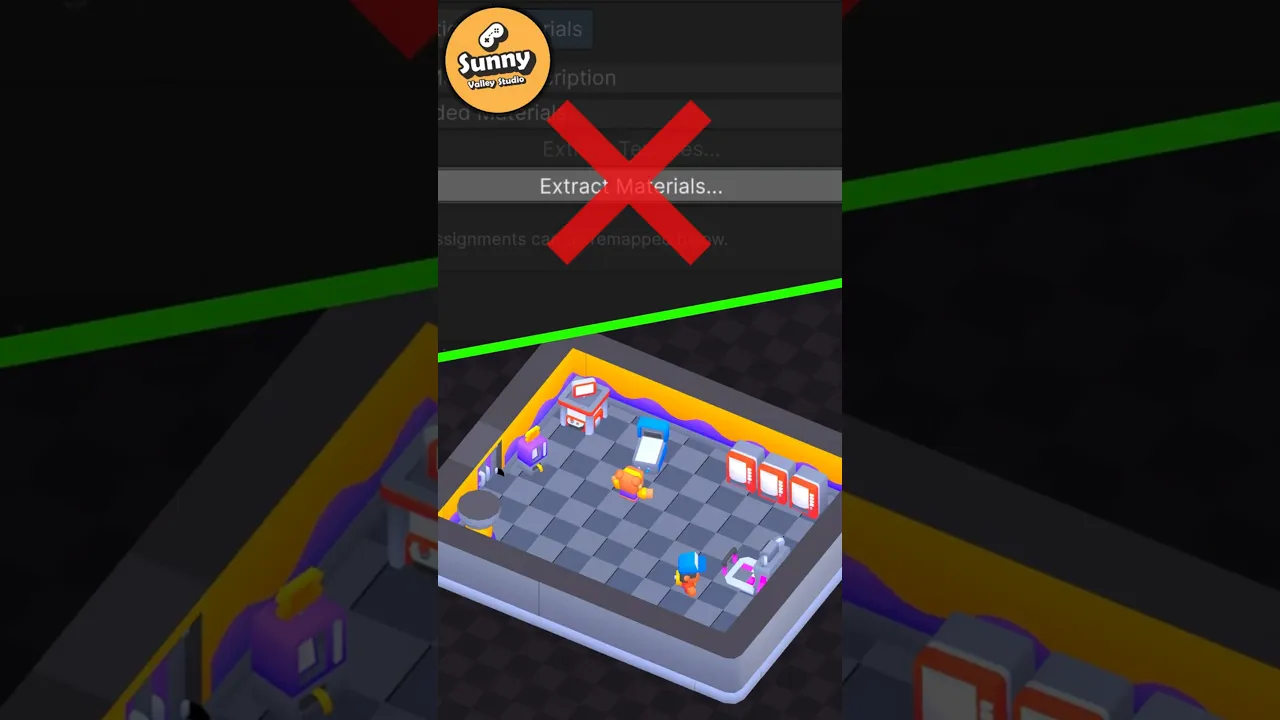
Stop extracting FBX materials one by one!
 Sunny Valley Studio
May 26, 2026 12:44
Sunny Valley Studio
May 26, 2026 12:44
Create an account to hide videos, mark them watched, or save them to Don't Miss.
Create an account to hide videos, mark them watched, or save them to Don't Miss.
Create an account to hide videos, mark them watched, or save them to Don't Miss.
Stop extracting materials from every FBX model one by one. Use a Unity Import Preset to share one editable material across all your models — fastest way to export materials for FBX assets.
Assets used: https://kenney.nl/assets/category:3D?sort=update
Presets Documentation: https://docs.unity3d.com/6000.4/Documentation/Manual/presets-creating-using.html
#gamedev #unity3d #unitytips #indiedev #gamedevelopment #unityengine #unity
Entertainment
#unitytips
#preset manager
#unity import material
#unity fbx export materials