Adding Props to My Cozy Dungeon Decorator - Tripo CLI
 Sunny Valley Studio
Oct 21, 2026 09:10
Sunny Valley Studio
Oct 21, 2026 09:10
Create an account to hide videos, mark them watched, or save them to Don't Miss.
Create an account to hide videos, mark them watched, or save them to Don't Miss.
Create an account to hide videos, mark them watched, or save them to Don't Miss.
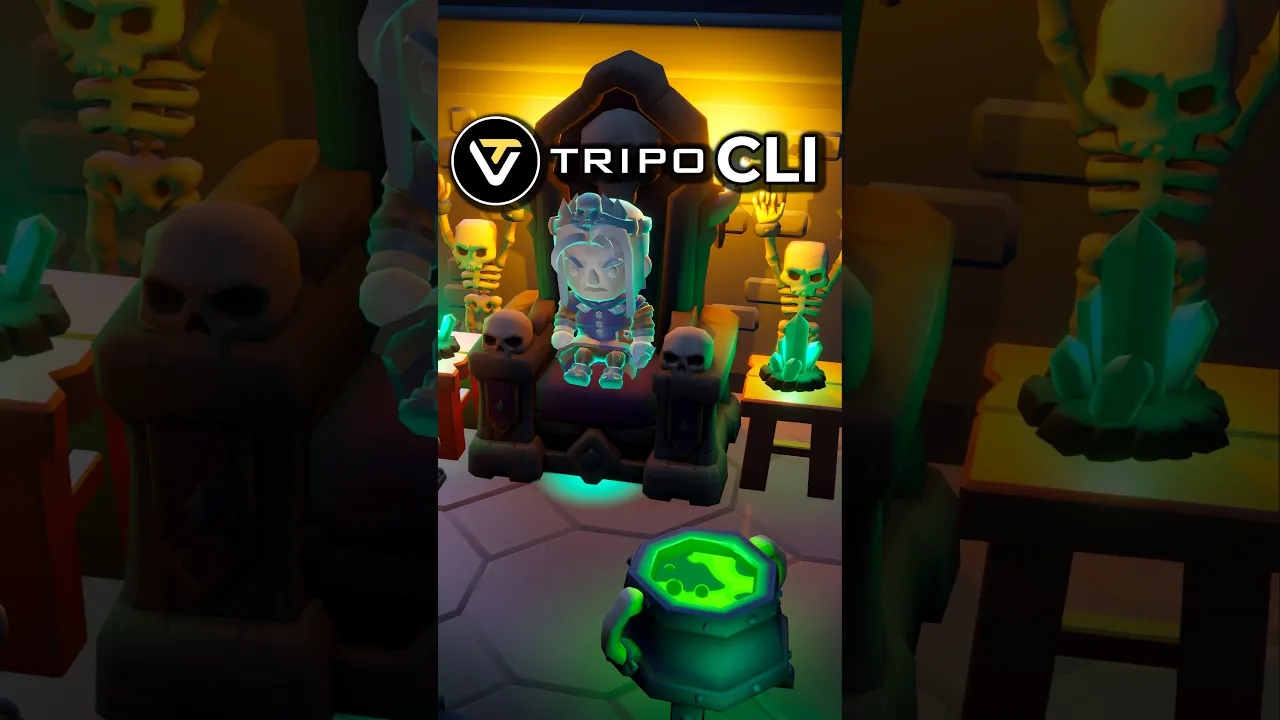
My cozy dungeon needs more decorations! In this video, I use Tripo CLI through Codex to generate new 3D props and add them to my Unity dungeon decorator, including a throne, cauldron, crystals, and more.
🔗 Try Tripo CLI (1000 free credits): https://studio.tripo3d.ai/cli?invite_code=6E35AF&utm_source=YouTube&utm_medium=kol&utm_campaign=kol_SunnyValleyStudio
👉 Invite code: 6E35AF
💸 Use code TRIPOCREW for 60% off your first membership month
This video is Sponsored by Tripo #ad
Base assets by KayKit: https://kaylousberg.itch.io/kaykit-adventurers and https://kaylousberg.itch.io/kaykit-dungeon-pack
Built with a mix of KayKit assets and props generated using Tripo CLI. The room, character, and original furnishings use KayKit assets; the throne, hanging skeletons, crystals, cauldron, eye pedestal, grimoire, and sarcophagus were generated with Tripo.
Which prop would you add next?
#TripoCLI #Unity #GameDev
Science & Technology
#tripo
#tripo cli
#tripo ai
#tripo 3d
#ai 3d model generator
#text to 3d
#3d ai generator
#indie game dev
#game development
#devlog
#game dev log
#unity game dev
#3d game assets
#game prototyping
#cozy game dev
#dungeon decorator
#trippo
#tripo3d
#ai for game dev
#ai 3d modeling