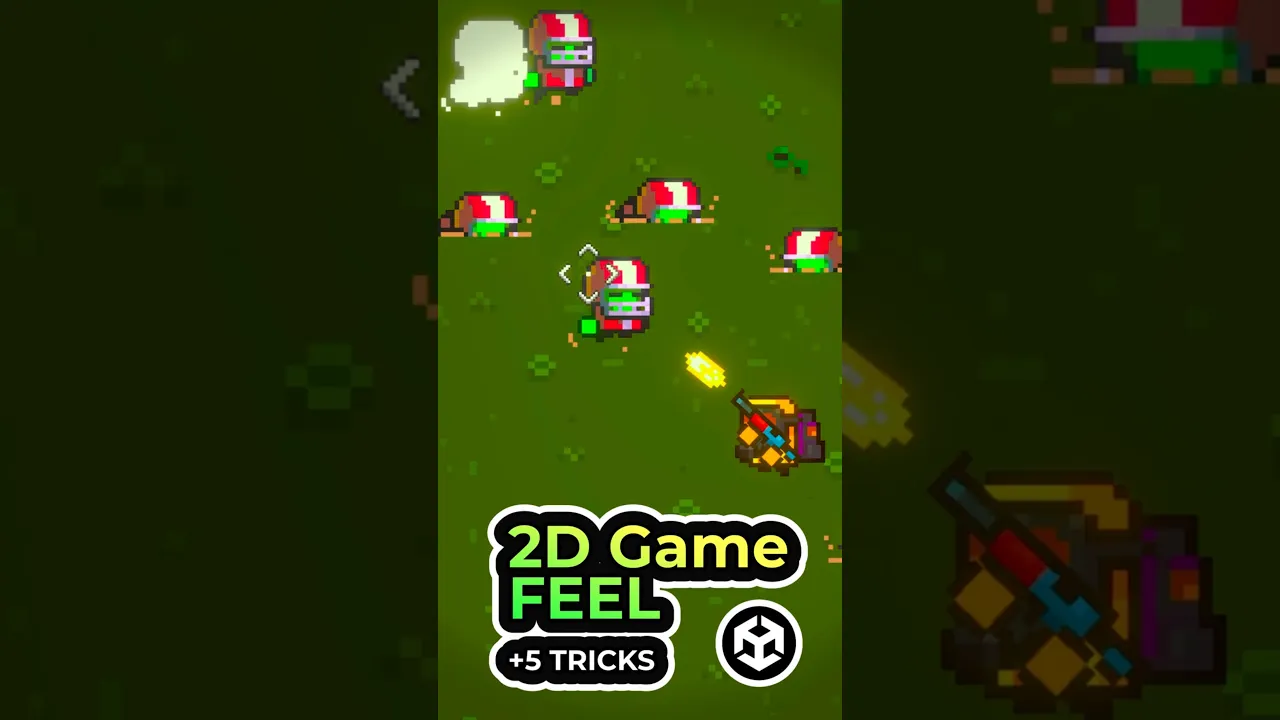
Make your 2D shooter feel 10x better ✨
 Sunny Valley Studio
Jun 11, 2026 16:40
Sunny Valley Studio
Jun 11, 2026 16:40
Create an account to hide videos, mark them watched, or save them to Don't Miss.
Create an account to hide videos, mark them watched, or save them to Don't Miss.
Create an account to hide videos, mark them watched, or save them to Don't Miss.
Same game — five small changes. Here's how to make a 2D top-down shooter feel dramatically better using reusable game feel tricks in Unity 6:
✅ Muzzle flash & weapon recoil — an extra sprite + a small position animation
✅ Enemy hit reaction — Shader Graph white flash + kinematic Rigidbody knockback
✅ Hit-stop — a coroutine that sets timeScale to 0 for a split second
✅ Screen shake — Cinemachine Impulse Source, triggered from code
✅ Dynamic camera — Cinemachine follows a point between the player and your aim
Full breakdown of each effect coming soon — subscribe so you don't miss it.
🎓 Learn Unity step by step: https://courses.sunnyvalleystudio.com
Assets by FKG Cluster: https://fkgcluster.itch.io/
Inspired by "Juice It or Lose It" (Jonasson & Purho) and "The Art of Screenshake" (Vlambeer)
#unity #gamedev #unitytips #gamefeel #indiedev
Entertainment
#game feel
#2d game feel
#unity game feel
#juice
#game juice
#unity tutorial
#unity 6
#unity tips
#unity 2d
#top down shooter unity
#screen shake unity
#cinemachine impulse
#hit stop unity
#muzzle flash unity
#shader graph flash
#game polish
#indie game dev
#gamedev
#unity shorts
#how to make your game feel better