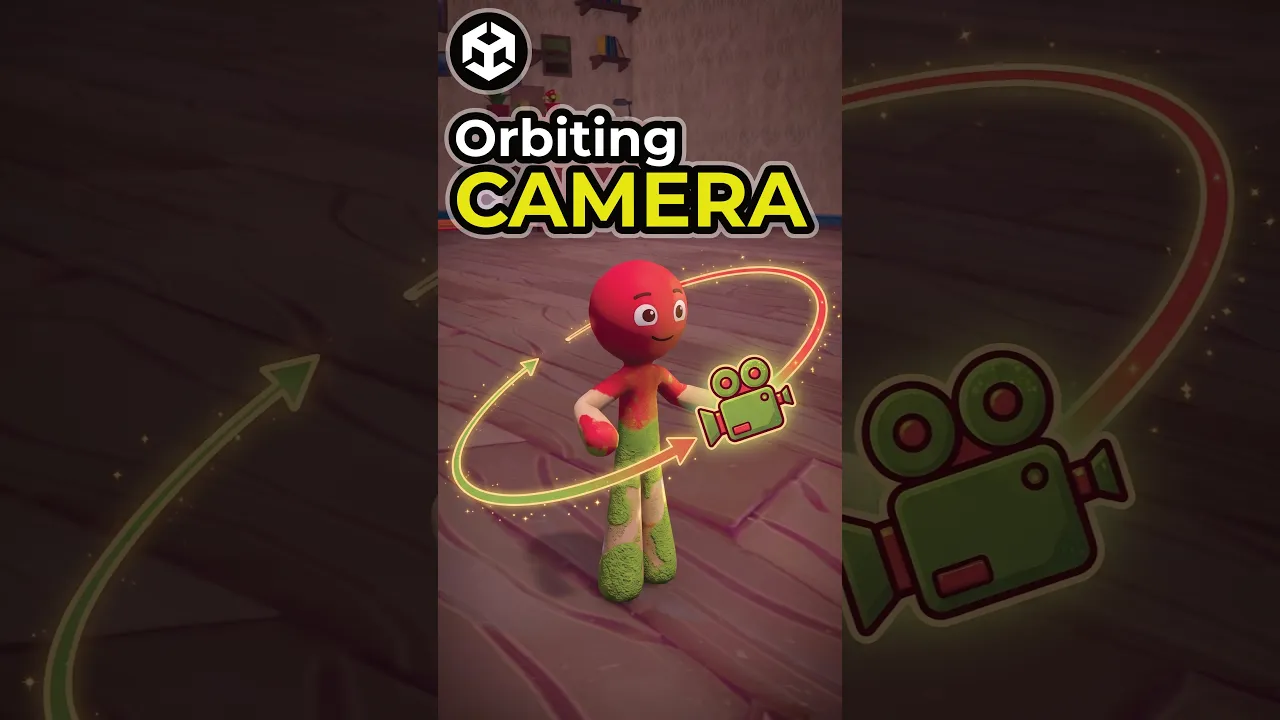
How to Make an Orbiting Camera in Unity 6 (Cinemachine)
 Sunny Valley Studio
Aug 6, 2026 12:41
Sunny Valley Studio
Aug 6, 2026 12:41
Create an account to hide videos, mark them watched, or save them to Don't Miss.
Create an account to hide videos, mark them watched, or save them to Don't Miss.
Create an account to hide videos, mark them watched, or save them to Don't Miss.
Setting up a third-person orbit camera in Unity 6 with Cinemachine — Orbital Follow for the orbit itself, Input Axis Controller for the input, a Deoccluder so the camera never loses sight of your player, and ProjectOnPlane for camera-relative movement.
🎥 Painting Mechanic full breakdown: https://youtu.be/akt0sXHShtQ
#unity3d #gamedev #unity6 #cinemachine #indiedev #gamedevelopment
Science & Technology
#unity 6
#cinemachine
#orbit camera unity
#third person camera unity
#cinemachine orbital follow
#unity camera tutorial
#camera relative movement
#deoccluder
#input axis controller
#projectonplane
#unity 6 tutorial
#third person controller unity
#unity shorts
#unity tutorial
#unity gamedev
#game development
#indie game dev
#sunny valley studio