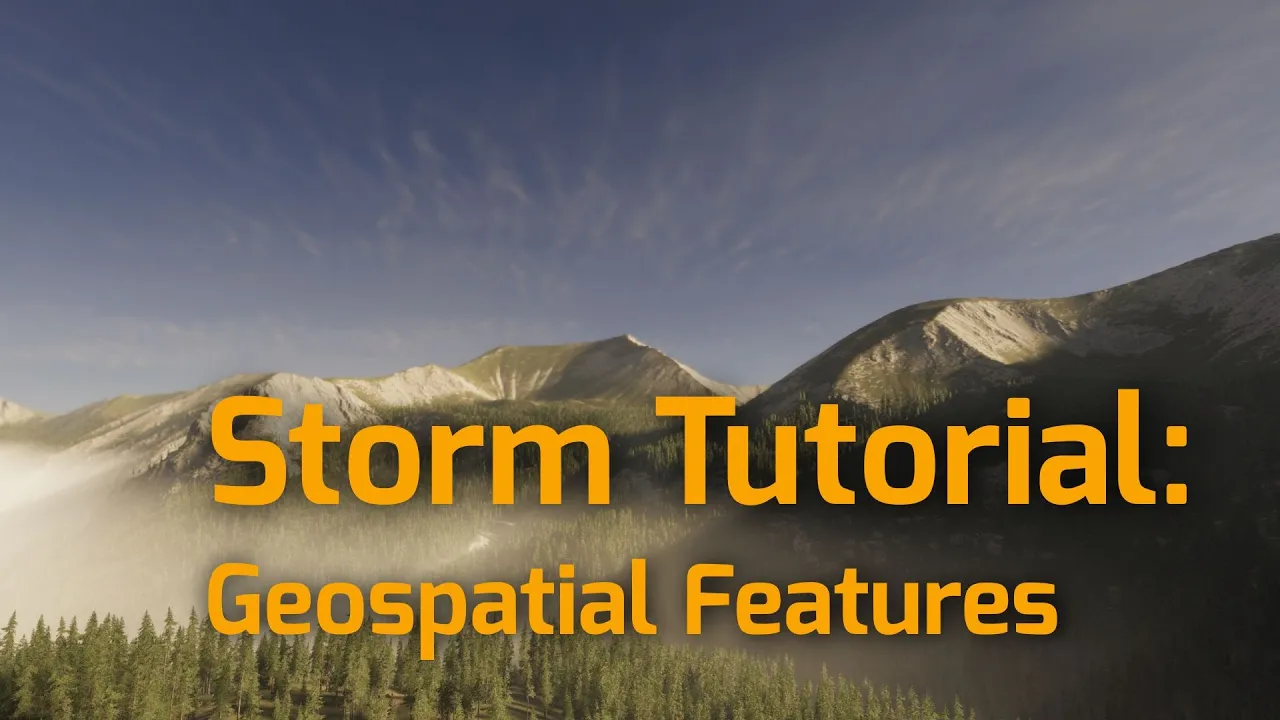
Getting real world environments into Unity - Storm Tutorial
 Procedural Worlds
Jan 29, 2026 14:52
Procedural Worlds
Jan 29, 2026 14:52
Create an account to hide videos, mark them watched, or save them to Don't Miss.
Create an account to hide videos, mark them watched, or save them to Don't Miss.
Create an account to hide videos, mark them watched, or save them to Don't Miss.
Chapters
This video demonstrates how you can turn real-world environments into unity scenes for games and 3d projects using Storm and Gaia!
In this video, we show how easy it is to:
✔ Find and download data from our mapping data discovery service
✔ Import this data as Unity terrains
✔ Spawn textures and vegetation on those terrains
✔ Or use the original satellite imagery
✔ Spawning vegetation based on the colors in the satellite image
👉 Learn more about Storm: https://www.procedural-worlds.com/products/professional/storm/
You can find the map data service shown in the video under
https://maps.procedural-worlds.com
⚠️ Please review and follow the Terms of Services for the mapping data providers! ⚠️
USGS National Map:
https://www.usgs.gov/faqs/what-are-terms-uselicensing-map-services-and-data-national-map
OpenTopograhy:
https://opentopography.org/usageterms
EOX Sentintel-2:
https://s2maps.eu/
(see bottom of the page)
🔔 Subscribe for more Unity tools, tutorials, and workflow tips!
#Unity3D #GameDev #ProceduralGeneration #UnityTerrain #StormTool #ProceduralWorlds #LevelDesign #UnityTools #EnvironmentDesign #IndieDev #WorldBuilding #UnityAssets #gamedevelopment
Gaming
#unity3d